
Calculate compressed or PCM/WAV audio file size, recording time, or the bitrate needed to fit a file-size limit.
Advanced options
Table of contents
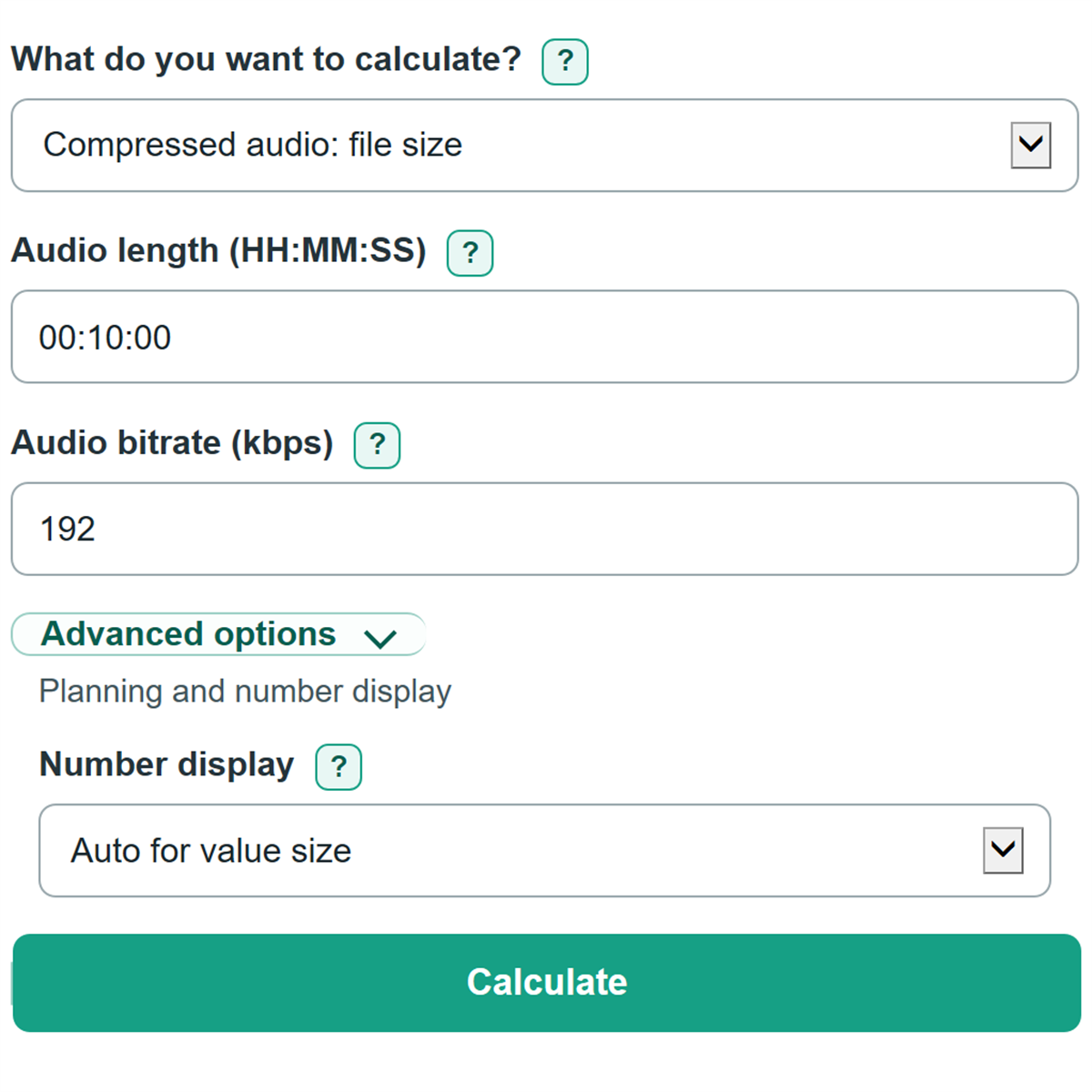
How to use our Digital Audio File Size, Bitrate and Recording Time Calculator
- Choose a task under "What do you want to calculate?" Pick compressed audio when you have an encoder bitrate, or PCM/WAV when you have recorder settings.
- For a file-size estimate, enter "Audio length" as HH:MM:SS and enter either "Audio bitrate" or the PCM settings shown by your recorder or project.
- For recording time or a bitrate limit, enter "Available space or file-size limit" and choose the matching "Space or limit unit."
- Click Calculate. Use MB when a storage label or upload rule says MB, and use MiB when software reports binary units.
- Sanity-check the result by confirming that higher bitrate, sample rate, bit depth, channels, or audio length increases storage use. For recording time, more available space should increase the clock time.
Definitions
Audio bitrate (kbps): The average number of thousands of bits stored each second in compressed audio. A higher bitrate uses more storage per minute.
PCM/WAV: Uncompressed sample data. Its storage use depends on sample rate, bit depth, and recorded channels rather than a compressed bitrate.
Sample rate (kHz): The number of samples stored per second, in thousands. For example, 48 kHz means 48,000 samples per second per channel.
Bit depth (bits per sample): The number of bits used for each stored PCM sample in each channel.
MB and GB: Decimal storage units: 1 MB is 1,000,000 bytes and 1 GB is 1,000,000,000 bytes.
MiB and GiB: Binary storage units: 1 MiB is 1,048,576 bytes and 1 GiB is 1,073,741,824 bytes. [1]
Common mistakes and quick fixes
Mistake: Entering 48 in "Audio bitrate" because the project sample rate is 48 kHz.
Fix: Use 48 only in "Sample rate" for PCM/WAV paths. Copy the compressed encoder setting, such as 192 kbps, into "Audio bitrate."
Mistake: Typing 1.5 into "Audio length."
Fix: Enter clock time as HH:MM:SS, such as 01:30:00 for one hour and 30 minutes.
Mistake: Using a card's printed capacity for "Available space or file-size limit" when some space is already used.
Fix: Use the currently free space shown by the recorder or computer for recording-time estimates.
Mistake: Selecting GB when the drive or app reports GiB.
Fix: Match the displayed unit exactly in "Space or limit unit." GB and GiB are different byte amounts.
Mistake: Counting connected microphones instead of saved tracks in "Recorded channels."
Fix: Choose the number of channels actually stored in the exported or recorded file.
Mistake: Treating "Compressed bitrate needed" as a guaranteed final size for a variable-bitrate export.
Fix: Use an encoder setting at or below the displayed bitrate, then check the actual exported file if the limit is strict.
Limitations & Key Assumptions / Boundary Conditions
- Compressed results use the entered average bitrate. A variable-bitrate MP3, AAC, or similar file can end up somewhat larger or smaller.
- PCM/WAV results count raw audio samples only. WAV or AIFF headers, metadata, album art, and file-system overhead are excluded.
- Maximum recording time assumes the entered "Available space or file-size limit" is usable for audio. A recorder may require reserved space or stop before the card is completely full.
- "Keep storage unused (percent)" reduces the storage budget only for recording-time paths. It does not change a file-size estimate or required bitrate.
- The clock display for maximum time is rounded down to a whole second so it does not exceed the calculated storage budget.
- This calculator does not estimate codec quality, battery life, recording limits imposed by a device, or upload processing changes.
Methodology
Calculation method
The calculator first converts the selected audio settings into bytes per second. Compressed audio uses the entered average bitrate. PCM/WAV uses sample rate, bit depth, and recorded channels; each setting changes the raw data rate. [2]
compressed_byte_rate = audio_bitrate_kbps * 1000 / 8
pcm_byte_rate = sample_rate_khz * 1000 * bit_depth_bits * channels / 8
For file size, it multiplies the byte rate by the audio length. The main result uses decimal MB, while the supporting result uses binary MiB.
file_size_bytes = audio_byte_rate * duration_seconds
file_size_mb = file_size_bytes / 1000000
file_size_mib = file_size_bytes / 1048576
For recording time, it converts the chosen storage unit to bytes, subtracts any entered storage reserve, and divides by the audio byte rate. MB and GB are decimal units; MiB and GiB are binary units. [1]
recording_time_seconds = usable_storage_bytes / audio_byte_rate
For the compressed bitrate path, it divides the file-size limit by the audio length and converts bytes per second to kbps.
bitrate_kbps = storage_bytes * 8 / duration_seconds / 1000
Worked example
A 90-minute compressed recording at 192 kbps has 5,400 seconds of audio. Its byte rate is 192,000 divided by 8, or 24,000 bytes per second. Multiplying gives 129,600,000 bytes, which is 129.6 MB or about 123.6 MiB.