
Calculate required control valve Cv, liquid flow, or pressure drop from GPM, psi, and liquid specific gravity.
Advanced options
Table of contents
How to use our Control Valve Cv, Flow and Pressure Drop Calculator
- Choose the unknown value under "Calculate": Required Cv, Flow rate, or Pressure drop.
- Choose how you will enter pressure. Use direct valve pressure drop, or enter matching inlet and outlet readings with the same pressure reading type.
- Enter the visible known values, including Liquid flow (GPM) or Valve Cv (Cv), as needed for the selected calculation.
- Open Advanced options and replace Liquid specific gravity (water = 1.00) if the liquid is not water.
- Click Calculate, then check that Pressure drop used matches your design value or the difference between the inlet and outlet readings.
Definitions
Cv: A valve flow coefficient used in the US liquid sizing relationship. A larger Cv passes more liquid at the same pressure drop.
Kv: A metric valve coefficient. The calculator shows Kv as a secondary equivalent of the applicable Cv.
Specific gravity: A liquid density ratio compared with water. Water is 1.00; a heavier liquid has a value above 1.00.
Pressure drop: The inlet pressure minus the outlet pressure across the valve while liquid is flowing.
psig and psia: psig is pressure relative to surrounding air pressure. psia is pressure measured from a perfect vacuum. Do not mix them in an inlet-and-outlet pair.
GPM: Gallons per minute, the liquid-flow unit used by this calculator.
Common mistakes and quick fixes
Mistake: Entering the upstream system pressure instead of Pressure drop across valve (psi).
Fix: Enter only the pressure lost from the valve inlet to its outlet.
Mistake: Using Inlet pressure (psig or psia as selected) and Outlet pressure (psig or psia as selected) from different operating conditions.
Fix: Use readings taken or calculated for the same flow condition.
Mistake: Mixing gauge and absolute readings while using Pressure reading type.
Fix: Select one pressure reference and make sure both inlet and outlet values use it.
Mistake: Leaving Liquid specific gravity (water = 1.00) at 1.00 for a non-water liquid.
Fix: Copy the specific gravity at the operating condition from the liquid or process datasheet.
Mistake: Treating Required valve Cv as a final valve selection.
Fix: Use it as a first-pass requirement, then check the actual valve manufacturer's data for the service condition.
Limitations & Key Assumptions / Boundary Conditions
- This is a first-pass calculation for single-phase, incompressible liquid service using GPM, psi, Cv, and specific gravity.
- Do not use it for gas, vapor, steam, flashing liquid, two-phase flow, or choked liquid flow.
- The calculator does not screen for cavitation, flashing, noise, valve pressure recovery, piping losses, or valve travel.
- Specific gravity must match the actual liquid and operating condition. The editable 1.00 default is for water only.
- For inlet and outlet readings, both pressures must be from the same flowing condition and use the same reference type, psig or psia.
- A calculated Cv is not a final valve model selection. Confirm the selected valve with manufacturer sizing data and the full process conditions.
Methodology
Calculation method
The calculator uses the standard US liquid Cv relationship for non-choked liquid service: flow is in GPM, pressure drop is in psi, and specific gravity has no unit. This liquid-flow relationship is described in the Valmet flow control manual. [2]
Q = Cv * sqrt(dP / SG)
Q is liquid flow, dP is valve pressure drop, and SG is liquid specific gravity. The calculator rearranges that relationship based on the value selected under "Calculate".
Required Cv = Q * sqrt(SG / dP)
Liquid flow = Cv * sqrt(dP / SG)
Valve pressure drop = SG * (Q / Cv)^2
When inlet and outlet pressures are entered, the pressure drop used is inlet pressure minus outlet pressure.
dP = inlet pressure - outlet pressure
The secondary Kv display uses the applicable Cv value multiplied by 0.865.
Kv = Cv * 0.865
Worked example
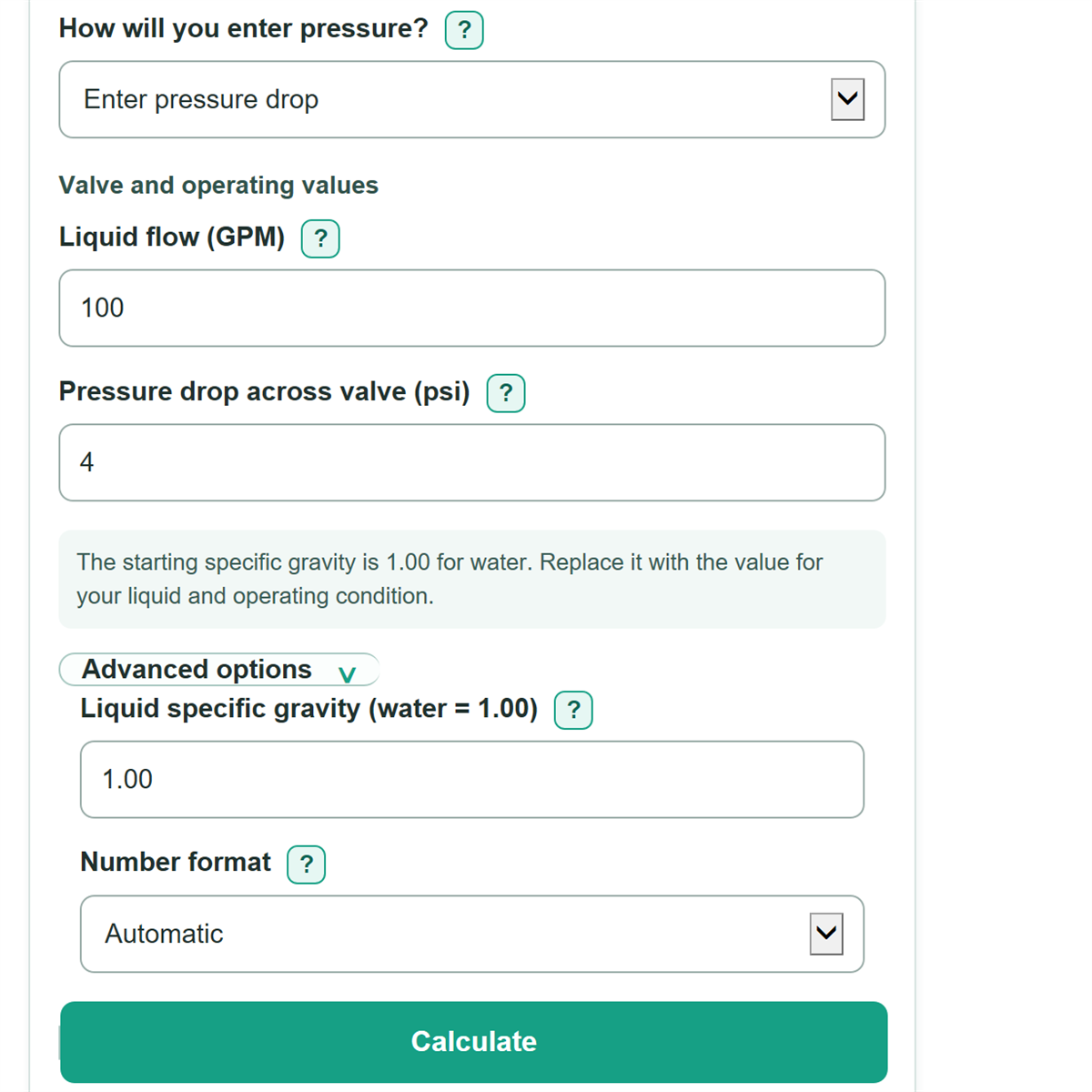
For water with specific gravity 1.00, a flow of 100 GPM, and a 4 psi valve pressure drop, required Cv is 100 * sqrt(1 / 4) = 50. The matching Kv display is 50 * 0.865 = 43.25.
The method assumes the pressure difference is across the valve itself and that the liquid remains a single liquid phase through the valve.