
Calculate a microphone preamp setting for your target peak, then check available gain and analog and digital clipping margin.
Preamp and converter limits
Advanced options
Table of contents
How to use our Microphone Preamp Gain and Headroom Calculator
- Copy your microphone's sensitivity number and choose the printed Sensitivity unit, either mV/Pa or dBV/Pa.
- Enter the loudest expected sound at the microphone, then choose the Target recording peak (dBFS) used by your recorder or DAW.
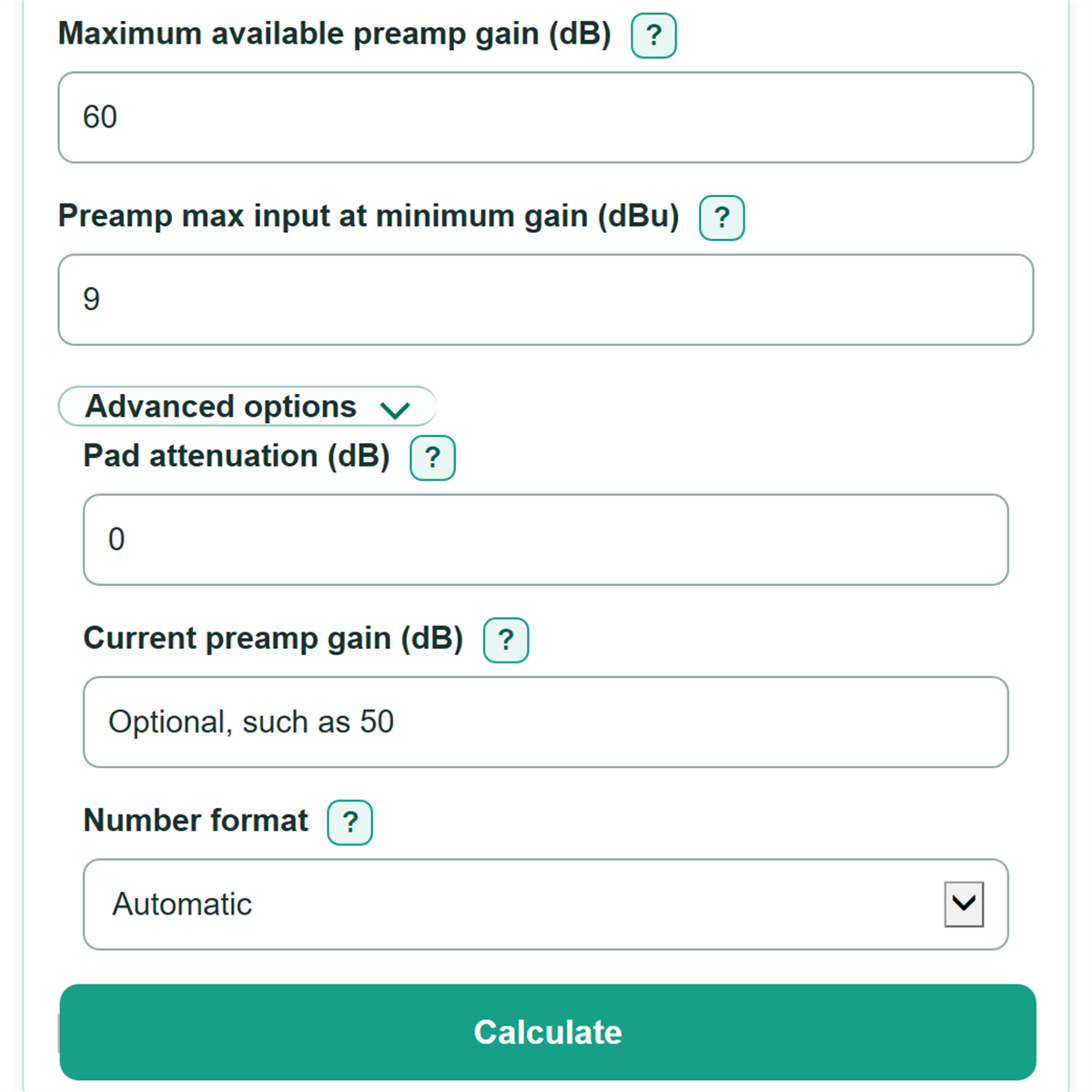
- Copy the converter, maximum-gain, and maximum-input values from your interface or preamp manual.
- Open Advanced options only if a pad is on, you know the current gain in dB, or you want a different number format.
- Click Calculate. Check that Predicted loudest recording peak matches your target and that all three margin values are zero or higher.
Definitions
Microphone sensitivity: The microphone's electrical output for a sound pressure of 1 Pa. It is commonly printed as mV/Pa or dBV/Pa.
mV/Pa: Millivolts produced per pascal of sound pressure. A larger positive number means a more sensitive microphone.
dBV/Pa: Microphone sensitivity expressed relative to 1 volt per pascal. It is often a negative number.
dB SPL: Sound pressure level. In this calculator, 94 dB SPL is the 1 Pa reference used by microphone sensitivity specifications.
dBu: An analog voltage level referenced to 0.775 V RMS. Interface manuals often state maximum input and 0 dBFS reference levels in dBu.
dBFS: A digital recorder level relative to full scale. 0 dBFS is the digital ceiling; normal recording targets are zero or negative values.
Pad attenuation: A fixed reduction in signal level before gain. A 10 dB pad reduces the signal by 10 dB.
Clip margin: The remaining level before a stated limit. Positive margin means room remains; negative margin means the modeled limit is exceeded.
Common mistakes and quick fixes
Mistake: Entering a sensitivity number in mV/Pa while Sensitivity unit is set to dBV/Pa.
Fix: Copy both the number and unit from the microphone specification. For example, 1.12 mV/Pa is not the same numeric entry as -59 dBV/Pa.
Mistake: Using an average room reading for Loudest sound at the microphone (dB SPL).
Fix: Use the loudest expected peak at the microphone position. Moving the microphone can change this level.
Mistake: Treating Converter level at 0 dBFS (dBu) and Preamp max input at minimum gain (dBu) as the same specification.
Fix: Copy each value separately from the manual because converter full scale and analog preamp overload can be different limits.
Mistake: Leaving an active pad out of Pad attenuation (dB).
Fix: Enter the stated pad value. A pad lowers the signal before gain, so it changes both the needed gain and analog clip margin.
Mistake: Seeing a negative Available gain margin or Analog preamp clip margin and still using the recommended setting unchanged.
Fix: A negative margin means that modeled limit is exceeded. Lower the target, use a pad where appropriate, reduce sound at the microphone, or use hardware with a suitable limit.
Limitations & Key Assumptions / Boundary Conditions
- The calculation uses the loudest expected peak at the microphone. A wrong SPL estimate, a different microphone distance, or a louder performance changes the needed gain.
- It models a single microphone signal path and a stated pad value. It does not model room reflections, microphone directionality, wind, phantom-power problems, cable faults, or noise.
- Preamp max input at minimum gain and pad off is treated as a simplified analog limit that changes by the entered gain and pad amount. Real hardware behavior can differ from this model and from the manual's test conditions.
- The converter level at 0 dBFS must describe the signal path you are using. Do not reuse an output-level specification or a line-input specification for a microphone input.
- A target peak is a workflow choice, not a universal rule. Confirm the setting on the actual recorder meter during the loudest expected performance.
- Negative recommended gain means attenuation would be needed to hit the selected target. The calculator does not choose an attenuator or guarantee that a gain knob can be set to an exact dB value.
Methodology
Level calculation
The calculator first converts microphone sensitivity to dBV/Pa when needed. It then adjusts that level from the 1 Pa reference at 94 dB SPL to the entered peak sound level, and converts the voltage level to dBu.
sensitivity_dbv_pa = entered dBV/Pa, or 20 * log10(mV/Pa / 1000)
mic_peak_dbu = sensitivity_dbv_pa + peak_spl_db - 94 + 2.218487496
The required preamp gain is the gain that moves the microphone peak, after any pad, to the selected digital target. Analog and digital level references are different, so the converter's 0 dBFS reference is included rather than treated as plain gain. [1]
recommended_gain_db = target_peak_dbfs + converter_full_scale_dbu - mic_peak_dbu + pad_db
predicted_peak_dbfs = mic_peak_dbu - pad_db + recommended_gain_db - converter_full_scale_dbu
Margin checks
The calculator keeps signed margins. A positive value means the modeled limit has room remaining. A negative value means the setting exceeds that limit by the displayed number of dB.
available_gain_margin_db = max_gain_db - recommended_gain_db
analog_clip_margin_db = preamp_max_input_dbu + pad_db - recommended_gain_db - mic_peak_dbu
digital_clip_margin_db = 0 - predicted_peak_dbfs
Worked example
With 1.12 mV/Pa sensitivity, a 94 dB SPL peak, a -17 dBFS target, +16 dBu at 0 dBFS, no pad, 60 dB maximum gain, and +9 dBu maximum preamp input, the microphone peak is about -56.80 dBu. The recommended gain is about 55.80 dB. Available-gain margin is about 4.20 dB, analog clip margin is 10 dB, and digital peak margin is 17 dB. If current gain is 50 dB, add about 5.80 dB.
Optional current setting
When Current preamp gain (dB) is entered, the calculator compares it with the recommendation.
gain_change_db = recommended_gain_db - current_gain_db