
Estimate lens focal length, field of view, and feature pixels from your camera, working distance, and inspection area.
Camera
Installation
Inspection area
Advanced options
Calculation details
Table of contents
How to use our Machine Vision Lens and Field of View Calculator
- Choose "Find a lens" for a new setup, or choose "Check an existing lens" if you know the lens focal length.
- Copy the camera's active Image width (pixels), Image height (pixels), and Pixel pitch (um) from its datasheet.
- Enter Working distance, select its unit, and choose the same measurement reference used in your drawing or lens documentation.
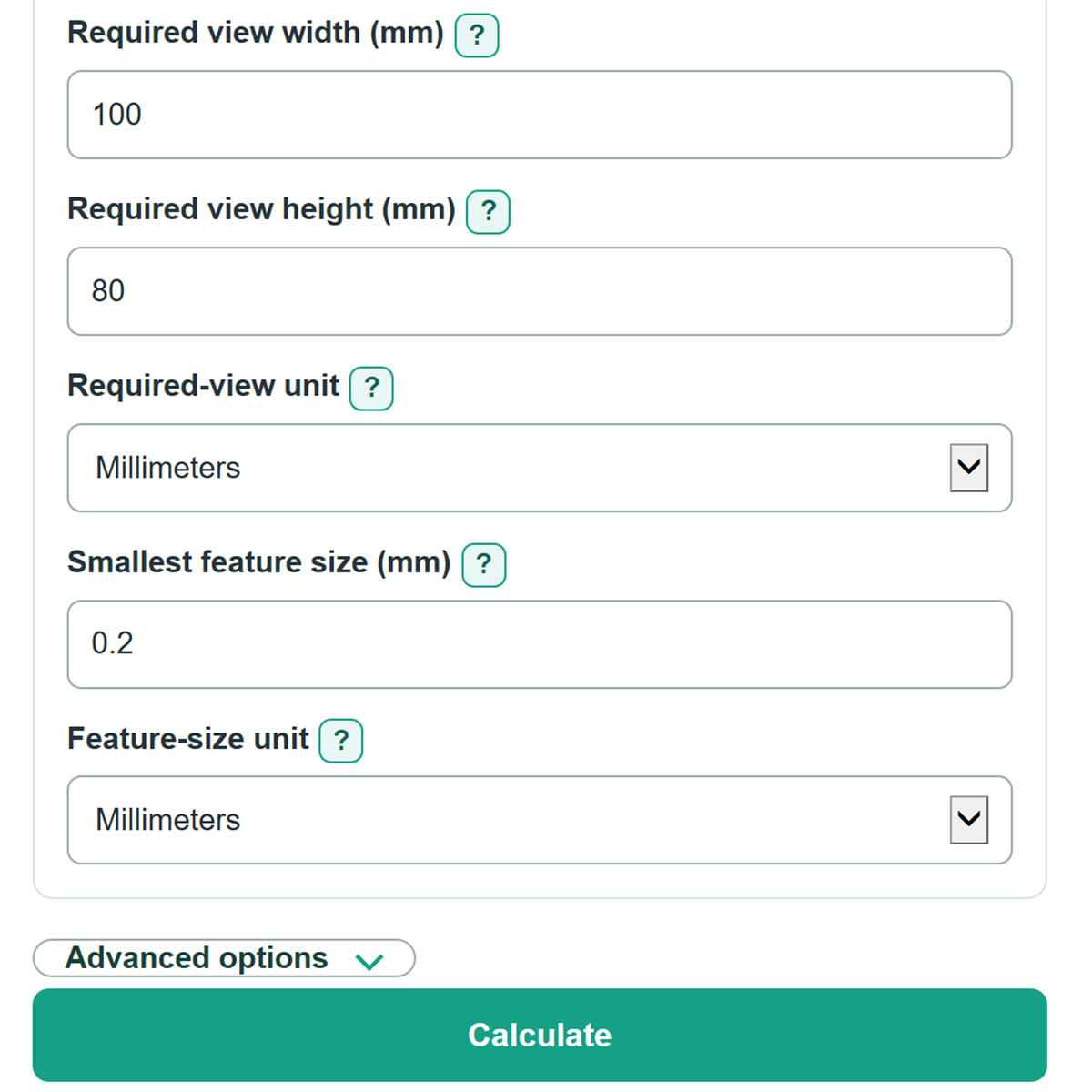
- For a new setup, enter Required view width and Required view height. For an existing setup, enter Lens focal length (mm). Then enter Smallest feature size.
- Check that the estimated field of view covers the target area and compare Pixels across the feature on the weaker axis with the pixel coverage required by your inspection method.
Definitions
Field of view (FOV): The width and height of the object area visible in the image.
Working distance: The distance from the selected lens reference point to the target plane.
Pixel pitch: The physical width or height of one sensor pixel, usually listed in um on a camera or sensor datasheet.
Active sensor size: The imaging width or height calculated from active pixel count times pixel pitch. It is not the camera body size or optical-format label.
Object size per pixel: The real-world distance represented by one image pixel. A smaller um/px value means finer sampling.
Pixels per millimeter: The number of image samples across one millimeter of the target. It is the reciprocal of object size per pixel.
Weaker axis: The horizontal or vertical image axis that gives fewer pixels across the entered smallest feature.
Common mistakes and quick fixes
Mistake: Entering total megapixels in Image width (pixels) or Image height (pixels).
Fix: Enter the separate active width and height from the camera datasheet, such as 2448 and 2048.
Mistake: Using sensor pixel pitch as if it were Horizontal object size per pixel.
Fix: Enter Pixel pitch (um) from the sensor datasheet, then use the object-size-per-pixel result for the inspection target.
Mistake: Measuring Working distance from the front of the lens while selecting Lens optical center.
Fix: Make Working distance measured from match the point used in your drawing or measurement.
Mistake: Entering a required view in inches while Required-view unit is set to Millimeters.
Fix: Select the unit printed on the drawing before entering Required view width and Required view height.
Mistake: Assuming Pixels across the feature on the weaker axis is a pass or fail decision.
Fix: Compare it with the number of pixels your inspection method needs for that specific defect, edge, gap, or line.
Limitations & Key Assumptions / Boundary Conditions
- The calculator uses a first-order similar-triangle estimate. It is a starting point for lens selection, not a manufacturer-rated field-of-view value.
- It does not model lens distortion, focus breathing, principal-plane location, sensor cover glass, image-circle coverage, or focus-range limits.
- Front-of-lens and lens-datasheet working-distance references can differ from the lens optical center. The calculator does not correct that difference.
- The calculated focal length is the longest estimate that covers both required-view dimensions. Choose an available lens at or below that value, then verify the maker's specifications.
- Pixels across a feature reports sampling only. The required pixel count depends on contrast, lighting, motion, optics, inspection algorithm, and the defect being found.
- A cropped camera region or unequal sensor pixel pitch changes the active sensor dimensions. Enter the active pixel counts and use Vertical pixel pitch (um) when the sensor datasheet lists a different vertical pitch.
Methodology
Calculation method
The calculator converts entered inches to mm using 25.4 mm per inch and converts um to mm using 0.001 mm per um. It calculates active sensor dimensions from active pixel counts and pixel pitch. The focal-length and field-of-view relationships are first-order machine-vision geometry relationships. [1]
sensor_width_mm = image_width_pixels * pixel_pitch_um * 0.001
sensor_height_mm = image_height_pixels * effective_vertical_pitch_um * 0.001
When Vertical pixel pitch (um) is blank, the main Pixel pitch (um) is used for both axes.
estimated_focal_length_mm = min(sensor_width_mm * working_distance_mm / required_view_width_mm, sensor_height_mm * working_distance_mm / required_view_height_mm)
The smaller axis-specific focal-length value is used because it gives a view large enough to cover both required dimensions. In Check an existing lens mode, the entered focal length replaces the estimated focal length.
horizontal_fov_mm = sensor_width_mm * working_distance_mm / active_focal_length_mm
vertical_fov_mm = sensor_height_mm * working_distance_mm / active_focal_length_mm
object_size_um_per_px = fov_mm * 1000 / pixels_on_that_axis
pixels_across_feature = feature_size_mm * pixels_per_mm
The feature result uses the smaller horizontal or vertical coverage so it does not overstate sampling when the two axes differ.
Worked example
With a 2448 by 2048 camera, 3.45 um pixel pitch, 500 mm working distance, and a required 100 by 80 mm view, the active sensor is 8.4456 by 7.0656 mm. The horizontal focal-length candidate is 42.228 mm and the vertical candidate is 44.16 mm, so the estimate is 42.228 mm. The resulting horizontal view is 100 mm. A 0.2 mm feature spans about 4.896 pixels on the weaker axis.
Scope
Results use the selected working-distance reference as entered. They are geometric estimates for planning; confirm the chosen lens with its field-of-view data, focus range, sensor compatibility, and the actual inspection setup.