
Enter your load-cell and ADC settings to check signal gain, code resolution, and worst-case voltage headroom before the ADC clips.
The prefilled 2 mV/V and 5 V values are editable planning examples. Replace them with values from your load-cell datasheet, board manual, schematic, or measurement.
Advanced options
Calculation details
Table of contents
How to use our Load Cell mV/V Output, Gain and ADC Resolution Calculator
- Copy Rated output, Excitation voltage actually applied, and Load-cell rated capacity from the load cell, circuit, or datasheet.
- Choose Load unit, then enter Highest load you plan to measure in that same unit.
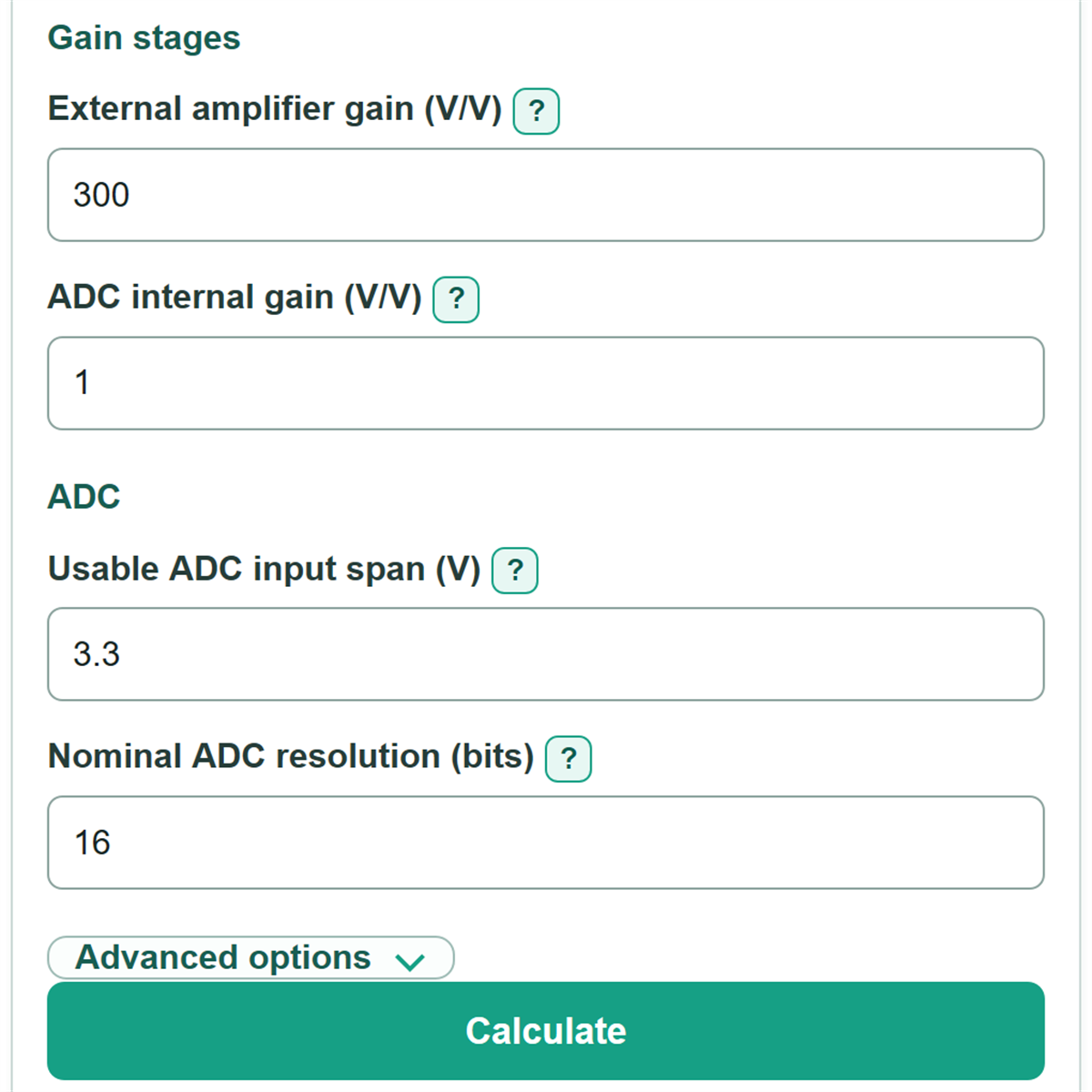
- Enter External amplifier gain, ADC internal gain, Usable ADC input span, and Nominal ADC resolution from the configured electronics.
- Open Advanced options if you need to include tare, zero balance, rated-output tolerance, reserved ADC margin, or noise-free usable bits.
- Click Calculate, then check that ADC range check says Fits and that Headroom before the ADC limit stays positive for the intended setup.
Definitions
Rated output (mV/V): Load-cell sensitivity at rated capacity for each volt of bridge excitation. A 2 mV/V cell with 5 V excitation has a nominal 10 mV full-scale bridge output.
Excitation voltage: The voltage actually applied across the load-cell bridge. It directly changes the bridge signal.
Combined analog gain: External amplifier gain multiplied by ADC internal gain. Both stages enlarge the bridge signal before conversion.
Usable ADC input span: The voltage range the configured ADC input can accept for this signal. It is not always the same as the reference voltage.
ADC headroom: Voltage left between the checked amplified signal and the permitted ADC limit. A negative value means clipping or a selected margin violation.
ADC count: One ideal digital code step. Nominal ADC bits set the ideal count spacing; electrical noise can make the usable spacing larger.
Noise-free usable resolution: A documented number of stable bits for a specific ADC gain and sample-rate setup. It is separate from nominal ADC resolution.
Tare: A constant load already on the load cell, such as a platform or fixture.
Common mistakes and quick fixes
Mistake: Entering a load cell's maximum allowed supply in Excitation voltage actually applied .
Fix: Enter the voltage your circuit actually applies across the bridge, measured or copied from the schematic or board manual.
Mistake: Treating Rated output as a fixed millivolt value.
Fix: Enter the datasheet sensitivity in mV/V. The calculator multiplies it by excitation voltage to find bridge output.
Mistake: Mixing pounds and kilograms between Load-cell rated capacity and Highest load you plan to measure .
Fix: Select one Load unit and enter capacity, planned load, and Tare already on the cell in that same unit.
Mistake: Assuming Nominal ADC resolution is the number of stable bits in a noisy system.
Fix: Use the nominal result for ideal code spacing, then enter documented Noise-free usable resolution when available.
Mistake: Setting gain only from the nominal planned signal and ignoring offset or extra load.
Fix: Add Worst zero balance (percent of rated output) , Tare already on the cell , and Rated-output tolerance (percent) before relying on the ADC range check.
Mistake: Using ADC reference voltage as Usable ADC input span without checking the active ADC mode.
Fix: Copy the configured signal span from the ADC input-range table, including any unipolar, bipolar, or PGA limits.
Limitations & Key Assumptions / Boundary Conditions
- The model assumes a linear load-cell response from zero through rated capacity. It does not calculate nonlinearity, hysteresis, creep, temperature effects, or mechanical mounting error.
- Capacity, planned load, and optional tare must use the same selected load unit. The calculator does not convert between load units.
- The headroom check treats the entered usable ADC input span as available in the needed signal direction. Check the ADC's actual common-mode, differential, unipolar, bipolar, and PGA limits separately.
- Worst zero balance is handled as an absolute percent-of-rated-output allowance, and rated-output tolerance is applied on the high-output side. These are simplified sizing allowances, not a full error budget.
- Ideal load per count uses nominal ADC bits and does not promise measurement accuracy or repeatability. Use noise-free usable bits only when they match the actual ADC gain and sample rate.
- A positive headroom result applies only to the entered maximum load, tare, tolerance, zero balance, and reserved margin. Overload, supply drift, or changed gain settings can still cause clipping.
Methodology
Signal and gain calculation
The load cell produces a small differential bridge signal. Rated output is multiplied by the actual excitation voltage, then scaled by the planned-load fraction.
full_scale_bridge_mv = rated_output_mv_v * excitation_v
load_fraction = max_load / capacity
intended_bridge_mv = full_scale_bridge_mv * load_fraction
total_analog_gain = external_gain * adc_pga_gain
amplified_max_load_v = (intended_bridge_mv / 1000) * total_analog_gain
Headroom check
Blank advanced allowance fields count as zero. The check adds tare, high rated-output tolerance, and absolute zero balance, then reserves the selected part of the ADC span.
worst_case_bridge_v = (full_scale_bridge_mv / 1000) * (((max_load + tare_load) / capacity) * (1 + sensitivity_tolerance_pct / 100) + zero_balance_pct_ro / 100)
allowed_adc_span_v = adc_span_v * (1 - design_margin_pct / 100)
adc_headroom_v = allowed_adc_span_v - (worst_case_bridge_v * total_analog_gain)
Positive headroom means the checked signal fits. Negative headroom is retained as a negative value because it shows how far the setup exceeds the allowed range.
ADC code spacing
The calculator uses the entered nominal bit count to find ideal code spacing and ideal load per code. If noise-free usable bits are entered, it repeats the load-per-count calculation with that smaller code count.
nominal_adc_codes = 2 ^ adc_bits
adc_lsb_uv = (adc_span_v / nominal_adc_codes) * 1000000
ideal_load_per_count = (capacity * adc_span_v) / ((full_scale_bridge_mv / 1000) * total_analog_gain * nominal_adc_codes)
Worked example
With 2 mV/V rated output, 5 V excitation, and 1,000 lb capacity, the full-scale bridge output is 10 mV. At 800 lb, the bridge output is 8 mV. With total gain of 300 V/V, the planned signal is 2.4 V. With a 3.3 V ADC span and no advanced allowances, headroom is 0.9 V.