
Enter your current loan details to estimate your car loan payoff date, payments left, and remaining interest.
Advanced options
Extra principal plan
Lender payoff quote
Table of contents
How to use our Car Loan Payoff Calculator
- Enter the current principal balance from your lender account or latest statement, not the original amount financed and not a payoff quote.
- Enter the APR, the scheduled principal-and-interest payment, and the due date of your next payment.
- Open "Advanced options" if you plan recurring extra principal, a one-time principal payment, or have a lender payoff quote with a valid-through date.
- Select "Calculate" to see the estimated payoff date, payments remaining, and modeled remaining interest.
- Sanity-check the estimate: increasing the regular payment or adding extra principal should keep the same payoff date or move it earlier. Use the lender's quote when you need the actual amount to close the loan.
Definitions
Current loan balance: The principal still owed before future interest and date-specific closing charges.
APR: Annual percentage rate. The calculator divides this annual percent by 12 to estimate monthly interest.
Regular monthly payment: The scheduled payment for principal and interest each month.
Extra principal: Money paid beyond the regular payment that the lender applies to the amount owed.
Payoff quote: A lender-provided amount to close the loan by a stated date. It can differ from the current balance.
Remaining interest: Estimated interest from the next payment through the final modeled payment.
Common mistakes and quick fixes
Mistake: Entering the original amount financed instead of the current balance.
Fix: Copy the current principal balance from your latest statement or lender account.
Mistake: Including insurance, service contracts, or other separate charges in the regular payment.
Fix: Enter the scheduled principal-and-interest payment when those items are listed separately.
Mistake: Entering 0.069 for a 6.9 percent APR.
Fix: Enter 6.9 because the field uses annual percent, not a decimal rate.
Mistake: Assuming an extra payment automatically reduces principal.
Fix: Confirm that your lender applies the extra amount to principal and does not only advance the next due date.
Mistake: Using a lender payoff quote as the current balance.
Fix: Keep the principal balance in the main field and enter the lender quote separately with its valid-through date.
Mistake: Leaving out the payment number for a one-time principal payment.
Fix: Enter a positive whole payment number. Payment 1 is the next scheduled payment.
Limitations & Key Assumptions / Boundary Conditions
- This is a monthly fixed-rate estimate based on the balance, APR, regular payment, and next payment date you enter.
- The schedule rounds each month's interest to cents, which can create a small difference from the lender's calculation.
- A lender may calculate interest daily and apply payments first to accrued interest, fees, or other amounts, so payment timing can change the actual payoff amount.
- Extra payments are treated as principal payments. Confirm how your lender applies extra money before relying on the estimated savings.
- The calculator does not add late charges, past-due amounts, fees, prepayment penalties, or contract-specific terms. Check your loan documents for any prepayment penalty or restriction. [1]
- Use a lender payoff quote, valid through its stated date, when you need the actual amount required to close the loan.
Methodology
Monthly schedule
The calculator starts with your current principal balance. Each month, it adds that month's interest, then applies the regular payment plus any extra principal. The final modeled payment may be smaller than the regular payment.
monthly_rate_decimal = apr_percent / 12 / 100
monthly_interest = round_cents(current_balance * monthly_rate_decimal)
payment_applied = min(amount_due, regular_monthly_payment + extra_monthly_payment + applicable_one_time_payment)
new_balance = amount_due - payment_applied
Interest is rounded to the nearest cent each month. A one-time principal payment is added only at the payment number you choose, where payment 1 is the next scheduled payment.
Extra-payment comparison
A second schedule uses the same balance, APR, regular payment, and next payment date but no extra principal. The calculator compares that schedule with your entered plan.
payments_removed = current_plan_payment_count - entered_plan_payment_count
interest_saved = current_plan_interest - entered_plan_interest
Worked mini-example
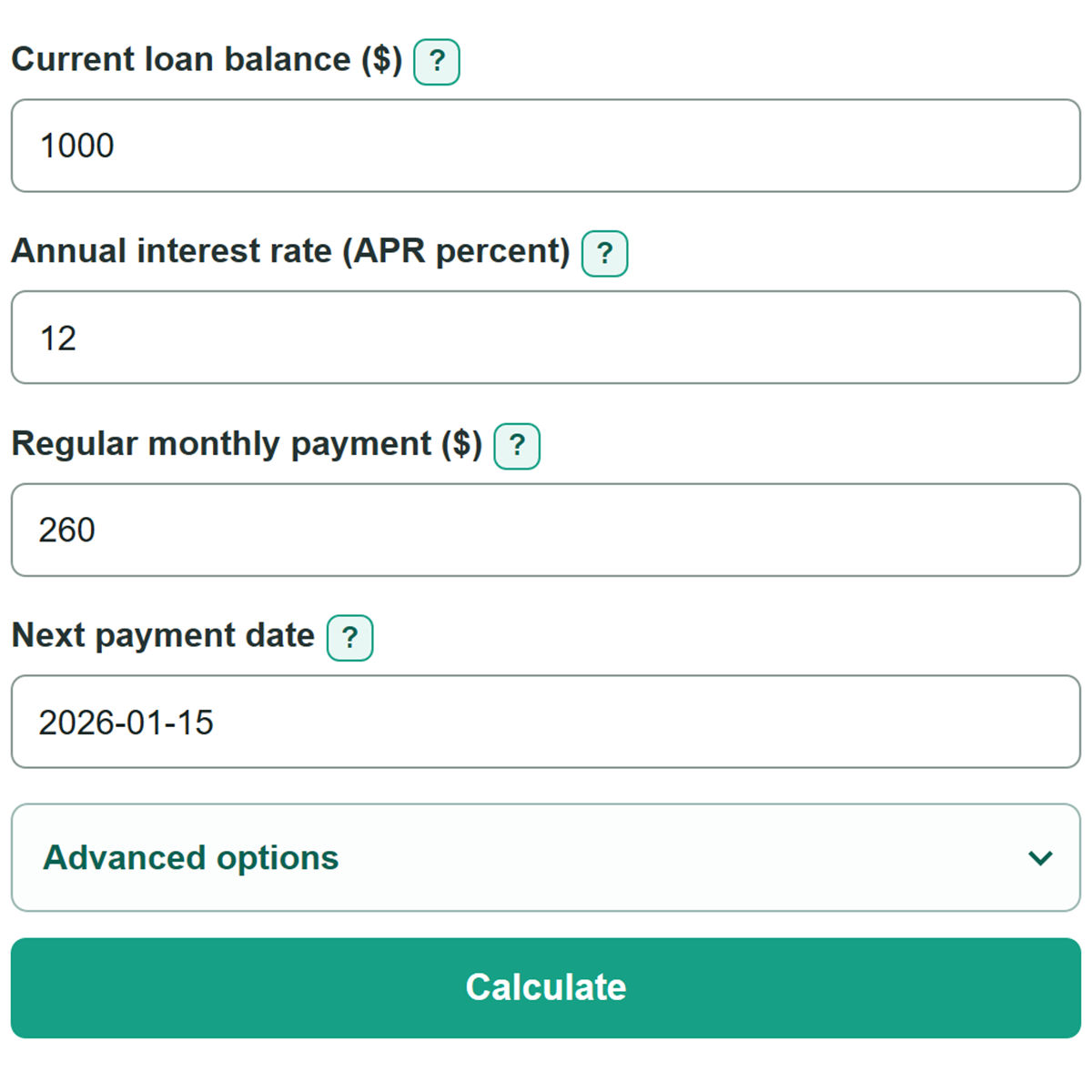
For a $1,000 balance at 12 percent APR with a $260 monthly payment and next payment date of January 15, 2026, the monthly rate is 0.01. First-month interest is $10.00. The cents-rounded schedule has four payments, $24.90 in remaining interest, and an estimated payoff date of April 15, 2026.
first_month_interest = round_cents(1000 * 0.01) = 10.00
Lender quote comparison
When both lender quote fields are supplied, the calculator displays the quote separately from the modeled balance. A positive difference means the lender quote is higher than the entered current balance.
quote_minus_current_balance = lender_payoff_quote - current_balance