
Enter the wall, window, door, and opening areas with their STC ratings to estimate a composite wall STC and find the biggest sound path.
Table of contents
How to use our Composite Wall STC Calculator
- Enter the full wall or facade size in Gross partition area, before subtracting any windows, doors, vents, or other openings.
- Enter the tested or specified rating for the remaining solid portion in Opaque wall STC.
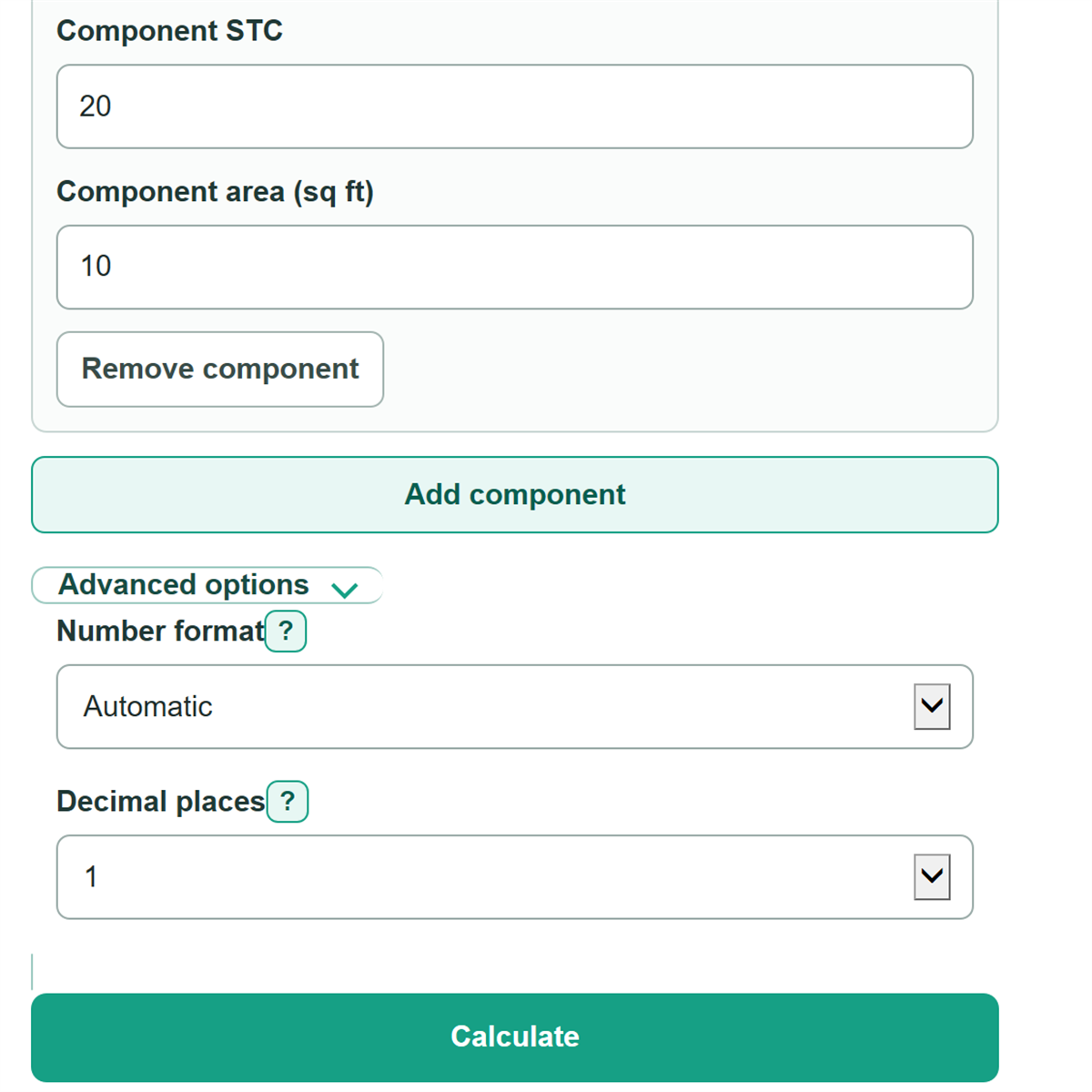
- Review the rows under Windows, doors, vents, and other openings. Add a row for each different component, or combine identical components by entering their total area.
- Click Calculate. Read Estimated composite STC first, then check the named component in Largest transmitted-sound share.
- Sanity-check the breakdown: all component areas plus the calculated opaque wall area should equal the gross partition area, and a low-STC component may have a much larger transmitted-sound share than its area share.
Definitions
STC: Sound Transmission Class. It is a whole-number rating used to describe how well a building partition reduces airborne sound in a speech-focused range. Higher STC means lower modeled sound transmission.
Opaque wall: The solid wall area left after the listed windows, doors, vents, and other openings are subtracted from the gross partition.
Transmission coefficient: A decimal sound-transmission term calculated from an STC rating. The calculator uses this term so components can be combined by area; STC ratings themselves should not be averaged directly.
Weighted transmission: A component's area multiplied by its transmission coefficient. This shows its modeled contribution before all components are combined.
Largest transmitted-sound share: The largest component weighted-transmission term as a percent of the total. A small, low-STC opening can control this value.
Unrounded composite STC estimate: The calculated value before it is rounded to the whole-number Estimated composite STC.
Common mistakes and quick fixes
Mistake: Entering net opaque wall area in Gross partition area.
Fix: Enter the full partition area before subtracting windows, doors, vents, and other listed components.
Mistake: Averaging Opaque wall STC and opening STC ratings by area.
Fix: Enter each rating and area separately under Windows, doors, vents, and other openings; the calculator combines transmission terms instead of averaging ratings.
Mistake: Leaving a partial row in Windows, doors, vents, and other openings.
Fix: Give every included row a name, STC, and area greater than zero, or remove the unused row.
Mistake: Listing opening areas that are larger than Gross partition area.
Fix: Check the takeoff, reduce the listed areas, or increase the gross area so Calculated opaque wall area is zero or greater.
Mistake: Treating Estimated composite STC as a field-tested rating for the finished building.
Fix: Use it as a simplified planning estimate and account separately for seals, gaps, flanking paths, and installation quality.
Limitations & Key Assumptions / Boundary Conditions
- This is a simplified area-and-STC estimate, not a laboratory or field rating for the completed partition.
- It uses user-supplied component STC ratings and assumes each rating can be converted to a transmission term and combined by area.
- It does not include flanking through adjacent walls, floors, ceilings, structure, ducts, or other bypass paths.
- It does not model gaps, poor seals, installation defects, penetrations, hardware, or differences between tested assemblies and installed products.
- STC does not fully describe low-frequency sound, vibration, impact noise, or frequency-specific performance.
- The estimate is only as reliable as the entered areas and the ratings that apply to the actual wall, window, door, vent, or louver construction.
Methodology
Calculation method
Each component is converted from its STC rating to a transmission coefficient, then weighted by its area. This avoids the incorrect shortcut of taking an area-weighted average of STC ratings. The composite approach follows the area-weighted transmission relationship used for wall components. [1]
τ = 10^(-STC / 10)
In this formula, τ is the transmission coefficient and STC is the rating entered for one component.
weighted transmission = area x τ
total weighted transmission = sum of all component weighted transmissions
composite τ = total weighted transmission / gross partition area
unrounded composite STC = -10 x log10(composite τ)
Estimated composite STC = rounded unrounded composite STC
Worked example
For a 100 sq ft partition, use 70 sq ft of opaque wall at STC 40, a 20 sq ft window at STC 30, and a 10 sq ft door at STC 20. Their weighted transmission terms are 0.007, 0.020, and 0.100. The total is 0.127, so composite τ is 0.00127. The unrounded composite estimate is 28.962, which displays as STC 29. The door supplies 0.100 divided by 0.127, or 78.7%, of the modeled transmitted sound.
Scope of estimate
The calculator allows zero opaque wall area when listed components fill the whole partition. It blocks inputs when listed component area exceeds gross area because that would create a negative opaque wall area. It does not apply ASTM E413 contour fitting, measure field performance, or model flanking paths, leakage, seals, workmanship, or frequency-by-frequency behavior.