
Calculate projected screen brightness from lumens, screen gain, and image size, or find the lumens needed for your target.
Advanced options
Table of contents
How to use our Projector Lumens and Screen Brightness Calculator
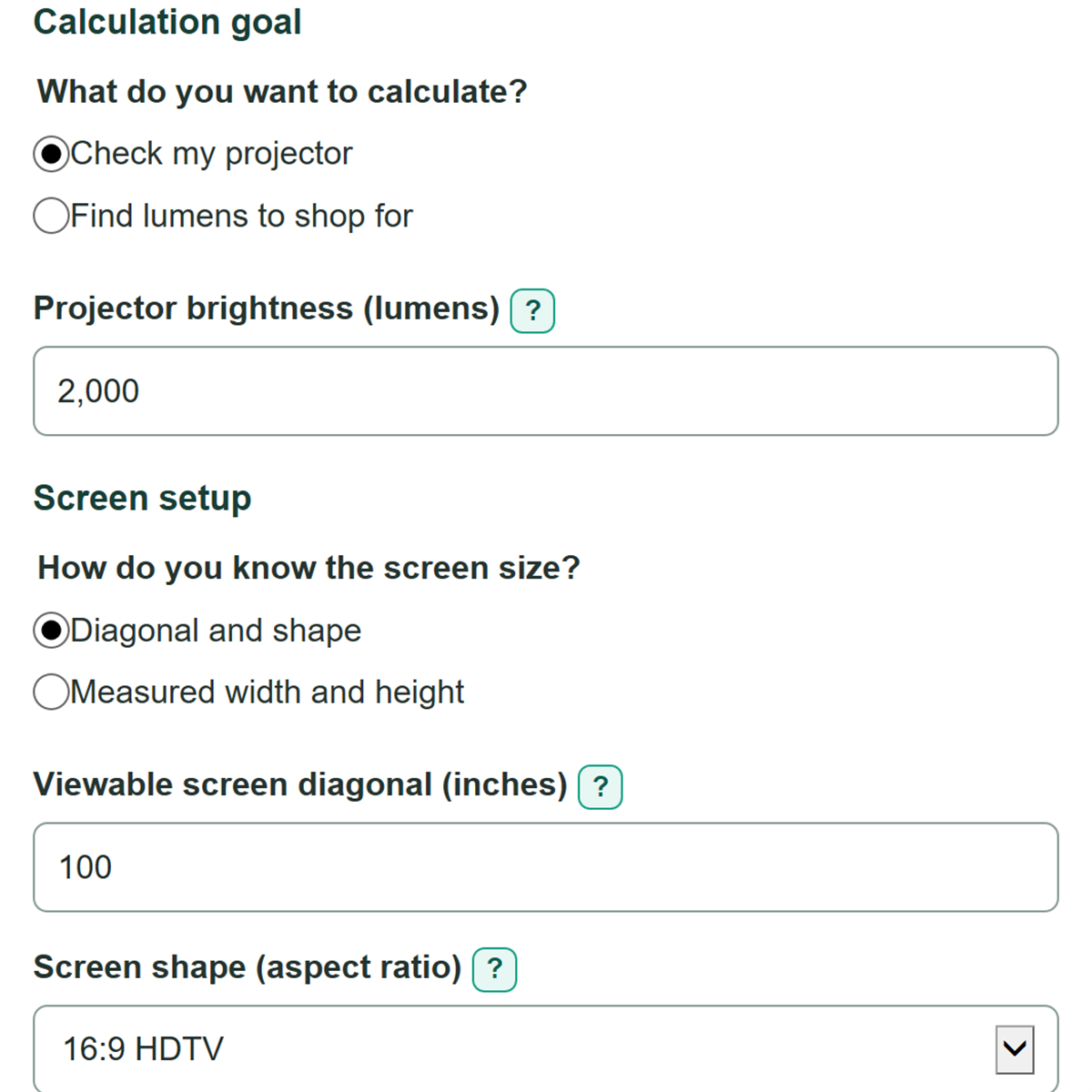
- Choose "Check my projector" to estimate brightness from a projector you have, or "Find lumens to shop for" to calculate the rating needed.
- Choose "Diagonal and shape" if you know the listed viewable diagonal and Screen shape, or choose "Measured width and height" for tape measurements.
- Enter Projector brightness or Brightness target, then enter Screen gain from the screen material specifications.
- Click Calculate and read the main brightness or lumen result first, then use Viewable screen area used to confirm the screen size was interpreted correctly.
- For a quick sanity check, make the screen diagonal larger or Screen gain lower and calculate again; brightness should decrease, while required projector lumens should increase.
Definitions
Lumen: A unit of light output. Projector brightness is usually listed in lumens.
Foot-lambert (fL): A measure of light leaving a screen per unit of area. The calculator uses it for estimated screen brightness.
Nit: A candelas-per-square-meter luminance unit. One foot-lambert equals 3.4262590996 nits. [1]
Screen gain: A unitless ratio that describes how a screen material reflects light compared with a matte-white reference surface. It is not a percentage.
Aspect ratio: The image width compared with its height, such as 16:9.
Viewable screen area: The projected image area, excluding the screen frame or border.
Common mistakes and quick fixes
Mistake: Entering the outside frame size as Viewable screen diagonal.
Fix: Use only the diagonal of the image area that receives the projection.
Mistake: Treating Screen gain as a percent, such as entering 100 for a 1.0-gain screen.
Fix: Enter the decimal gain shown in the screen specifications, such as 0.8, 1.0, or 1.3.
Mistake: Using both diagonal details and tape measurements mentally, then entering mismatched sizes.
Fix: Choose one "How do you know the screen size?" method and enter only that method's visible fields.
Mistake: Copying a higher white-brightness number into Projector brightness when separate white and color ratings are listed.
Fix: Use the lower listed value for a more conservative planning estimate.
Mistake: Reading Estimated screen brightness in nits as a second, separate calculation.
Fix: It is the same estimated brightness as Estimated screen brightness, converted from foot-lamberts to nits.
Mistake: Entering a malformed grouped number such as 2,00 in Projector brightness.
Fix: Use standard thousands commas, such as 2,000, or enter 2000 without commas.
Limitations & Key Assumptions / Boundary Conditions
- The calculation estimates projector-created screen luminance only. It does not measure room light or predict washout from sunlight, lamps, or other direct light on the screen.
- It uses the projector lumen value you enter. Actual output can change with picture mode, calibration, lamp age, laser settings, lens position, and other setup choices.
- Screen gain is treated as one uniform number. Real screens can have viewing-angle effects and brightness variation across the image.
- Use the viewable image dimensions, not the frame dimensions. A size error changes area, which changes every brightness result.
- The shopping result is the formula minimum for the target you chose. It does not add an automatic headroom factor for aging, calibration, or ambient light.
Methodology
Screen area
The calculator uses one screen geometry path at a time. With a diagonal and Screen shape, it converts the selected width-to-height ratio into width and height. With measured dimensions, it uses the entered width and height directly.
aspect_ratio_decimal = width_part / height_part
screen_width_in = screen_diagonal_in * aspect_ratio_decimal / sqrt(aspect_ratio_decimal^2 + 1)
screen_height_in = screen_diagonal_in / sqrt(aspect_ratio_decimal^2 + 1)
screen_area_sq_ft = (screen_width_in * screen_height_in) / 144
For measured dimensions, the last line uses image_width_in multiplied by image_height_in instead. There are 144 square inches in one square foot.
Brightness and required lumens
Check my projector multiplies the entered projector lumens by Screen gain, then divides by viewable screen area. Find lumens to shop for reverses the same relationship using your Brightness target.
achieved_brightness_fl = projector_lumens * screen_gain / screen_area_sq_ft
required_projector_lumens = target_brightness_fl * screen_area_sq_ft / screen_gain
brightness_nits = brightness_fl * 3.4262590996
The foot-lambert-to-nit conversion follows NIST luminance conversion factors. [1]
Worked example
A 100-inch, 16:9 viewable screen has an area of about 29.67 square feet. With 2,000 lumens and gain of 1.0, the estimate is about 67.4 foot-lamberts, or 230.93 nits. For a 30 foot-lambert target on that same screen with gain of 1.0, the formula needs about 890.21 lumens.