
Enter the equipment you expect to run during an outage to calculate a whole-house generator planning size in kW.
Advanced options
Table of contents
How to use our Whole House Generator Size Calculator
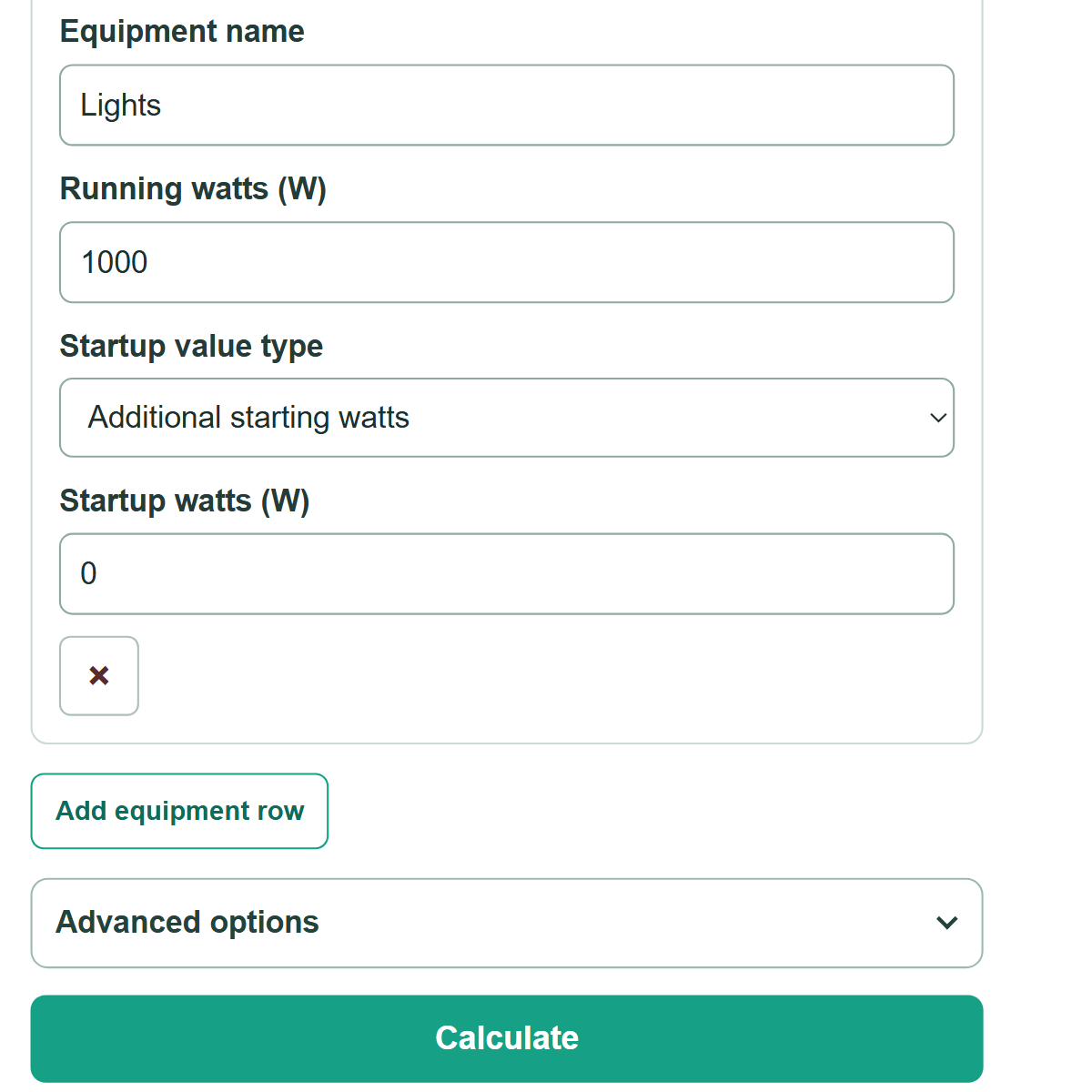
- Add a row for every appliance, system, or device you expect could run at the same time during an outage.
- Copy each item's running watts from its data plate, owner manual, installer paperwork, or equipment-specific sizing worksheet.
- For each startup number, choose "Additional starting watts" if it is extra power above running watts, or "Total starting watts" if it includes running watts.
- Open "Advanced options" only if you want to add "Extra planning room (%)" or change "Result decimal places."
- Click "Calculate." Check that the listed loads truly may run together, then compare the recommended size with the generator's usable rating.
Definitions
Running watts: Power an item uses while it is operating normally.
Additional starting watts: Extra power a motor needs briefly as it starts, above its running watts.
Total starting watts: Full power needed during startup, including that item's running watts.
Largest added startup demand: The biggest single startup increase among the loads entered.
kW: Kilowatt. One kW equals 1,000 watts.
Extra planning room: An optional percentage added after the modeled peak load. It is a planning choice, not a universal installation rule.
Common mistakes and quick fixes
Mistake: Leaving out a pump, furnace blower, air conditioner, or other equipment that may turn on during an outage.
Fix: Add every load you expect to operate at the same time.
Mistake: Entering a total startup number while "Additional starting watts" is selected.
Fix: Select "Total starting watts" when the number already includes that item's running watts.
Mistake: Adding all motor startup values together before entering them.
Fix: Enter each load separately. The calculator adds only the largest startup increase under its one-at-a-time startup assumption.
Mistake: Typing an unclear watt value such as 1,01.
Fix: Use a plain number or normal thousands commas, such as 1000 or 1,000.
Mistake: Treating the rounded planning size as final approval for a generator and installation.
Fix: Have a qualified installer confirm generator ratings, transfer equipment, fuel supply, and local installation requirements.
Limitations & Key Assumptions / Boundary Conditions
- The calculation assumes every entered load may run at once, while only one motor startup increase occurs at a time.
- The answer depends on the watt values entered. Use equipment data plates, manuals, or equipment-specific documents instead of generic watt estimates when possible.
- The calculator rounds upward in 1 kW steps for planning. This does not mean every manufacturer sells generators in every whole-kW size.
- Usable generator capacity can vary with voltage, phase, fuel type, altitude, temperature, and the manufacturer's rating conditions.
- Transfer-switch limits, load-management controls, wire sizing, voltage drop, fuel supply, local rules, and installation conditions are outside this calculation.
- Several motors starting together or unusual electronic loads can require a site-specific electrical review.
Methodology
Calculation method
The calculator adds the running watts from every equipment row. It then finds each load's added startup demand. An "Additional starting watts" entry is already the added amount. For a "Total starting watts" entry, the calculator subtracts that load's running watts first.
Total running load (W) = sum of all running watts
Added startup demand (W) = additional starting watts, or total starting watts - running watts
Peak load before extra planning room (W) = total running load + largest added startup demand
Calculated capacity needed (kW) = peak load before extra planning room x (1 + extra planning room / 100) / 1000
Recommended generator planning size (kW) = calculated capacity rounded up to the next 1 kW
Worked mini-example
Enter a refrigerator at 700 W with 2,200 additional starting W, a furnace blower at 800 W with 1,600 additional starting W, and lights at 1,000 W. The running load is 2,500 W. The largest added startup demand is 2,200 W, making the peak before extra planning room 4,700 W. With 10% extra planning room, calculated capacity is 5.17 kW. Rounding up to the next 1 kW gives a 6.0 kW planning size.
Calculation boundaries
This method models one startup increase at a time and is intended for early planning. Several motors can sometimes start together, and actual generator selection also depends on equipment-specific starting behavior, generator ratings, transfer equipment, the electrical system, fuel supply, and local requirements.