
Enter matching values and weights to find the weighted average, or calculate a course grade from category percentages and assignment scores.
Advanced options
Table of contents
How to use our Weighted Average Calculator
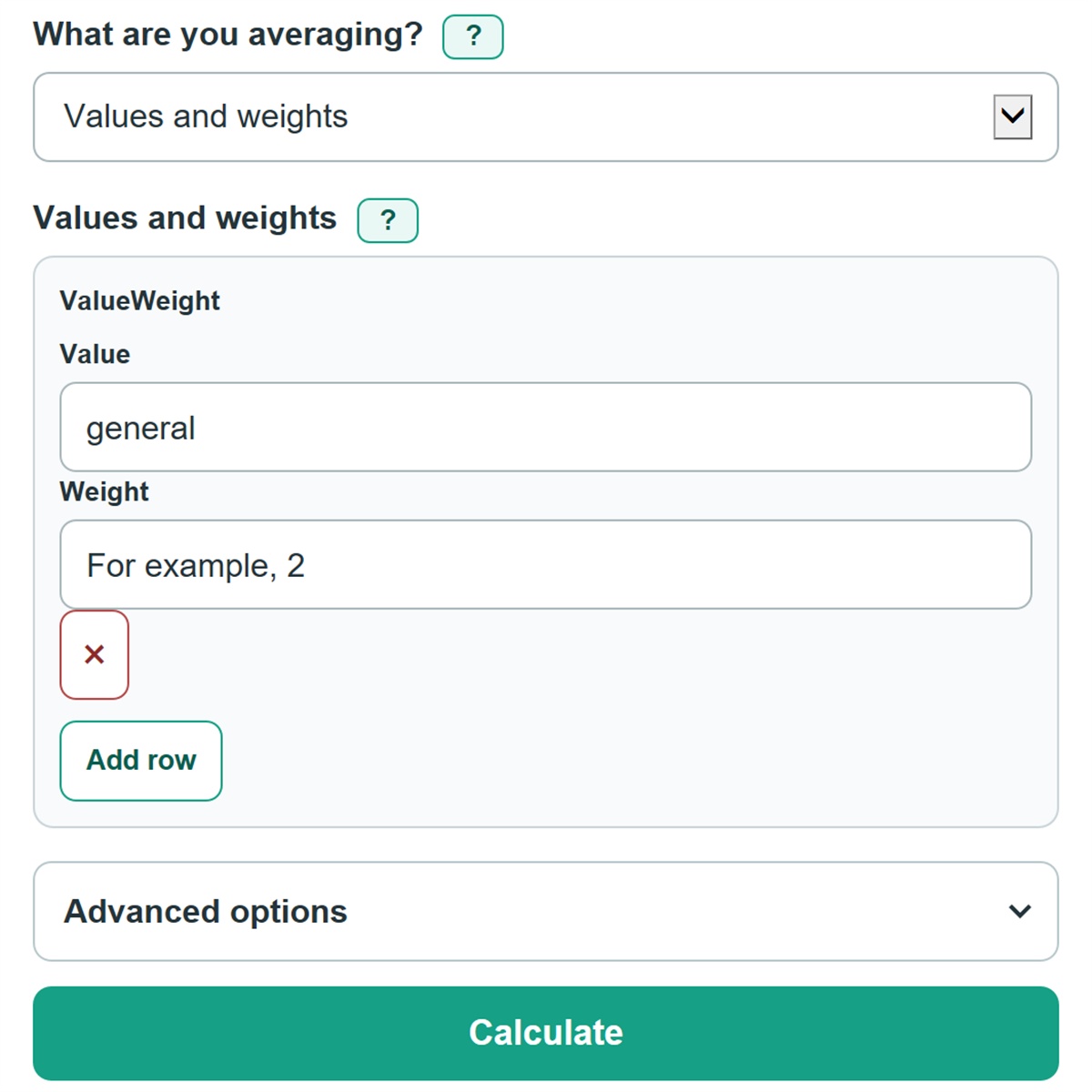
- Choose "Values and weights" for paired data such as scores and credits, prices and quantities, or returns and balances. Choose "Course categories" when several assignment scores belong to one category percentage.
- For Values and weights, enter each value beside its matching weight. Use one consistent weight basis, such as credits, quantities, percentages, or proportional numbers.
- For Course categories, enter each category percentage once, then add the assignment scores that belong in that category. Category percentages must add to 100%.
- Click Calculate. Use Weighted average as the main answer, and compare it with Average without weights to see how the weights changed the result.
- Check the included pair, category, or assignment count against your source record before relying on the calculation.
Definitions
Weighted average: An average in which values with larger weights have more effect on the answer.
Weight: The importance, quantity, credit, share, or percentage matched to one value.
Weighted product: One value multiplied by its matching weight.
Total weight: The sum of included weights. In a general calculation, it does not need to equal 100.
Average without weights: An ordinary average that gives every included value equal importance.
Course category: A group, such as homework or exams, with one stated percentage of the final course grade.
Category average: The ordinary average of assignment scores in one course category before its category percentage is applied.
Common mistakes and quick fixes
Mistake: Entering a value without its matching weight in Values and weights.
Fix: Add the missing number or remove the incomplete row before calculating.
Mistake: Assuming general weights must add to 100.
Fix: Check What are you averaging? and then recalculate. General weights may be credits, quantities, or proportional numbers. Their total only needs to be greater than zero.
Mistake: Applying a course category percentage to every assignment in that category.
Fix: Check What are you averaging? and then recalculate. Enter the category percentage once and place its assignment scores under that category. The calculator averages those scores first.
Mistake: Entering course category percentages that do not total 100%.
Fix: Check What are you averaging? and then recalculate. Compare the entries with the syllabus or gradebook, then change them until the category weight total is 100%.
Mistake: Treating Weighted products added together as the final answer.
Fix: Use Weighted average as the main answer. It divides the weighted products by the total weight.
Mistake: Typing 1,01 when the value is one point zero one.
Fix: Check What are you averaging? and then recalculate. Use a decimal point: 1.01. Commas are only for thousands separators, such as 1,001.
Limitations & Key Assumptions / Boundary Conditions
- General weights must use one consistent basis. Do not mix credits, percentages, quantities, and decimal shares unless they have been converted to a common basis.
- General weights may be zero, but their combined total must be greater than zero. Negative weights are not accepted.
- Course Categories treats each category percentage as part of one final grade, so category percentages must total 100%.
- Course Categories gives assignment scores within the same category equal weight. If assignments inside a category have different weights, calculate that category average separately or use Values and weights.
- Scores above 100 are allowed for extra credit, but the calculator does not apply a teacher's dropped-score rule, curve, late-work policy, or grading scale.
- Displayed rounding can differ slightly from a gradebook that rounds category averages or final grades at different steps.
Methodology
Values and weights
The calculator multiplies each included value by its matching weight, adds those products, and divides by the total weight. This is the standard weighted-average method. [1]
Weighted sum = Σ (value x weight)
Weighted average = weighted sum / total weight
Average without weights gives every included value equal importance.
Average without weights = sum of values / number of values
Course categories
The calculator first finds the ordinary average of assignment scores within each category. It then applies that category's percentage once. This avoids giving every assignment the full category percentage.
Category average = sum of category scores / number of category scores
Course weighted sum = Σ (category average x category weight)
Course grade = course weighted sum / sum of category weights
Worked example
For values 80 and 90 with weights 2 and 3, the weighted sum is (80 x 2) + (90 x 3) = 430. The total weight is 5, so the weighted average is 430 / 5 = 86. The average without weights is (80 + 90) / 2 = 85.
For a course, Homework worth 40% has scores of 80% and 100%, so its category average is 90%. Exams worth 60% has scores of 70% and 90%, so its category average is 80%. The final grade is (90 x 40 + 80 x 60) / 100 = 84%.
Calculation choices
Blank rows are ignored, but a partly completed row causes an error. Zero values are included. In Course categories, every category needs at least one score and all category percentages must total 100%. Result decimal places change only the displayed rounding; the calculation uses the entered numbers before display rounding.