
Enter your camera specs, target size, and distance to check pixel coverage and find the farthest temperature-measurement distance.
Advanced options
Calculation details
Table of contents
How to use our Thermal Camera IFOV, Spot Size and Detection Distance Calculator
- Choose Camera spec you have. Select Enter IFOV if the lens sheet lists IFOV, or select Use FOV and pixels if it lists horizontal field of view and image width.
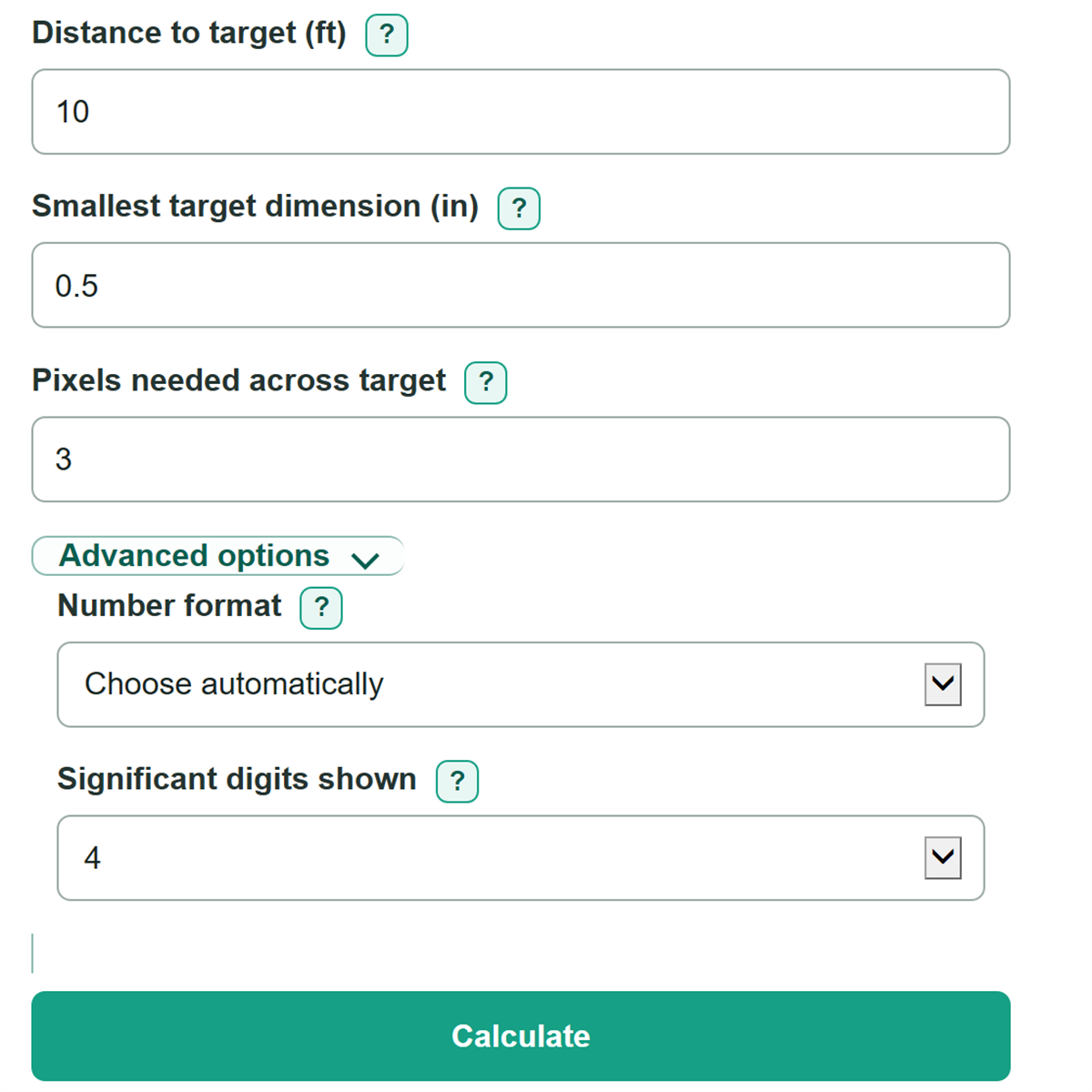
- Enter Distance to target from the lens to the target and the Smallest target dimension that must be measured. You can type a decimal or a simple fraction such as 1/2.
- Enter the active camera specification and set Pixels needed across target to the requirement in your procedure or camera guidance.
- Click Calculate. Read Target measurement check and Maximum temperature-measurement distance first to decide whether the planned position works.
- Sanity-check the result by confirming that IFOV used in calculation matches the exact camera and lens, and that Estimated pixels across target is at least the number you entered.
Definitions
IFOV: Instantaneous field of view. It is the angle covered by one native thermal pixel, usually stated as mrad per pixel.
mrad per pixel: Milliradians per pixel. A smaller value means each pixel covers a smaller angle and theoretical spot.
Horizontal field of view: The full left-to-right angle visible through the selected lens. It must be matched with the horizontal pixel count.
Native thermal pixels: The actual detector pixels that collect thermal data. Digital zoom or a larger screen image does not add native pixels.
One-pixel theoretical spot size: The estimated target width represented by one native thermal pixel at the entered distance.
Pixels needed across target: The minimum number of pixels that should span the target's smallest important dimension for the selected temperature-measurement rule.
Size-of-source effect: A thermal camera can report different temperatures for different target sizes even when the target temperature is unchanged, so geometric pixel coverage alone does not guarantee an accurate reading. [1]
Common mistakes and quick fixes
Mistake: Entering a display resolution or digital-zoom width for Horizontal thermal image pixels.
Fix: Enter the native thermal detector width, such as 320 from a 320 x 240 thermal image.
Mistake: Pairing Horizontal field of view with pixels from a different lens or camera.
Fix: Use Horizontal field of view and Horizontal thermal image pixels from the same camera and lens setup.
Mistake: Measuring a wide target dimension instead of the Smallest target dimension.
Fix: Enter the narrowest dimension that must contain the required pixels.
Mistake: Treating One-pixel detection distance estimate as a temperature-reading distance.
Fix: Use Maximum temperature-measurement distance and Target measurement check for the selected Pixels needed across target.
Mistake: Leaving Pixels needed across target at 3 when your procedure requires another value.
Fix: Replace it with the pixel requirement from your inspection procedure, camera guidance, or training material.
Limitations & Key Assumptions / Boundary Conditions
- The calculator uses a small-angle geometric model. It estimates pixel coverage from distance and IFOV; it does not replace the camera manual or an inspection procedure.
- A passing Target measurement check means the selected number of pixels fits across the smallest target dimension. It does not guarantee temperature accuracy.
- Focus, target angle, emissivity setting, reflected temperature, atmospheric absorption, distance, humidity, and camera condition can change a real thermal reading.
- The One-pixel detection distance estimate only means the target spans about one native thermal pixel. It does not predict recognition, identification, contrast, or a usable temperature measurement.
- Use specifications for the exact camera and lens. Changing a lens changes IFOV and horizontal field of view. Digital zoom does not improve native optical resolution.
- For very small targets or critical measurements, consider the camera's size-of-source behavior and verify the setup with the required procedure.
Methodology
Calculation method
The calculator first finds one effective IFOV from the camera specification. Direct IFOV is converted from mrad per pixel to radians per pixel. For the FOV path, the published horizontal angle is converted to radians and divided by the native horizontal pixel count.
effective IFOV (rad/pixel) = IFOV (mrad/pixel) / 1000
effective IFOV (rad/pixel) = horizontal FOV (degrees) x pi / 180 / horizontal pixels
It converts the entered distance from feet to inches, then uses the small-angle approximation to estimate the width covered by one pixel.
distance (in) = distance (ft) x 12
one-pixel spot (in) = distance (in) x effective IFOV (rad/pixel)
The selected pixel measurement area is the one-pixel spot multiplied by Pixels needed across target. The maximum temperature-measurement distance is the target's smallest dimension divided by that same per-pixel requirement.
measurement area (in) = one-pixel spot (in) x pixels needed
maximum distance (ft) = target size (in) / (effective IFOV x pixels needed) / 12
The Target measurement check passes when the Smallest target dimension is at least the selected pixel measurement area. The one-pixel detection estimate uses the same geometry with one pixel only.
one-pixel detection distance (ft) = target size (in) / effective IFOV / 12
Worked example
At 10 ft with a 1.5 mrad-per-pixel IFOV, one pixel covers 0.18 in. With 3 pixels needed, the measurement area is 0.54 in. A 0.5 in target does not meet that rule at 10 ft, and its maximum temperature-measurement distance is about 9.259 ft. Its one-pixel detection estimate is about 27.78 ft.