
Convert US, UK, and EU sizes using Nike’s published footwear charts, or match measured foot length. These are Nike-specific references, not universal brand conversions.
Chart sources: Nike men’s footwear, women’s footwear, and children’s footwear. Check the product’s current chart and fit before buying.
Table of contents
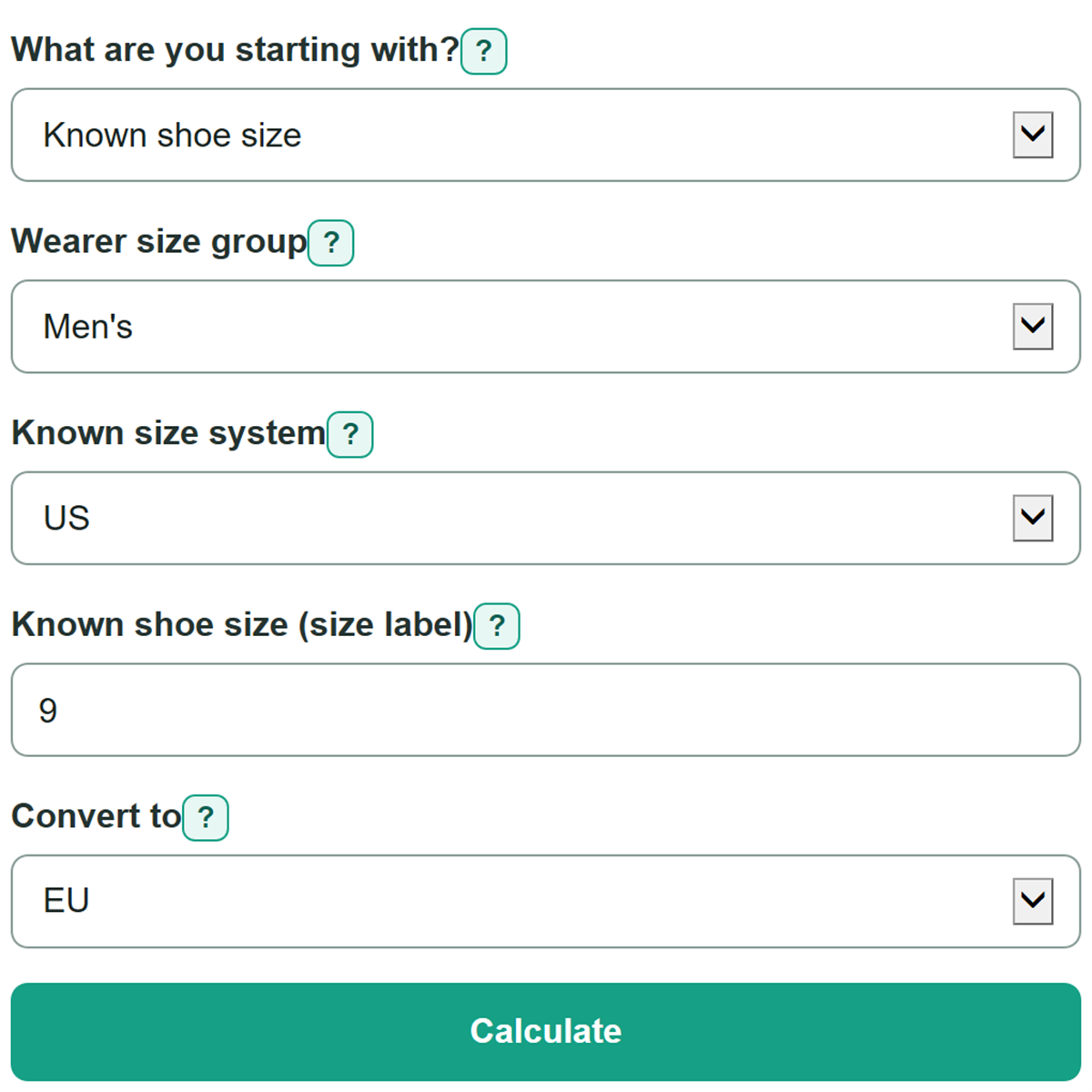
How to use our Shoe Size Conversion Calculator
- Choose whether you are starting with a known shoe size or a measurement of the longer foot.
- Select the wearer size group shown on the shoe label, store listing, or chart.
- For a known size, choose its printed system and enter the size; for a measurement, enter heel-to-longest-toe length and choose inches or centimeters.
- Choose the system you need under Convert to, then select Calculate.
- Use the converted size as a starting point. Check that the matched chart foot length is close to your measurement, then check the target brand's size chart before buying.
Definitions
Wearer size group: The men's, women's, or child scale used for the shoe. The same number can match different rows in different groups.
Known size system: The regional system attached to the size you already know: US, UK, or EU.
Foot length: The distance from heel to longest toe on the longer foot, measured while standing. It is not the same as a CM or Mondopoint marking printed on a shoe.
Approximate converted shoe size: The size in the destination system on the calculator's matched chart row. It is not a brand-specific fit promise.
Matched chart foot length: The foot-length reference in centimeters assigned to the selected chart row.
Inch-to-centimeter conversion: One inch equals exactly 2.54 centimeters.
Common mistakes and quick fixes
Mistake: Using a women's, men's, or child group that does not match the original shoe label.
Fix: Check What are you starting with? and then recalculate. Choose the same wearer size group shown by the shoe, listing, or source chart.
Mistake: Entering a size number without identifying whether it is US, UK, or EU.
Fix: Set Known size system to the system printed beside the known size.
Mistake: Entering a size such as 9.3.
Fix: Check What are you starting with? and then recalculate. Enter a whole or half size only, such as 9 or 9.5.
Mistake: Entering centimeters while Foot-length unit is set to Inches.
Fix: Choose the unit used by your ruler or tape measure before entering foot length.
Mistake: Treating the converted size as a guaranteed fit.
Fix: Check What are you starting with? and then recalculate. Check the target brand's chart, width guidance, and shoe-style notes before ordering.
Limitations & Key Assumptions / Boundary Conditions
- This calculator uses Nike’s published men’s, women’s, and children’s chart rows. Infants and toddlers share Nike’s Babies & Toddlers chart. Other brands and individual styles may fit differently.
- Brand, shoe style, width, material, socks, and personal fit preference can change the best size.
- Only supported whole and half-size chart rows can be converted. Values outside the selected wearer group's chart are rejected.
- Foot-length results need a heel-to-longest-toe measurement of the longer foot while standing. A shoe's CM or Mondopoint marking is a different measurement.
- For a foot length between published rows, the next larger row is selected. No length outside the published range is extrapolated. A missing foot-length cell remains unavailable; the shoe-label CM value is not substituted.
Methodology
Calculation method
For a known shoe label, the calculator changes the entered US, UK, or EU size into a shared chart row for the selected wearer group. It then changes that row into the system selected under Convert to.
matching rows = Nike chart rows whose selected source-system size equals the known size
For measured foot length, an inch value is first converted to centimeters. One inch equals 2.54 centimeters.
foot_length_cm = foot_length (cm) or foot_length * 2.54 (inches)
length match = first published row whose foot length is at least the measured length
Known sizes are matched exactly. Where Nike lists more than one row for a source size, all matching destination values are shown; use foot length and the product chart to resolve the ambiguity.
selected_row_index = one-based position of the matching published chart row
converted_size = destination-system value on each matching chart row
matched_chart_foot_length_cm = published foot length in inches x 2.54
Worked example
Nike’s men’s chart maps US 9 to UK 8 and EU 42.5, with a foot length of 10 5/16 inches (26.19 cm). A men’s UK 6 matches two Nike rows, US 6.5/EU 39 and US 7/EU 40; the calculator shows both rather than guessing.