
Enter inner waveguide dimensions and a frequency to check mode cutoff, propagation, and the dominant-only operating range.
Calculation details
Table of contents
How to use our Rectangular Waveguide Cutoff Frequency and Mode Calculator
- Choose Waveguide size, or choose Custom dimensions and copy the two inside dimensions from a drawing or datasheet.
- Set Dimension unit before entering Broad-wall inner size a and Narrow-wall inner size b; a must be larger than b.
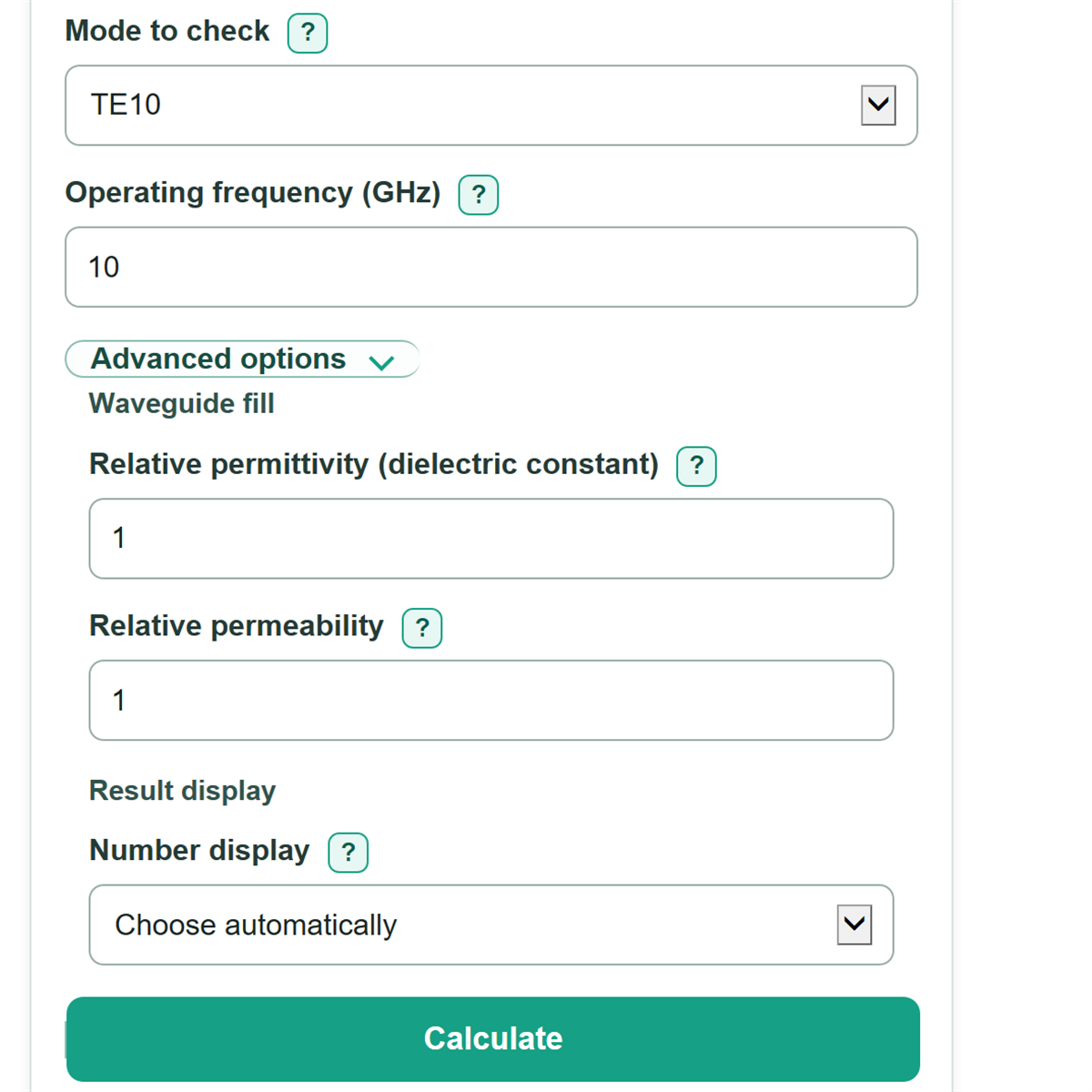
- Choose the Mode to check and enter the planned Operating frequency in GHz.
- Click Calculate. Read Selected mode at the operating frequency first, then check Dominant-only operating check to see if another ideal mode can propagate.
- Sanity-check that the dimensions are inner dimensions and that a 10 GHz WR-90 TE10 example gives a cutoff near 6.56 GHz and a first additional-mode cutoff near 13.11 GHz.
Definitions
Broad-wall inner size a: The wider inside dimension of a rectangular waveguide. It sets the TE10 cutoff.
Narrow-wall inner size b: The shorter inside dimension. For this calculator, a must be greater than b.
TE and TM modes: Field patterns that can travel in the guide. TE has no electric-field component along the travel direction; TM has no magnetic-field component along it.
Mode to check: A designation such as TE10. The digits give the field-pattern indices across a and b; TM modes need both indices to be nonzero.
Cutoff frequency: The lowest frequency at which a mode can propagate in the ideal guide. At cutoff or below it, that mode does not carry power as a propagating wave.
Dominant-only range: The range above the TE10 cutoff and below the first additional-mode cutoff. TE10 is the dominant mode when a is greater than b. [2]
Relative permittivity and relative permeability: Dimensionless material properties for a uniform material fully filling the guide. A value of 1 is the simplified air or vacuum assumption.
Guide wavelength: The distance between repeating wave points along the guide for a propagating selected mode. It becomes very large near cutoff.
Common mistakes and quick fixes
Mistake: Entering the outside housing width for Broad-wall inner size a.
Fix: Copy the inside broad-wall dimension from the drawing or CAD model.
Mistake: Reversing Broad-wall inner size a and Narrow-wall inner size b.
Fix: Put the larger inner dimension in Broad-wall inner size a; it must be greater than the narrow-wall value.
Mistake: Changing Dimension unit from Inches to Millimeters and retyping the old numbers.
Fix: Let the calculator convert the displayed dimensions, or enter values that match the newly selected unit.
Mistake: Treating Operating frequency as the cutoff frequency.
Fix: Enter the planned signal frequency, then compare it with Selected mode cutoff frequency.
Mistake: Seeing a propagating Selected mode at the operating frequency and assuming only one mode can travel.
Fix: Also read Dominant-only operating check and Room below the first additional-mode cutoff.
Mistake: Using Relative permittivity for a material that only partly fills the guide.
Fix: Check Waveguide size and then recalculate. Use this input only for a uniform full fill; otherwise the simplified result may not match the real structure.
Limitations & Key Assumptions / Boundary Conditions
- The calculation assumes a straight, uniform, rectangular, ideal lossless waveguide with a greater than b.
- Relative permittivity and Relative permeability apply only when one uniform material fully fills the guide. Air gaps, partial fills, layered materials, and frequency-dependent material properties need a more detailed model.
- Conductor loss, dielectric loss, wall roughness, seams, bends, flanges, irises, transitions, manufacturing tolerance, and nearby components are not included.
- Dominant-only operating check compares TE10 with TE20 and TE01 cutoff boundaries. It is a mode-availability check, not a guarantee of low conversion to unwanted modes in a real assembly.
- At exact cutoff, the calculator treats a mode as below cutoff and does not show guide wavelength because the ideal expression becomes unbounded.
- The WR-90 preset is an example. Confirm the actual component's inner dimensions and approved operating band from its documentation before building or testing hardware.
Methodology
Cutoff calculation
The calculator converts the selected inner dimensions to meters, looks up the two indices for the chosen TE or TM mode, and uses the rectangular-waveguide cutoff relation. The speed of light is 299,792,458 m/s; inch and SI conversions follow standard SI guidance. [1] The cutoff relation and TE10 dominant-mode treatment are described for rectangular waveguides in [2].
f_c = c / (2 * sqrt(ε_r * μ_r)) * sqrt((m / a)^2 + (n / b)^2)
In this formula, f_c is cutoff frequency, c is the speed of light, ε_r is relative permittivity, μ_r is relative permeability, and m and n are the selected mode indices.
Operating checks
The selected-mode margin is operating frequency minus selected cutoff. A positive margin means the selected mode is above cutoff. The dominant-only check requires the operating frequency to be above TE10 cutoff and below the lower of the TE20 and TE01 cutoffs.
f_c,TE10 = c / (2 * a * sqrt(ε_r * μ_r))
f_upper = min(c / (a * sqrt(ε_r * μ_r)), c / (2 * b * sqrt(ε_r * μ_r)))
Guide wavelength is shown only after the selected mode is above cutoff.
λ_g = (c / (f * sqrt(ε_r * μ_r))) / sqrt(1 - (f_c / f)^2)
Worked example
For WR-90 example dimensions a = 0.900 in and b = 0.400 in, with TE10, air-fill values of 1, and 10 GHz, the selected cutoff is about 6.557 GHz. The selected mode propagates, and 10 GHz is below the first additional-mode cutoff of about 13.114 GHz.
Calculation assumptions
Blank material-property fields use 1. The model uses a uniform lossless fill and ideal walls, so measured behavior can differ near cutoff or in waveguides with loss, discontinuities, bends, or nonuniform materials.