
Measure a hamster enclosure's continuous interior base area and compare it with your chosen floor-space target.
Table of contents
How to use our Hamster Cage Size and Floor Space Calculator
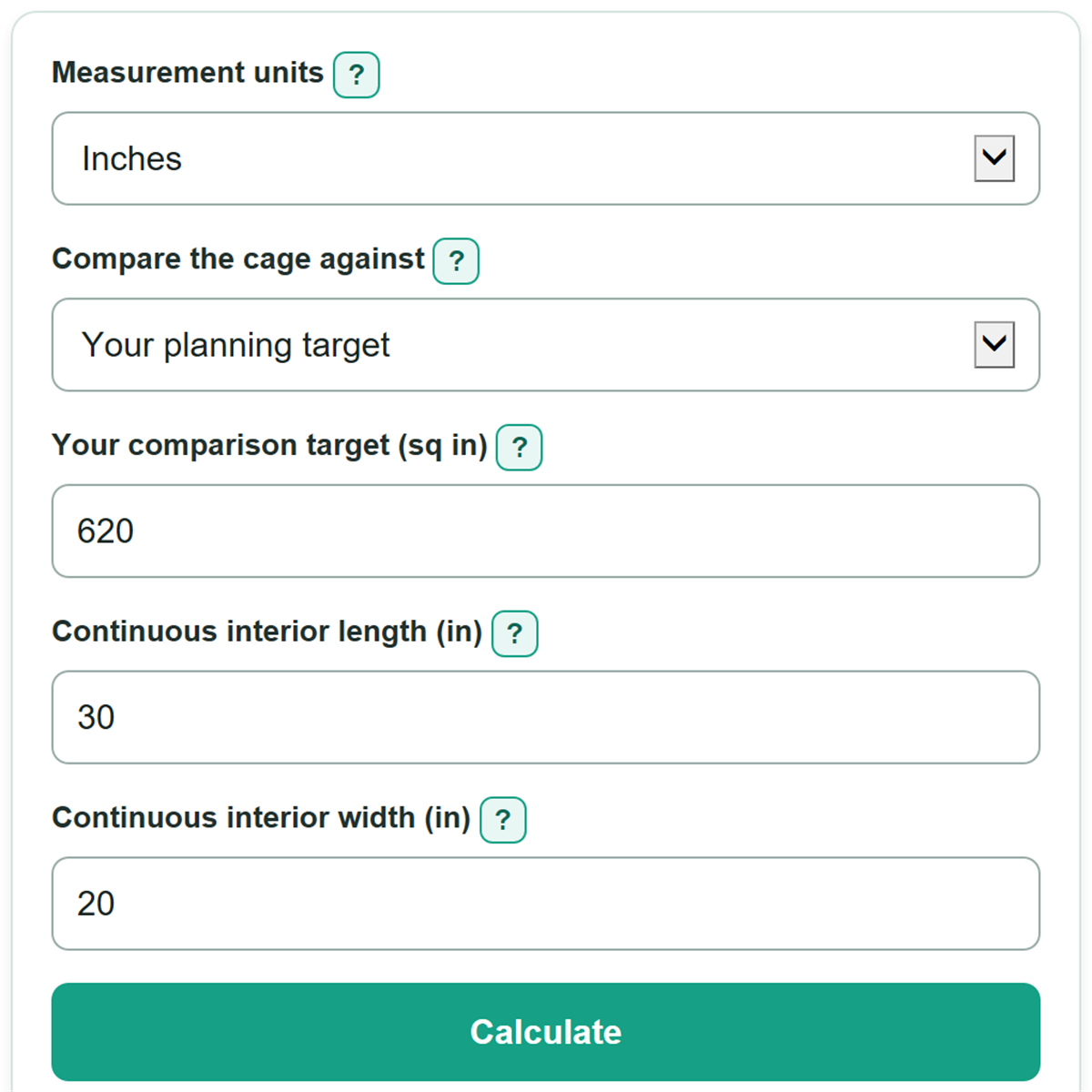
- Choose Inches or Centimeters to match your tape measure, cage plan, or product listing.
- Choose Your planning target to enter guidance you trust, or choose the USDA research rule for its limited research-facility comparison.
- Measure the continuous interior length and width at the cage base, inside the walls.
- Click Calculate to see the floor area, selected target, cage check, and any additional area needed.
- Sanity-check the result by confirming that length times width matches the displayed area and that shelves, tubes, and upper levels were not included.
Definitions
Continuous interior floor area: The unbroken base footprint inside the enclosure walls. It is measured in square inches or square centimeters.
Comparison target: The floor area used to judge the cage. In the custom path, this is the value entered in "Your comparison target."
USDA research rule: An optional, limited comparison for research-facility primary enclosures for hamsters age 10 weeks or older. It is not a complete pet-habitat recommendation.
Floor area above or below target: Calculated floor area minus the selected comparison target. A negative number means the base area is short of that target.
Additional floor area needed: The extra continuous base area needed to reach the selected target. Zero means the calculated base already meets or exceeds it.
Common mistakes and quick fixes
Mistake: Using the outside dimensions instead of "Continuous interior length" and "Continuous interior width."
Fix: Measure inside the enclosure walls at the base, or use manufacturer dimensions clearly marked as interior.
Mistake: Adding shelves, balconies, tubes, or upper levels to "Continuous interior floor area."
Fix: Use only the unbroken base footprint: length times width.
Mistake: Leaving "Your comparison target" at 620 without checking where that target came from.
Fix: Replace it with the area target from your veterinarian, rescue, or chosen welfare guidance.
Mistake: Treating "Cage check against the selected target" as a complete habitat review.
Fix: Use the check only for continuous floor area; review bedding, wheel fit, ventilation, bar spacing, and other enclosure needs separately.
Mistake: Changing "Measurement units" and then entering dimensions in the old unit.
Fix: Enter both dimensions in the currently selected unit, and make sure "Your comparison target" uses the matching square unit.
Limitations & Key Assumptions / Boundary Conditions
- The calculation treats the continuous cage base as a rectangle. Irregular bases need an accurate usable-area measurement instead of only length times width.
- Only the interior base counts. Shelves, balconies, tubes, and separate upper sections are excluded.
- Meeting a selected floor-area target does not check bedding depth, wheel size, ventilation, bar spacing, escape risk, enrichment, temperature, health, or compatibility with other animals.
- Your planning target is user supplied. Its meaning and suitability depend on the veterinarian, rescue, welfare source, or adoption requirement you choose.
- The USDA option is limited to the selected research-facility context and hamster age group. Do not treat its pass result as a complete pet-welfare recommendation.
- Measurements rounded on a product listing or tape measure can change a close pass or fail result. Measure the usable interior base as precisely as practical.
Methodology
Floor-area calculation
The calculator multiplies the two interior base measurements in the selected unit. It does not add upper levels or accessories.
floor_area = interior_length * interior_width
For example, an interior base that is 30 in long and 20 in wide has 600 sq in of continuous floor area.
floor_area = 30 * 20 = 600 sq in
Target comparison
The selected target is either the number entered in "Your comparison target" or the applicable USDA research-rule value. For that rule, the tool uses 9 sq in for a dwarf hamster and 15 sq in for another hamster type, then converts the value to square centimeters when needed.
benchmark_area = custom_target or USDA_target
area_above_or_below_target = floor_area - benchmark_area
A 600 sq in base compared with a 620 sq in target is 20 sq in below target, so the additional floor area needed is 20 sq in.
additional_area_needed = max(0, benchmark_area - floor_area)
The calculator uses the exact conversion 1 in = 2.54 cm, so 1 sq in = 6.4516 sq cm.