
Enter slab or round-pour measurements to calculate concrete needed after waste, plus an optional ready-mix order quantity or bag count.
Advanced options
This is the calculated planning need before supplier rounding.
Use this quantity only after confirming the selected order increment with the supplier.
This count rounds up. Verify the yield on the exact product.
This is the simple-shape volume before waste or supplier rounding.
Use this value when comparing the project with bag-label yields.
This is the added volume caused only by rounding to the supplier increment.
Table of contents
How to use our Concrete Calculator
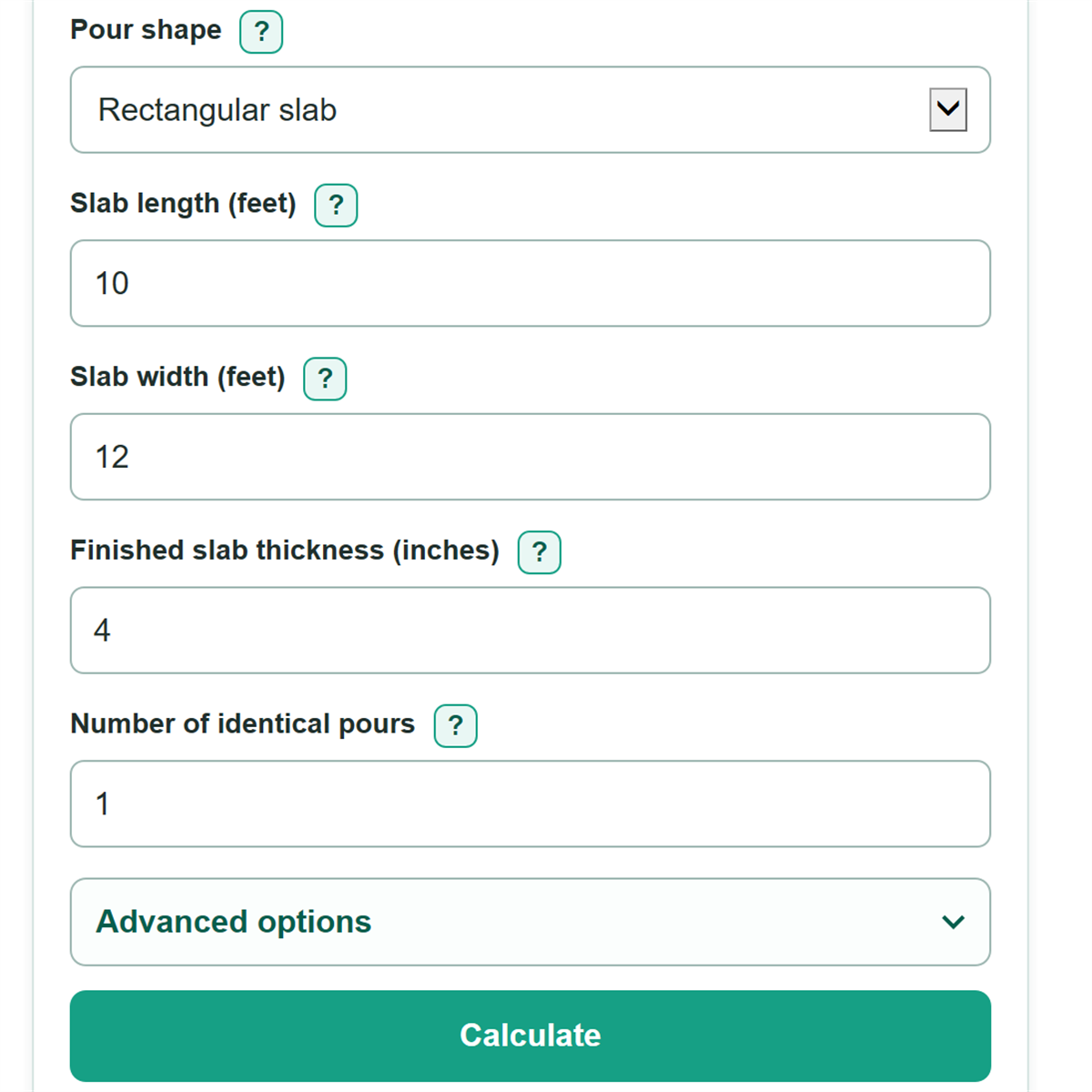
- Choose Pour shape: select Rectangular slab for a level rectangle with even thickness, or Round column or hole for a cylinder.
- Measure the inside of the finished forms or planned hole. For slabs, enter length and width in feet and finished thickness in inches.
- Enter Number of identical pours only when every slab, column, or hole has the same dimensions.
- Open Advanced options if needed. Add your chosen waste allowance, enter the yield printed on the exact bag product, or select the ordering increment confirmed by your ready-mix supplier.
- Check that the finished volume fits your measurements before buying. Use the supplier-rounded quantity only after confirming the supplier's increment, and use the bag count only with the product yield you entered.
Definitions
Finished concrete volume: The geometric volume inside the finished slab form, column form, or hole before waste is added.
Cubic foot (cu ft): A volume 1 foot long, 1 foot wide, and 1 foot high.
Cubic yard (cu yd): A volume equal to 27 cubic feet.
Waste allowance: An extra percentage you choose for spills, uneven depth, and measurement uncertainty. It is added after the finished volume is calculated.
Concrete yield per bag: The cubic feet of mixed concrete produced by one bag of a specific product.
Supplier order increment: The fractional cubic-yard amount a ready-mix supplier uses when accepting an order.
Common mistakes and quick fixes
Mistake: Entering excavation depth instead of finished slab thickness.
Fix: Check Pour shape and then recalculate. Enter the planned concrete thickness in inches. Calculate extra depth, thickened edges, or footings as separate pours.
Mistake: Entering slab thickness in feet.
Fix: Check Pour shape and then recalculate. The slab thickness field uses inches. Enter 4 for a 4-inch slab, not 0.33.
Mistake: Using a fractional number of identical pours.
Fix: Check Pour shape and then recalculate. Enter a whole count of at least 1. Calculate pours with different dimensions separately.
Mistake: Treating concrete needed after waste allowance as the exact ready-mix order.
Fix: Check Pour shape and then recalculate. Ask the supplier which fractional-yard increment it accepts, then select that increment to see the rounded order quantity.
Mistake: Estimating bag count from bag weight alone.
Fix: Check Pour shape and then recalculate. Enter the cubic-foot yield printed on the exact concrete mix bag or its product data sheet.
Limitations & Key Assumptions / Boundary Conditions
- This calculator estimates only an even-thickness rectangular slab or a round column or hole with a constant diameter.
- Use inside finished-form measurements and finished concrete thickness, not the full excavation depth.
- Calculate slopes, steps, thickened edges, footings, and irregular layouts as separate simple shapes, or use a carefully measured average depth where appropriate.
- Waste is a planning choice. A blank or 0 percent waste allowance adds no extra concrete.
- Supplier rounding appears only after you choose an increment. Confirm that increment, minimum order rules, and any delivery conditions with the local supplier.
- Bag counts use the exact yield entered and round up to a whole bag. Different products can have different yields.
- This calculator estimates volume only. It does not determine concrete strength, reinforcement, delivery charges, short-load charges, taxes, or local building requirements.
Methodology
Volume calculation
For a rectangular slab, the calculator converts thickness from inches to feet, then multiplies length, width, thickness, and the number of identical pours.
rectangular volume (cu ft) = length (ft) x width (ft) x [thickness (in) / 12] x quantity
For a round column or hole, it converts diameter to feet, divides it by 2 to get the radius, and calculates the volume of a cylinder.
round volume (cu ft) = π x [diameter (in) / 12 / 2]^2 x height (ft) x quantity
The calculator divides cubic feet by 27 to convert the finished volume to cubic yards.
finished volume (cu yd) = finished volume (cu ft) / 27
Purchase planning
The waste-adjusted amount equals finished volume multiplied by 1 plus the waste percentage divided by 100. A blank waste field counts as 0 percent.
needed volume = finished volume x [1 + waste allowance / 100]
When a supplier increment is selected, the calculator rounds the needed cubic yards upward to that increment. When bag yield is entered, it divides the needed cubic feet by that yield and rounds upward to a whole bag.
supplier order = round up(needed cu yd / increment) x increment
whole bags = round up(needed cu ft / yield per bag)
Worked example
A 10-foot by 12-foot slab that is 4 inches thick has 40 cubic feet of finished volume, or about 1.48 cubic yards. With a 10 percent waste allowance, the planning amount is about 1.63 cubic yards. A 0.25-cubic-yard supplier increment rounds the order up to 1.75 cubic yards. With a bag yield of 0.6 cubic feet, the same waste-adjusted amount requires 74 whole bags.