
Enter your camera specs and target distance to check identification detail and estimate the farthest usable identification distance.
Advanced options
Calculation details
Table of contents
How to use our CCTV Pixels per Meter and Identification Distance Calculator
- Choose Distance unit to match your site plan, tape measure, or laser measurement.
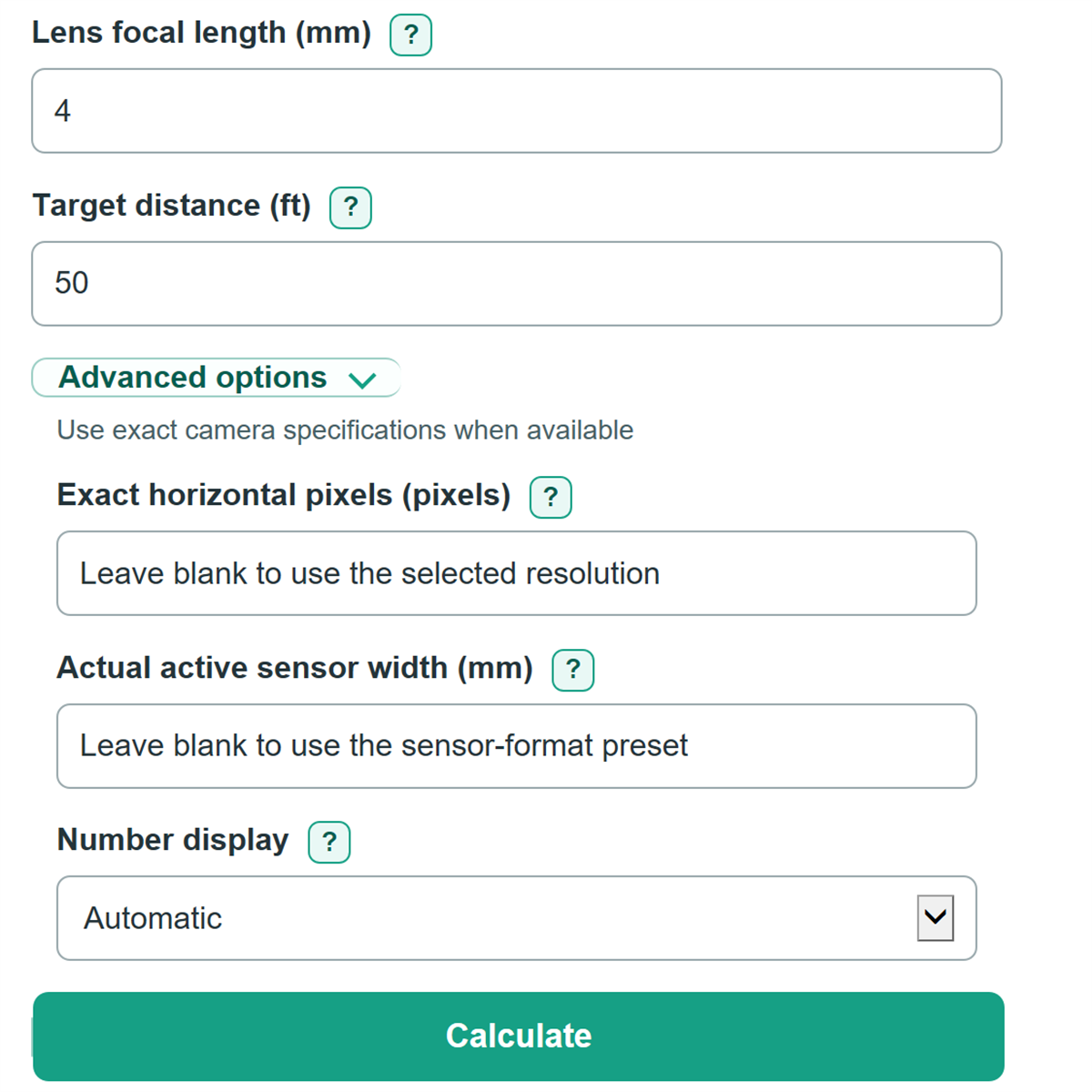
- Select Camera resolution and Image sensor format from the camera data sheet, then enter the planned Lens focal length (mm).
- Measure from the camera lens to the location where you need identification, then enter it as Target distance.
- Select Calculate and read Identification check at your target first. A Pass means the setup meets the 250 px/m identification planning threshold.
- Sanity-check Estimated scene width at your target. If it does not look like the real width of the area in view, recheck the focal length, sensor format, and planned zoom position.
Definitions
Pixel density: Horizontal image pixels covering each unit of scene width. The calculator shows px/ft or px/m based on Distance unit.
Horizontal scene width: The estimated width of the camera view at Target distance. A wider view spreads the same pixels over more space.
Identification detail margin: The percent above or below the 250 px/m identification threshold. A negative percentage is below that planning threshold.
DORI: A camera-planning framework with Detect, Observe, Recognize, and Identify levels. The thresholds used are 25, 63, 125, and 250 px/m, respectively. [1]
Image sensor format: A camera specification label such as 1/2.7 in. It is an optical format label, not a literal measured sensor width.
Focal length: The lens setting in mm. A larger focal length narrows the view and raises pixel density at the same distance.
Common mistakes and quick fixes
Mistake: Choosing Camera resolution by megapixels alone.
Fix: Select the full pixel dimensions shown in the data sheet, such as 3840 x 2160, because horizontal pixels drive Pixel density at your target.
Mistake: Treating Image sensor format 1/2.7 in as a literal sensor width.
Fix: Use the matching Image sensor format preset, or enter Actual active sensor width (mm) only when the manufacturer gives the active imaging width.
Mistake: Entering the two ends of a varifocal range as Lens focal length (mm).
Fix: Enter one planned zoom position, such as 8 mm. Do not average a range such as 2.7-13.5 mm.
Mistake: Typing meters while Distance unit is set to Feet (ft).
Fix: Set Distance unit before entering Target distance. The label shows the unit that a bare number uses.
Mistake: Treating a Pass in Identification check at your target as proof that a face will be identifiable.
Fix: Use the result as a planning check and allow extra margin for low light, motion blur, focus, compression, target angle, and obstructions.
Limitations & Key Assumptions / Boundary Conditions
- The calculation uses a simplified rectilinear pinhole camera model based on horizontal pixels, sensor width, focal length, and target distance.
- Sensor-format presets use nominal planning widths. Actual active sensor width, crop mode, digital zoom, or a different stream shape can change the result. Use Actual active sensor width (mm) or Exact horizontal pixels when known.
- The 250 px/m Identify threshold is a planning reference. It does not guarantee identification under low light, motion blur, poor focus, compression artifacts, occlusion, glare, a target facing away, or an angled view.
- For a varifocal lens, results apply only to the focal length entered. Moving the zoom changes scene width, pixel density, and maximum identification distance.
- The calculator evaluates horizontal detail only. Mounting height, tilt, vertical coverage, target size, and blind spots need a separate site and field-of-view review.
Methodology
Calculation method
The calculator takes the horizontal pixel count from Camera resolution unless Exact horizontal pixels is filled in. It takes the nominal sensor width from Image sensor format unless Actual active sensor width (mm) is filled in. Both overrides replace only their matching preset.
scene width in m = target distance in m x sensor width in mm / focal length in mm
pixel density in px/m = horizontal pixels / scene width in m
maximum identification distance in m = horizontal pixels x focal length in mm / (sensor width in mm x 250 px/m)
Feet are converted using 1 ft = 0.3048 m. Pixels per foot equal pixels per meter multiplied by 0.3048.
The identification check compares calculated horizontal density with 250 px/m. The DORI planning levels are Detect at 25 px/m, Observe at 63 px/m, Recognize at 125 px/m, and Identify at 250 px/m. [1]
Worked example
With 3840 x 2160 resolution, a 1/2.7 in preset width of 5.37 mm, a 4 mm lens, and a 10 m target distance, estimated scene width is 13.425 m. Dividing 3840 horizontal pixels by 13.425 m gives about 286.03 px/m, which passes Identify. The estimated maximum identification distance is about 11.44 m, or 37.54 ft.