
Enter your vehicle deal or loan offers to estimate monthly payments, total interest, and which offer has the lowest total loan cost.
Advanced options
Deal details
Table of contents
How to use our Car Payment Calculator
- Choose "Build a payment from a vehicle deal" when you have a vehicle price, or "Compare financing offers" when you have quotes from lenders or dealers.
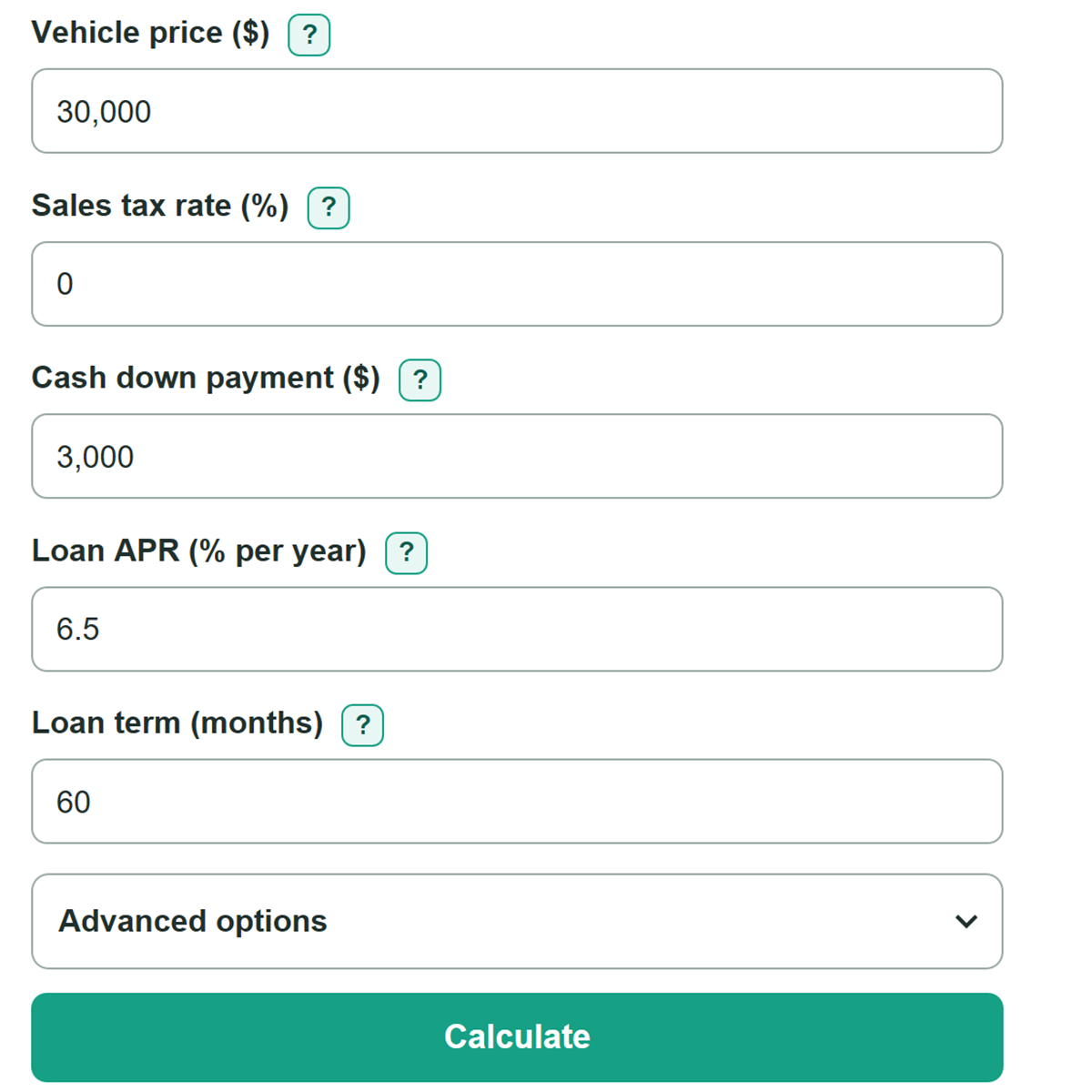
- For a deal, enter the negotiated vehicle price before tax and fees, then enter the tax rate, cash down payment, APR, and loan term from your quote.
- Open Advanced options only for financed add-ons, purchase fees, trade-in value, trade payoff, or a complete third offer.
- Click Calculate. Check the estimated amount financed, monthly payment, total loan payments, and total interest before focusing on the monthly payment alone.
- Compare the amount financed and payment with your lender disclosure. If they differ, check for missing fees, add-ons, taxes, rebates, or trade-in payoff amounts.
Definitions
APR: Annual percentage rate. It is the yearly interest rate charged on the loan and is used to calculate monthly interest. [1]
Amount financed: The amount borrowed through the new loan after the calculator includes entered tax, fees, add-ons, trade payoff, cash down payment, and trade-in value.
Cash down payment: Money paid upfront toward the vehicle purchase. It reduces the amount borrowed.
Trade-in equity: Trade-in value minus the amount still owed on that vehicle. Negative equity means the payoff is larger than the trade value.
Loan term: The number of monthly payments in the loan, such as 60 months.
Total loan payments: The sum of all scheduled monthly payments over the loan term. It helps compare loans with different terms or monthly payments. [2]
Total interest: Total loan payments minus the amount financed.
Common mistakes and quick fixes
Mistake: Entering an out-the-door price as the vehicle price, then adding tax and fees again.
Fix: Check What do you want to calculate? and then recalculate. Enter the negotiated vehicle price before tax and fees. Add only separate financed fees in Advanced options.
Mistake: Putting the trade-in allowance into the cash down payment field.
Fix: Enter cash you will pay in Cash down payment ($), and enter the dealer's allowance in Trade-in value ($).
Mistake: Leaving out the payoff on a vehicle being traded in.
Fix: Check What do you want to calculate? and then recalculate. Enter the current lender payoff, not just a statement balance. A payoff larger than the trade value increases the new loan.
Mistake: Typing 0.065 when the quoted APR is 6.5%.
Fix: Check What do you want to calculate? and then recalculate. Enter APR as a percent, such as 6.5. Do not convert it to a decimal first.
Mistake: Choosing a loan only because it has the lower monthly payment.
Fix: Check What do you want to calculate? and then recalculate. Compare total loan payments and total interest too. A longer term can lower the payment while costing more overall.
Mistake: Entering only one or two fields for Offer 3.
Fix: Check What do you want to calculate? and then recalculate. Complete Offer 3 amount financed, APR, and term, or clear all three fields to leave it out.
Limitations & Key Assumptions / Boundary Conditions
- This is a principal-and-interest estimate. It does not include insurance, fuel, parking, repairs, maintenance, or other ownership costs.
- Sales tax is calculated on the vehicle price plus entered add-ons. Local rules may tax fees differently, apply trade-in credits, or use a different taxable amount.
- The calculation assumes equal monthly payments, a fixed APR, and no changes to the amount financed or loan term after signing.
- A lender's final disclosure can differ because of payment timing, exact rounding, rebates, taxes, prepaid items, or products included in the loan.
- Compare offers for the same purchase when possible. Different financed amounts can change total cost even if one offer has a lower APR.
Methodology
Deal calculation
The calculator estimates sales tax, then calculates the amount financed. Blank optional deal fields count as $0.
Estimated sales tax = (Vehicle price + optional products and add-ons) x Sales tax rate / 100
Trade-in equity = Trade-in value - Amount owed on trade-in
Estimated amount financed = Vehicle price + add-ons + estimated sales tax + fees + trade payoff - cash down - trade-in value
If the trade payoff is greater than the trade-in value, trade-in equity is negative. That difference is carried into the new amount financed.
Payment calculation
The calculator converts APR from a yearly percent to a monthly rate by dividing by 12 and 100. It uses unrounded values during the calculation and rounds displayed dollar amounts to cents.
Monthly rate = APR / 12 / 100
Monthly payment = principal x monthly rate / (1 - (1 + monthly rate) ^ (-months))
Total loan payments = monthly payment x months
Total interest = total loan payments - amount financed
For a 0% APR, the calculator divides the amount financed evenly by the number of months.
Worked example
A $20,000 vehicle with $2,000 cash down, no tax, no extra fees, a 0% APR, and a 12-month term has an estimated amount financed of $18,000. The estimated payment is $1,500 per month, total loan payments are $18,000, and total interest is $0.
Offer comparison
Each active offer is calculated separately. The calculator identifies the smallest total loan payments, shows each offer's amount above that lowest cost, and identifies every tied lowest-cost offer. Compare total loan payments with the monthly payment because a lower monthly payment can come from a longer loan term. [2]