
Plan NGS raw data, read pairs, expected mean depth, samples per run, and whole runs from your target and run capacity.
Advanced options
Calculation details
Table of contents
How to use our NGS Sequencing Coverage, Read Count and Run Capacity Calculator
- Choose Start with based on whether you know the requested depth or the raw data allocation per sample.
- Enter Target size and select the exact Target-size unit shown in your panel, BED summary, or reference documentation.
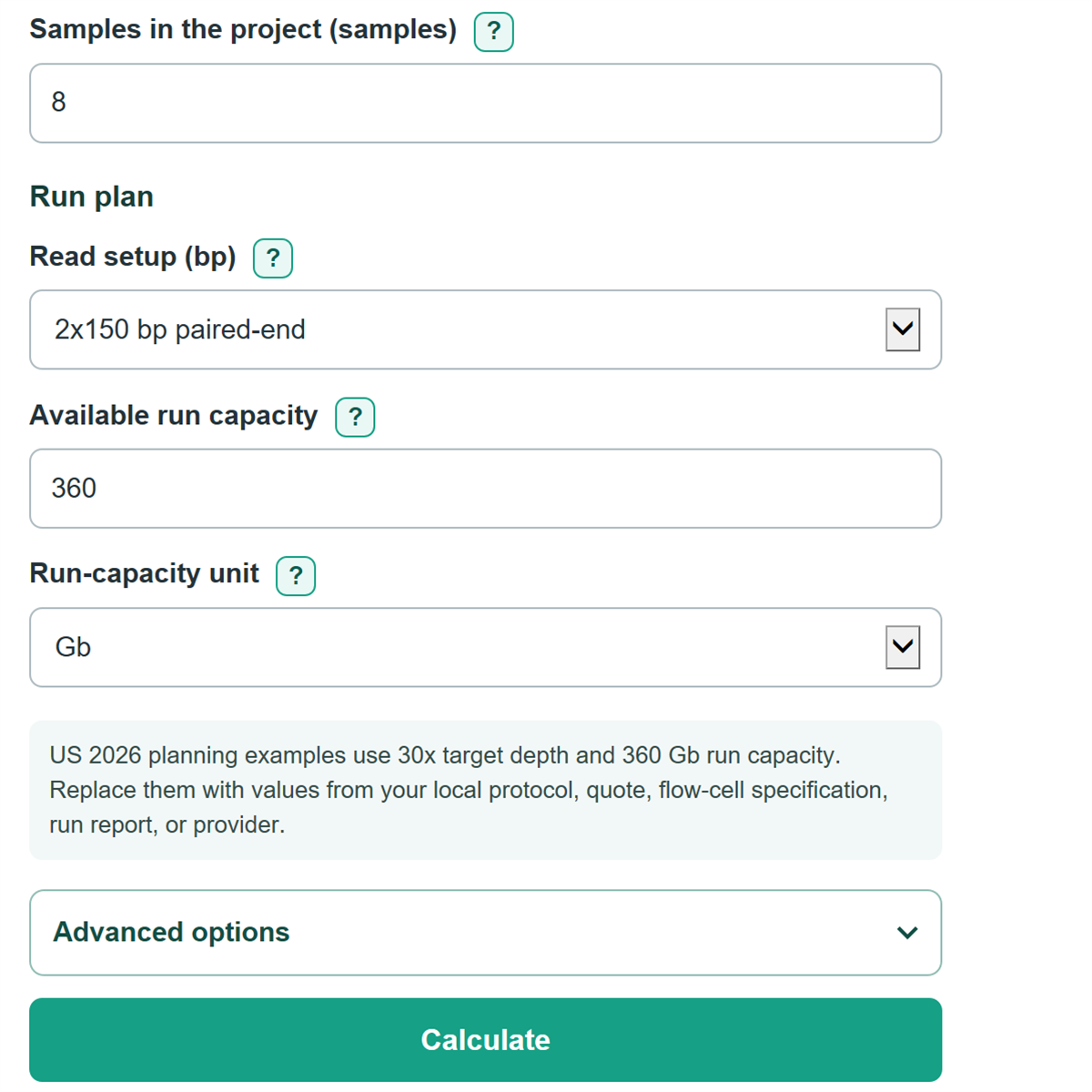
- Enter the visible mode-specific value: Target mean depth (x) or Raw data budget per sample, then add the project sample count and Read setup.
- Enter the capacity available to your project in Available run capacity; use an allocated share if the project will not use a whole flow cell.
- Check Expected raw data kept as usable before relying on the plan. If prior QC shows losses, open Advanced options and replace the neutral quality values with your measured rates.
Definitions
Target size: The number of bases in the genome, panel, capture region, or other sequence space used as the coverage denominator.
Mean depth (x): Average usable sequenced bases divided by target size. For example, 30x means usable bases equal to 30 times the target size. [2]
Raw data: Sequenced output before the pass-filter, mapping, on-target, and duplicate adjustments entered in Advanced options.
Usable data: The raw-data share left after the entered quality-retention percentages and duplicate removal.
Read pair: Two reads from opposite ends of one DNA fragment in paired-end sequencing. A 2x150 bp pair has 300 sequenced bases.
Run capacity: Raw Gb or Tb available to this project from one run or flow cell. It can be less than the instrument maximum when a run is shared.
Common mistakes and quick fixes
Mistake: Entering 3.2 as Target size while leaving Target-size unit set to Mb when the source says 3.2 Gb.
Fix: Select the unit printed in the source. A 3.2 Gb genome and a 3.2 Mb panel differ by 1,000 times.
Mistake: Treating Raw data budget per sample as mapped or on-target yield.
Fix: Enter raw assigned Gb or Tb, then use Pass-filter, Mapped, On-target, and Duplicate settings to model expected losses.
Mistake: Reading Raw read pairs or reads per sample as individual reads for a paired-end setup.
Fix: For 2x150 bp, the result is read pairs, and each pair contains 300 sequenced bases.
Mistake: Assuming Expected usable mean depth means every target base reaches that depth.
Fix: Treat it as an average. Review coverage uniformity and the fraction of bases above your required threshold separately.
Mistake: Using the full instrument output instead of the project share in Available run capacity .
Fix: Enter only the raw capacity allocated to this project, including any planned sharing with other libraries.
Mistake: Interpreting zero Whole samples that fit per run as a calculator failure.
Fix: Zero means one complete sample needs more raw data than the stated run allocation, so it must span allocations or use a larger capacity.
Limitations & Key Assumptions / Boundary Conditions
- The calculator estimates mean depth only. It does not predict coverage uniformity, minimum depth, GC bias, insert-size effects, contamination, index hopping, or allele-level coverage.
- All samples are assumed to need the same raw data per sample and to have the same quality-loss rates. Libraries with different targets or QC performance should be planned separately.
- Pass-filter, mapping, on-target, and duplicate percentages are multiplied as separate retention stages. Enter local historical QC values when available; blank retention fields use 100% and a blank duplicate field uses 0%.
- Run capacity is treated as raw capacity available to the project. Controls, pooling balance, loading limits, index balance, and a core facility's minimum allocation can reduce usable scheduling flexibility.
- Whole runs are rounded up and whole samples per run are rounded down. The reported unused capacity is arithmetic spare capacity, not a promise that another library can be added.
- Gb and Tb use decimal sequencing units: 1 Gb equals 1,000,000,000 bases and 1 Tb equals 1,000 Gb.
Methodology
Calculation steps
The calculator first converts the entered target size to bases and converts each raw-data amount to Gb. It then combines the quality settings into one usable fraction.
usable fraction = (pass-filter / 100) * (mapped / 100) * (on-target / 100) * (1 - duplicates / 100)
In target-depth mode, usable data needed equals target size times requested mean depth. Dividing that usable amount by the usable fraction gives raw data needed per sample.
raw Gb per sample = target bases * target mean depth / 1,000,000,000 / usable fraction
In data-budget mode, the calculator applies the usable fraction to the raw Gb budget, then divides usable bases by target bases to estimate mean depth.
expected mean depth = raw Gb budget * 1,000,000,000 * usable fraction / target bases
Read count comes from raw bases divided by bases in the selected setup. Paired-end choices report read pairs; 2x150 bp uses 300 bases per pair, while 1x50 bp reports individual reads.
read pairs or reads = raw Gb per sample * 1,000,000,000 / bases per read unit
Project raw data equals per-sample raw Gb times Samples in the project. Whole samples per run are rounded down, while whole runs needed are rounded up.
samples per run = floor(run capacity Gb / raw Gb per sample)
whole runs needed = ceil(project raw Gb / run capacity Gb)
Worked example
For a 3.2 Gb target at 30x with 100% usable retention, the plan needs 3.2 * 30 = 96 Gb raw data per sample. With eight samples, that is 768 Gb. At 360 Gb available per run, three whole runs are needed, with 312 Gb of arithmetic spare capacity across those runs. The 360 Gb default is an editable NextSeq 2000 P3 planning example; use the selected flow-cell specification or your project allocation instead. [1]