
Enter your manure test, crop nutrient needs, acres, and inventory to compare N-based and P2O5-based spreading plans.
Crop nutrient needs
Manure lab report
Advanced options
First-year nutrient availability
Calculation details
Table of contents
How to use our Manure Application Rate and Acres Covered Calculator
- Choose Manure form, then enter only the acres that can actually receive manure in Acres available for spreading (acres).
- Enter Manure available (tons for solid; gallons for liquid) from storage, hauling, or contractor records.
- Copy the crop recommendations into Crop N need (lb per acre), Crop P2O5 need (lb per acre), and Crop K2O need (lb per acre).
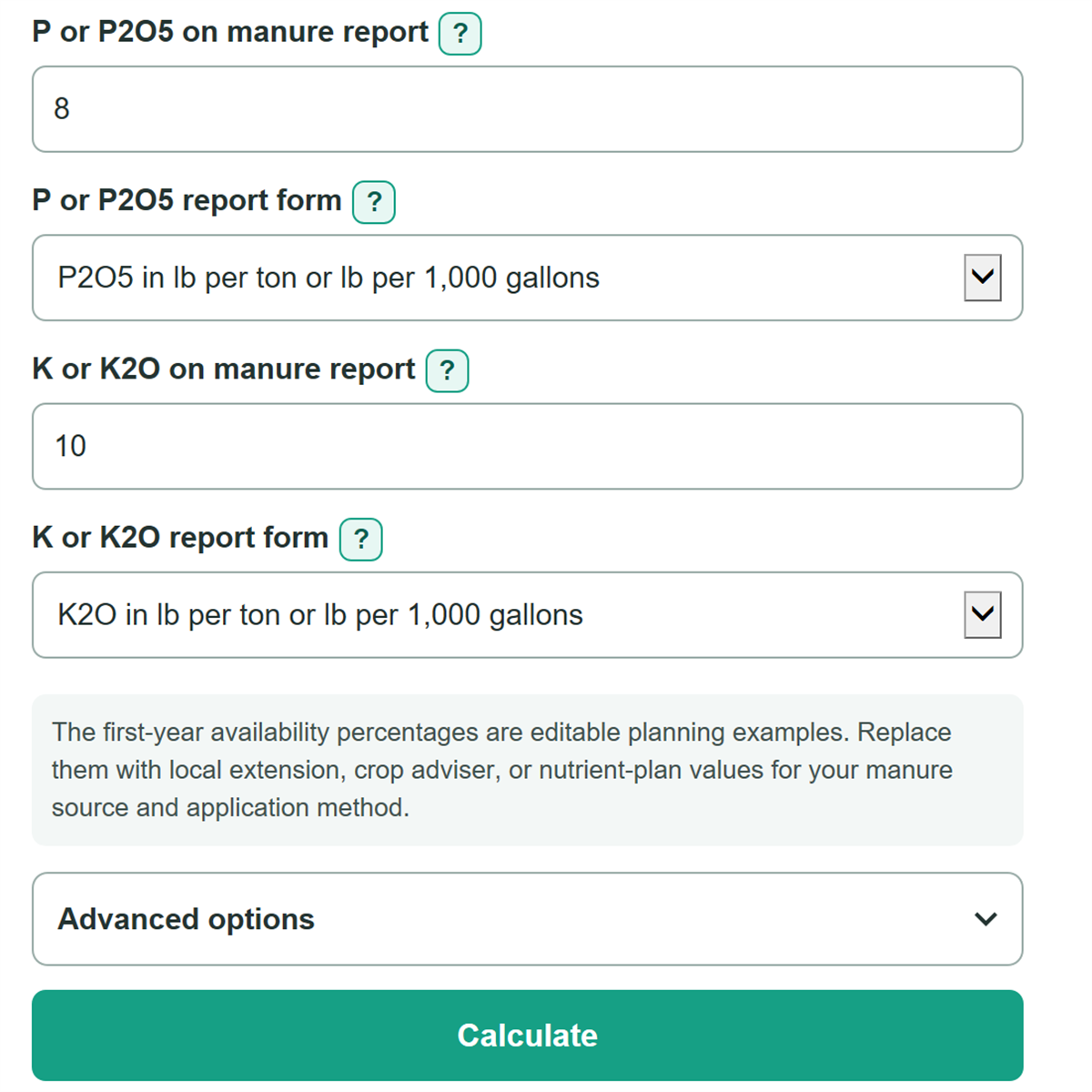
- Copy each manure-test value and choose its exact report form. For liquid ppm or percent-by-weight results, enter Liquid manure weight (lb per gallon).
- Click Calculate, then check that the normalized lab values match the expected scale and compare the nutrient surplus or shortfall under both rate plans before using either rate.
Definitions
Total N: Nitrogen reported in the manure test before the first-year availability percentage is applied.
P2O5: Fertilizer-grade phosphorus reporting form used in many crop recommendations. A lab may instead report elemental P.
K2O: Fertilizer-grade potassium reporting form used in many crop recommendations. A lab may instead report elemental K.
ppm by weight: Parts per million by mass. The calculator converts it to lb per ton for solid manure or lb per 1,000 gallons for liquid manure.
Normalized nutrient value: The manure-test nutrient amount converted to lb per ton for solid manure or lb per 1,000 gallons for liquid manure, with elemental P changed to P2O5 and elemental K changed to K2O when needed.
First-year availability: The entered percentage of a manure nutrient counted as available to the crop this year.
Surplus or shortfall: Available nutrient applied per acre minus the entered crop need. A positive value is surplus; a negative value is shortfall.
Common mistakes and quick fixes
Mistake: Entering first-year available nitrogen in Total N on manure report.
Fix: Enter total N or TKN from the laboratory report, then use N available this year (percent) only once.
Mistake: Choosing a P2O5 form when P or P2O5 on manure report is elemental P.
Fix: Choose the matching elemental P report form so the calculator converts it to P2O5.
Mistake: Entering a liquid test result per gallon while Total N report unit says lb per 1,000 gallons.
Fix: Copy the value and unit exactly as printed, or choose ppm by weight or percent by weight when that is how the lab reported it.
Mistake: Using total farm acres in Acres available for spreading (acres).
Fix: Enter only usable acres after setbacks, waterways, roads, and other excluded land are removed.
Mistake: Treating P2O5 available this year (percent) as a universal recommendation.
Fix: Replace the planning value with the credit used in your local nutrient plan or adviser recommendation.
Mistake: Ignoring a negative N surplus or shortfall at the P2O5-based rate.
Fix: A negative number means the P2O5-based plan leaves an N need that another nutrient source may need to supply.
Limitations & Key Assumptions / Boundary Conditions
- This is a planning comparison, not a regulatory nutrient-management plan. It does not check local application rules, setbacks, timing limits, or field-specific phosphorus restrictions.
- Results depend on a representative manure laboratory sample. Manure nutrients can vary within storage, across loads, and after dilution or separation.
- First-year nutrient availability is an editable assumption. It can change with manure source, timing, application method, incorporation, weather, and local guidance.
- The calculator uses crop needs entered by the user. It does not add or subtract fertilizer, legumes, irrigation water, soil residual nutrients, or other nutrient credits.
- For liquid manure reported in ppm or percent by weight, the conversion depends on Liquid manure weight (lb per gallon). Use a measured or reported density when possible.
- Manure remaining and inventory shortfall are physical quantities floored at zero. A zero remaining amount can mean either exactly enough manure or too little manure, so also check the shortfall result.
Methodology
Calculation method
The calculator first changes every manure-test entry into a common nutrient basis: lb per ton for solid manure or lb per 1,000 gallons for liquid manure. Direct lab values stay on that basis. Ppm and percent-by-weight values are converted using manure weight, and liquid conversions use the entered liquid density. Elemental P is multiplied by 2.29 to get P2O5, and elemental K is multiplied by 1.2 to get K2O.
available nutrient per manure unit = normalized nutrient x availability percent / 100
For solid manure, the N-based rate divides the crop N need by available N per ton. For liquid manure, the same calculation includes 1,000 because the normalized analysis is per 1,000 gallons.
N-based rate = crop N need x rate scale / available N per manure unit
P2O5-based rate = crop P2O5 need x rate scale / available P2O5 per manure unit
Rate scale is 1 for solid manure and 1,000 for liquid manure. The calculator then applies each rate to the entered acres, compares required manure with inventory, and calculates available N, P2O5, and K2O per acre. Each nutrient balance stays signed.
nutrient balance = available nutrient applied per acre - crop nutrient need
manure required = application rate x spreadable acres
acres covered = smaller of spreadable acres and manure inventory / application rate
Worked example
With solid manure containing 12 lb total N per ton and 50% N availability, available N is 6 lb per ton. A crop N need of 150 lb per acre gives an N-based rate of 25 tons per acre. If the same manure has 8 lb P2O5 per ton and 80% P2O5 availability, available P2O5 is 6.4 lb per ton. A 60 lb per acre P2O5 need gives a P2O5-based rate of 9.375 tons per acre.
Choosing an N-based or phosphorus-based rate should follow the field nutrient plan and applicable local requirements. [2]