
Calculate clamp and shot requirements, then check whether a candidate injection molding machine fits your mold and process inputs.
Mold area and pressure
Shot requirement
Mold size
Candidate machine
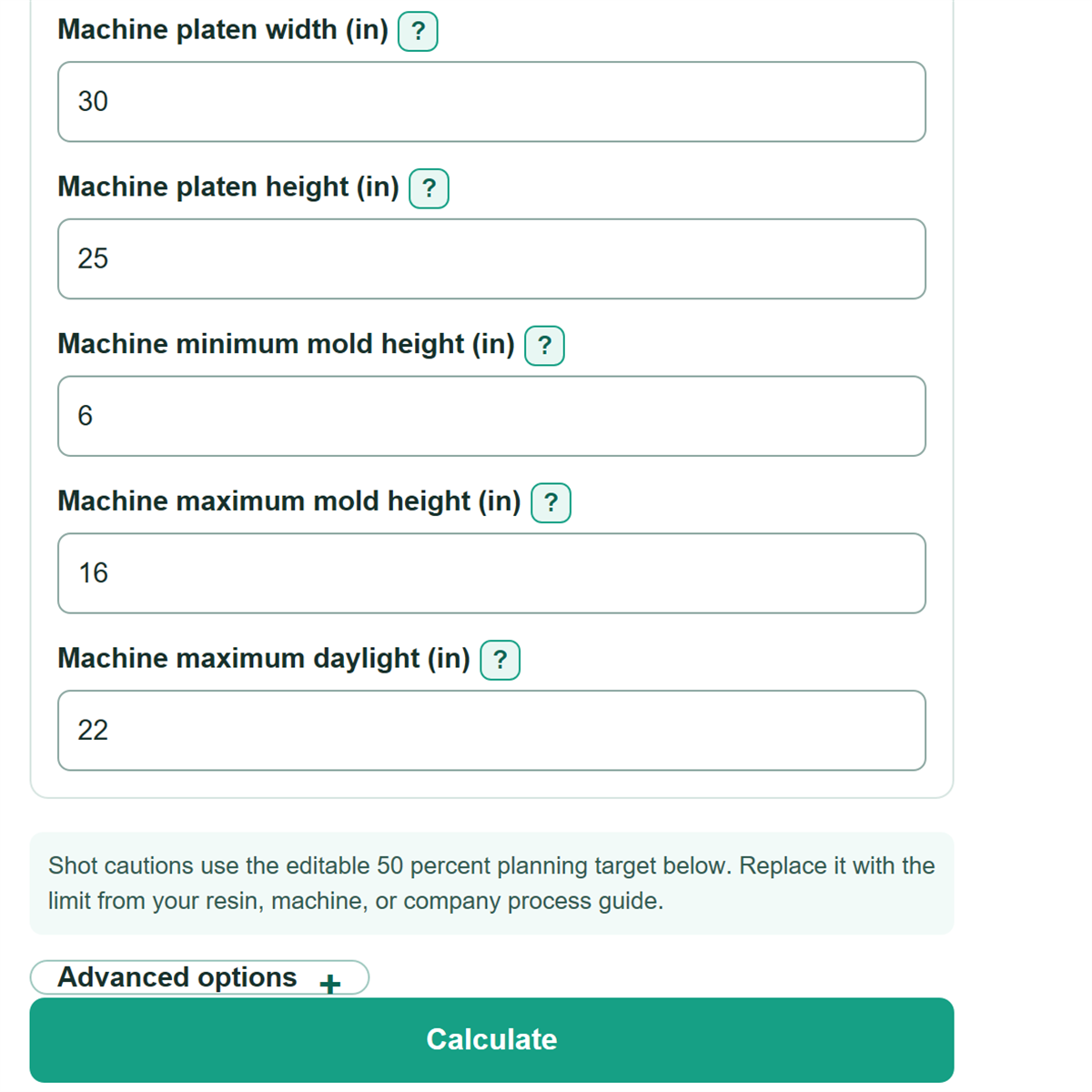
Shot cautions use the editable 50 percent planning target below. Replace it with the limit from your resin, machine, or company process guide.
Advanced options
Shot target and number display
Calculation details
Table of contents
How to use our Injection Molding Machine Selection Calculator
- Choose Units to match the mold drawing and candidate machine specification sheet.
- Enter the mold data, including Projected part area per cavity, Number of cavities, runner totals, cavity pressure, weights, and cushion.
- Enter the candidate machine's clamp force, resin-specific shot capacity, tie-bar spacing, platen size, mold-height range, and maximum daylight.
- Click Calculate and read Overall candidate machine fit first, then inspect every individual pass, caution, or fail card.
- Sanity-check the totals: runner projected area and runner weight are entered once per shot, while part area and finished-part weight are multiplied by the cavity count.
Definitions
Projected area: The flat silhouette of a part at the mold parting line. It is not the full 3D surface area.
Cavity pressure: Pressure inside the mold cavity that pushes the mold halves apart. It differs from the machine's maximum injection pressure.
Clamp force: The force that keeps the mold closed against the calculated separating force.
Shot cushion: The planned share of material kept ahead of the screw for pack and hold. It increases the required shot capacity.
Shot utilization: Required shot capacity divided by the candidate machine's entered shot capacity, expressed as a percent.
Daylight: The machine's maximum distance between platens when open. The required distance is closed mold height plus the opening needed for removal.
US ton-force: A clamp-force unit equal to 2,000 pounds-force. The calculator uses standard US and SI conversions for inches, area, pressure, mass, and force. [1]
Common mistakes and quick fixes
Mistake: Using full 3D part surface area for Projected part area per cavity.
Fix: Enter the parting-line silhouette area from CAD, a mold drawing, or a simulation report.
Mistake: Multiplying Runner and sprue projected area, total shot by Number of cavities.
Fix: Enter the full runner and sprue system area once; the calculator multiplies only the per-cavity part area.
Mistake: Copying machine injection pressure into Estimated cavity pressure.
Fix: Use pressure inside the mold from a simulation, cavity-pressure study, resin guidance, or engineering estimate.
Mistake: Treating a polystyrene-based rating as Candidate machine shot capacity for this resin.
Fix: Enter a shot-capacity value that applies to the actual resin and installed injection unit.
Mistake: Reading a pass on Candidate clamp capacity check as proof that the mold will mount and run.
Fix: Also review tie-bar, platen, mold-height, and daylight checks, then confirm mounting and process details separately.
Mistake: Entering 1.15 as Clamp safety margin when a 15 percent allowance is intended.
Fix: Enter 15 for a 15 percent margin; the calculator applies it as a 1.15 multiplier.
Limitations & Key Assumptions / Boundary Conditions
- This is a planning check based on the entered cavity-pressure estimate, dimensions, weights, and machine specifications. Mold trials and process validation can produce different requirements.
- A pass does not confirm mounting-hole locations, clamp slots, locating ring, nozzle reach, ejector connection, robot clearance, hydraulic connections, controls, or safety interlocks.
- Shot capacity must use the actual resin and injection unit when possible. A rating for polystyrene or another resin may not be an exact match.
- The tie-bar and platen checks compare width and height only. They do not confirm whether the mold can be installed or clamped correctly.
- Runner area and runner weight may be zero for a hot-runner mold. Enter any material or projected area that is still part of the complete shot.
- A blank Target maximum shot utilization removes only the planning caution threshold. It does not remove the hard check that required shot capacity must not exceed candidate shot capacity.
Methodology
Clamp calculation
The calculator converts metric entries internally when needed, then calculates the total parting-line area. Runner and sprue area is a total for the complete shot, so it is added once.
total_area = part_area_each * cavity_count + runner_area_total
separating_force_us_tons = total_area_in2 * cavity_pressure_psi / 2000
required_clamp = separating_force * (1 + clamp_safety_margin_percent / 100)
For example, 10 in2 per cavity, 2 cavities, and 2 in2 of total runner area gives 22 in2. At 5,000 psi, the separating force is 55 US tons. With a 20 percent clamp safety margin, required clamp force is 66 US tons.
Shot calculation
Finished-part weight is multiplied by cavity count. Runner and sprue weight is added once. Cushion reserves part of the injection unit's usable capacity.
molded_shot_weight = part_weight_each * cavity_count + runner_weight_total
required_shot_capacity = molded_shot_weight / (1 - shot_cushion_percent / 100)
shot_utilization_percent = required_shot_capacity / candidate_shot_capacity * 100
Using 1.5 oz parts, 2 cavities, and 0.5 oz of total runner weight gives a 3.5 oz molded shot. With a 10 percent cushion, required shot capacity is 3.89 oz. An 8 oz candidate capacity uses about 48.61 percent.
Machine-fit decision
The calculator compares candidate capacity with calculated requirements and keeps all margins signed. A negative margin means the candidate limit is below the mold requirement.
capacity_margin = candidate_capacity - required_capacity
clearance = machine_limit - mold_requirement
required_daylight = closed_mold_height + required_opening_clearance
Overall candidate machine fit is Fail if clamp capacity, shot capacity, tie-bar opening, platen size, closed mold height, or daylight fails. It is Caution only when all hard checks pass but shot utilization exceeds the optional target. Otherwise it is Pass. Standard unit conversions used for US and metric entries follow NIST guidance. [1]