
Calculate net WDM throughput per direction from active wavelengths and net rate per wavelength, then check optional channel-plan headroom.
Advanced options
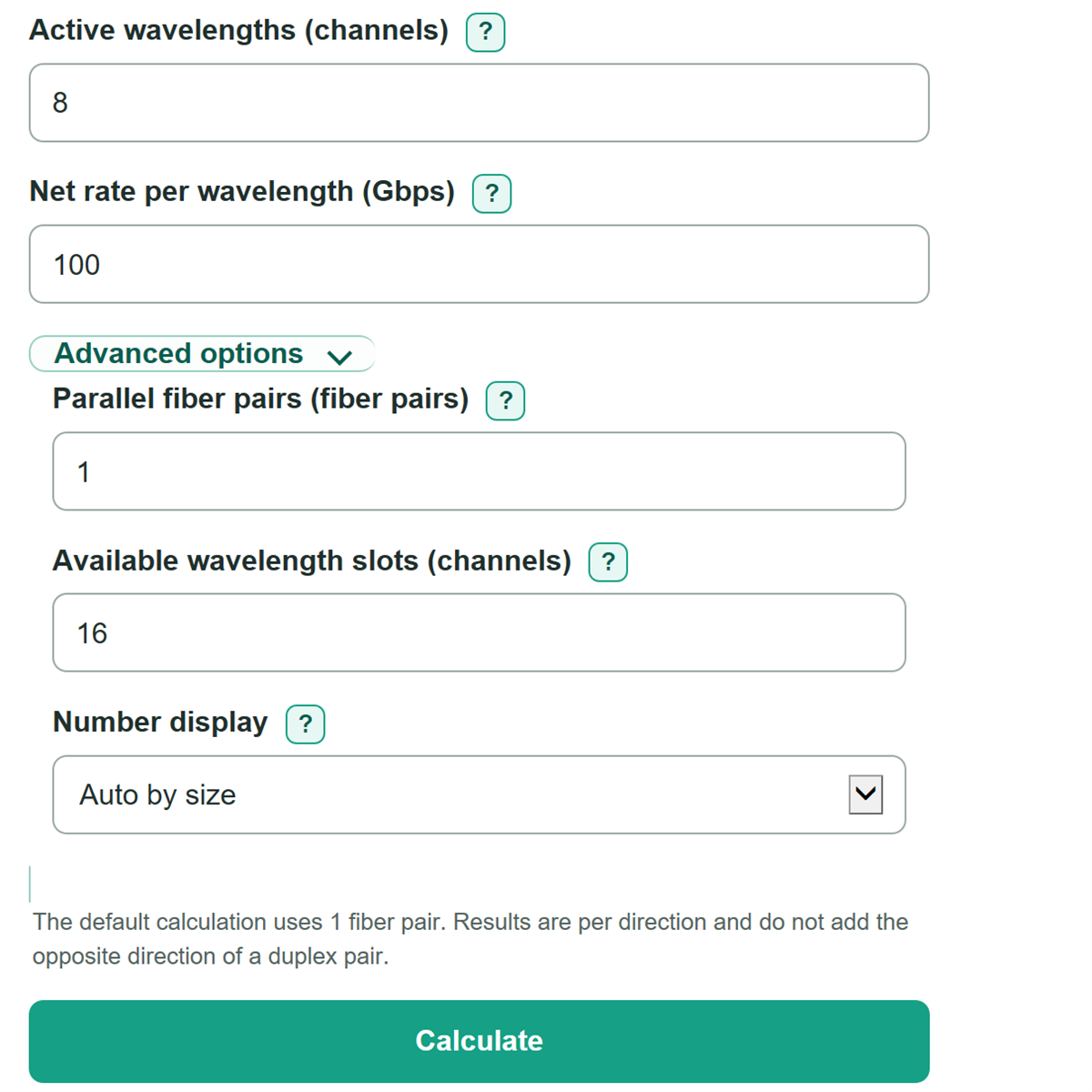
The default calculation uses 1 fiber pair. Results are per direction and do not add the opposite direction of a duplex pair.
Table of contents
How to use our WDM Channel Capacity and Aggregate Throughput Calculator
- Enter Active wavelengths (channels) from the deployed or planned MUX, DEMUX, or wavelength plan.
- Enter Net rate per wavelength (Gbps) from the optic or transponder specification. A bare number means Gbps; you can also enter a value such as 0.4 Tbps.
- Open Advanced options if needed. Enter Parallel fiber pairs to scale the same design, and enter Available wavelength slots (channels) to check the plan.
- Click Calculate and read the per-direction result first. The all-fiber-pairs result scales that same direction and does not add traffic in the opposite direction.
- Sanity-check the channel-plan result: a positive Channel-plan slot balance means unused slots remain, while a negative value means active wavelengths exceed the entered plan.
Definitions
WDM: Wavelength division multiplexing sends separate data channels on different light wavelengths through the same fiber. [1]
Active wavelength: A wavelength channel currently carrying the entered net data rate.
Net rate per wavelength: Usable payload data rate for one wavelength, expressed in Gbps after any excluded overhead.
Fiber pair: Two fibers used for opposite transmission directions. This calculator reports capacity per direction, not both directions combined.
Channel-plan slot balance: Available wavelength slots minus active wavelengths. A negative balance means the entered active count is larger than the plan.
Gbps and Tbps: Gigabits and terabits per second. One Tbps equals 1,000 Gbps.
Common mistakes and quick fixes
Mistake: Entering channel spacing, such as 50 GHz, in Net rate per wavelength (Gbps).
Fix: Enter the net payload data rate, such as 100 Gbps or 0.4 Tbps. Channel spacing is not a throughput rate.
Mistake: Using a gross line rate instead of Net rate per wavelength (Gbps).
Fix: Use the net payload rate after any overhead already excluded by the equipment or service specification.
Mistake: Treating Available wavelength slots (channels) as the current deployed count.
Fix: Put deployed wavelengths in Active wavelengths (channels). Use Available wavelength slots (channels) only for the optional plan limit.
Mistake: Entering 1.5 for Parallel fiber pairs.
Fix: Use a whole number of at least 1, or leave Parallel fiber pairs blank to use one pair.
Mistake: Doubling Net throughput per direction on one fiber pair because a fiber pair has two directions.
Fix: Keep this result per direction. Only combine directions separately if that is the reporting convention you need.
Limitations & Key Assumptions / Boundary Conditions
- The calculation is only as accurate as the entered net rate. A client rate, gross line rate, and net payload rate can differ.
- All entered parallel fiber pairs are assumed to use the same active wavelength count and net rate per wavelength.
- Results are per direction. They do not automatically combine traffic traveling in opposite directions on a fiber pair.
- The optional channel-plan check counts slots only. It does not verify wavelength assignments, channel spacing, band compatibility, optical power, dispersion, reach, FEC settings, or equipment interoperability.
- A negative Channel-plan slot balance means the entered design exceeds the stated slot count; it does not identify which wavelength assignment must change.
Methodology
Calculation
The calculator multiplies the active wavelength count by the net payload rate on each wavelength. Channel spacing in GHz is not included because it describes optical spectrum separation, not data carried per channel.
throughput_per_pair_gbps = active_channels * net_rate_gbps
If Parallel fiber pairs is blank, the calculator uses one pair. Otherwise, it multiplies the per-pair result by the entered whole-number pair count.
throughput_all_pairs_gbps = throughput_per_pair_gbps * fiber_pairs_effective
The Tbps result uses the unrounded Gbps result divided by 1,000.
throughput_all_pairs_tbps = throughput_all_pairs_gbps / 1000
If Available wavelength slots (channels) is entered, the calculator subtracts active wavelengths from the stated plan capacity. Negative values remain negative so an overfilled plan is visible.
channel_plan_slot_balance = available_channels - active_channels
Worked example
With 8 active wavelengths at 100 Gbps each, one fiber pair carries 800 Gbps per direction. With 2 parallel fiber pairs, the result is 1,600 Gbps, or 1.6 Tbps, per direction. If the plan has 16 available slots, the channel-plan slot balance is 8.