
Enter your dealer quote amounts to find the pre-financing out-the-door price, including sales tax, government fees, dealer charges, and accepted add-ons.
Advanced options
Table of contents
How to use our Car Dealer Fee Calculator
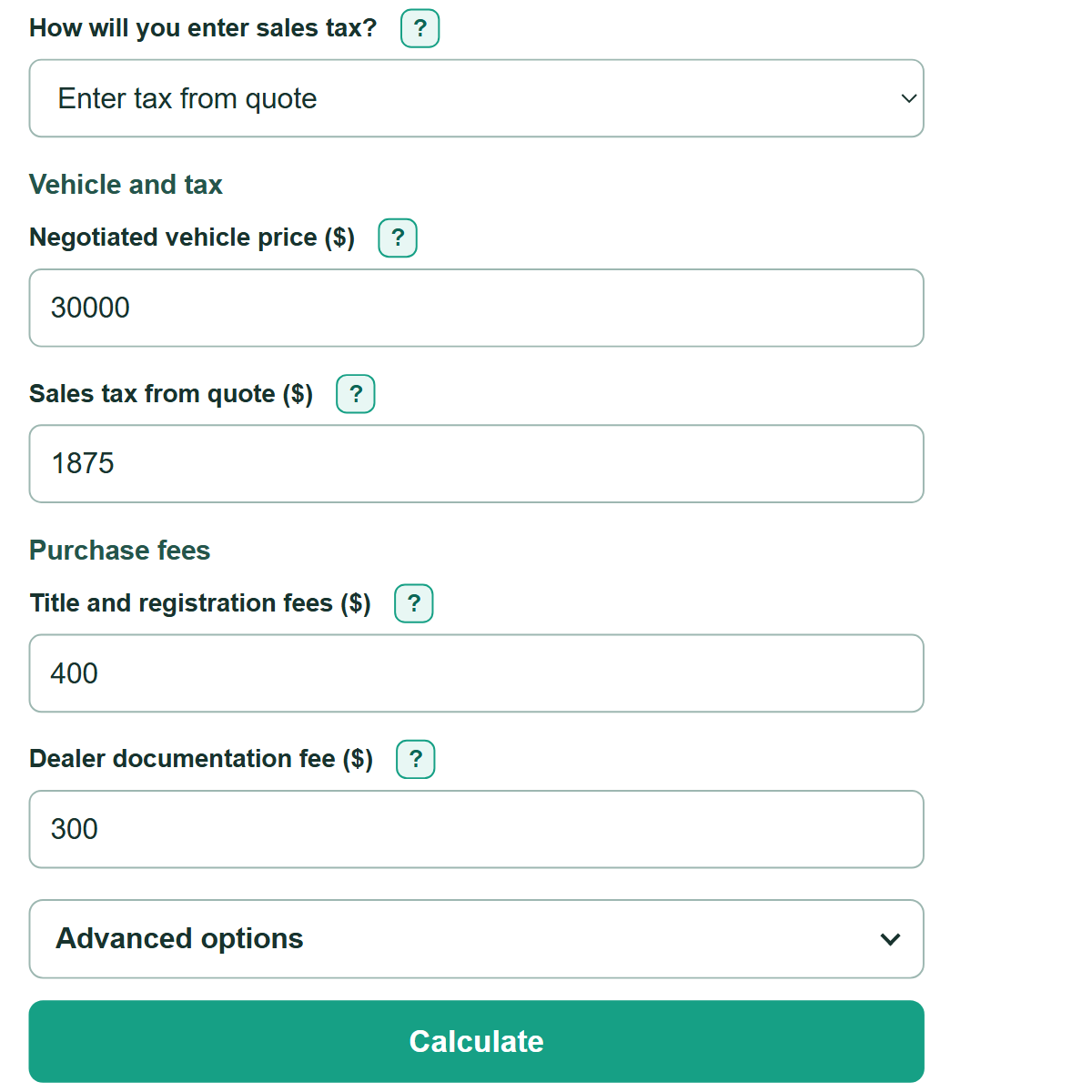
- Choose "Enter tax from quote" if the paperwork gives sales tax as a dollar amount, or choose "Calculate tax from rates" if you need to calculate it from percentages.
- Copy the negotiated vehicle price, title and registration fees, and dealer documentation fee from the quote or buyer's order.
- For "Enter tax from quote," enter the dollar amount shown for tax. For "Calculate tax from rates," enter the applicable state rate and choose whether the documentation fee is taxable.
- Open "Advanced options" for a separately listed destination charge, other required dealer charges, accepted add-ons, a local tax rate, or a trade-in allowance.
- When using "Calculate tax from rates," choose the tax treatment for each optional amount you enter. Leave an optional amount blank when it does not apply.
- Select "Calculate." Compare the pre-financing out-the-door price with the dealer's written total before adding a down payment or discussing a loan.
Definitions
Pre-financing out-the-door price: The negotiated vehicle price plus entered sales tax and purchase charges, before a trade-in credit, down payment, loan interest, or other financing costs.
Dealer documentation fee: A dealer paperwork or processing charge. A quote may call it a doc, administrative, service, processing, or electronic filing fee.
Taxable vehicle amount: The part of the entered purchase amount multiplied by the combined tax rate in "Calculate tax from rates."
Trade-in allowance: The credit the dealer gives for your current vehicle. It lowers the amount left after trade-in and may or may not lower the taxable amount.
Common mistakes and quick fixes
Mistake: Adding a destination charge even though it is already included in the negotiated vehicle price.
Fix: Enter destination only when the quote lists it separately and says it is not included in the vehicle price.
Mistake: Entering a tax percentage in "Sales tax from quote ($)."
Fix: Select "Calculate tax from rates" for percentages. Use "Enter tax from quote" only for the dealer's tax dollar amount.
Mistake: Combining government title and registration charges with the dealer documentation fee.
Fix: Put title, registration, plate, and tag charges in "Title and registration fees ($)" and put the dealer paperwork charge in "Dealer documentation fee ($)."
Mistake: Leaving a tax-treatment choice blank after entering an optional charge in the rate method.
Fix: Check the dealer tax worksheet or applicable tax guidance, then choose whether that specific charge is taxable.
Mistake: Treating a trade-in allowance as a reduction to the out-the-door price.
Fix: Use the out-the-door price to compare purchase quotes. Use "Amount left after trade-in" to see the total after that credit.
Mistake: Including a down payment, loan interest, or monthly payment.
Fix: Leave financing amounts out because this calculator checks the purchase total before financing.
Limitations & Key Assumptions / Boundary Conditions
- This calculator uses the amounts and tax choices you enter. It does not determine the correct rule for a particular state, county, city, vehicle type, or transaction.
- Use "Enter tax from quote" when the dealer provides a tax dollar amount. The rate method depends on the entered rates and taxable yes-or-no choices.
- The result excludes down payments, loan interest, lender fees, monthly payments, insurance, fuel, maintenance, and later ownership costs.
- A trade-in allowance reduces "Amount left after trade-in," not the pre-financing out-the-door price. A negative amount left means the entered allowance is larger than the entered purchase total.
- Destination, dealer charges, and add-ons are included only when entered. Check that a separately entered amount is not already part of the negotiated vehicle price.
Methodology
Calculation method
Blank optional dollar amounts and a blank local tax rate count as zero. In "Enter tax from quote," the entered tax dollar amount is used directly. In "Calculate tax from rates," the taxable vehicle amount starts with the negotiated vehicle price, adds only charges marked taxable, and subtracts the trade-in only when the selected rule says it reduces the taxable price.
combined tax rate = state vehicle tax rate + local county or city tax rate
sales tax = taxable vehicle amount x combined tax rate / 100
dealer charges and accepted add-ons = documentation fee + separate destination + other required dealer charges + accepted optional add-ons
taxes and purchase fees = sales tax + title and registration fees + dealer charges and accepted add-ons
pre-financing out-the-door price = negotiated vehicle price + taxes and purchase fees
amount left after trade-in = pre-financing out-the-door price - trade-in allowance
Worked example
With a $20,000 negotiated vehicle price, a 5% tax rate, $250 in title and registration fees, and a $200 documentation fee that is not taxable, the taxable vehicle amount is $20,000 and sales tax is $1,000. The pre-financing out-the-door price is $20,000 + $1,000 + $250 + $200 = $21,450. With no trade-in, the amount left after trade-in is also $21,450.
Financing charges stay separate because they change what you pay over time, while this calculation checks the purchase quote before financing. [1]