
Enter tire prices and quoted services to estimate your replacement total, including installation, fees, tax, and any rebate.
Advanced options
Table of contents
How to use our Tire Replacement Cost Calculator
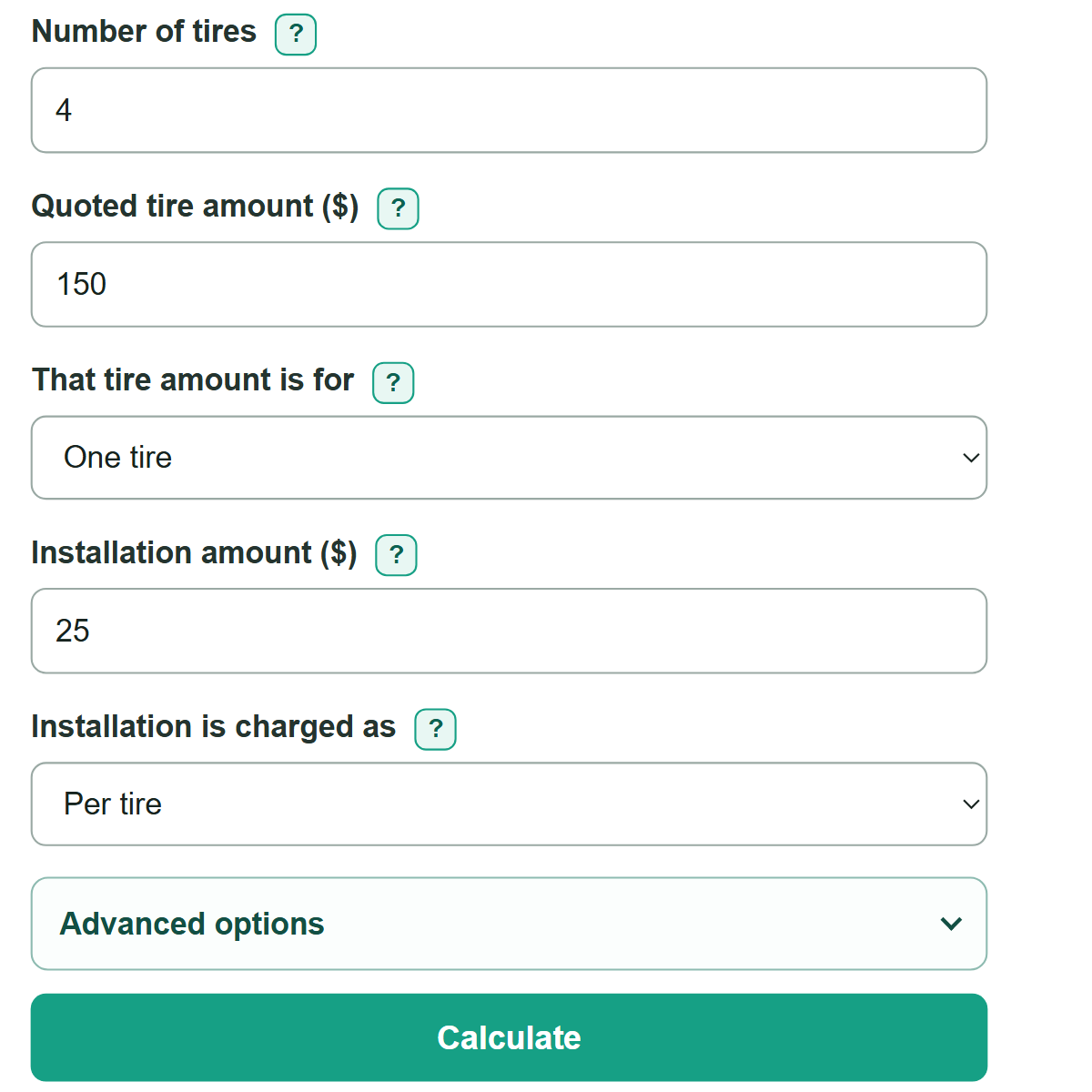
- Enter the purchase quantity in "Number of tires." This is a cost-planning choice, not advice about how many tires your vehicle needs.
- Copy the tire product amount into "Quoted tire amount ($)." Under "That tire amount is for," choose "One tire" only when that price applies to each tire; otherwise choose "The full set."
- If installation is listed separately, enter it in "Installation amount ($)" and choose its basis under "Installation is charged as." Choose "Included in the tire amount" if the tire price already includes installation.
- Select "Advanced options" only for separately quoted alignment, disposal, TPMS or valve service, road-hazard coverage, sales tax, a rebate, or a final shop total.
- If you enter tax, choose "Apply sales tax to" to match the seller's quote. Leave the tax rate blank if you do not want to include tax in this estimate.
- Select "Calculate." Start with "Estimated tire replacement total," then check the tire, installation, service, tax, and rebate amounts to make sure each charge appears once.
- If you entered "Out-the-door shop quote ($)," read "Shop quote compared with this estimate." A positive amount means the shop quote is higher; a negative amount means it is lower.
Definitions
Per tire: A charge multiplied by the number of tires entered.
Full set: One tire product amount that already covers all tires in the purchase, so the calculator uses it once.
Whole-job charge: One charge for the purchase that is not multiplied by tire count, such as an alignment.
TPMS: Tire Pressure Monitoring System. A quote may list a separate sensor, valve stem, or related service charge.
Out-the-door quote: The final amount quoted by a seller for the purchase, including the charges covered by that quote.
Sales tax basis: The entered items used to calculate tax. This calculator can tax tire products only or tire products plus entered services.
Common mistakes and quick fixes
Mistake: Entering a four-tire subtotal while "That tire amount is for" is set to "One tire."
Fix: Select "The full set" when the entered tire amount already covers every tire in this purchase.
Mistake: Adding installation even though it is part of the tire package price.
Fix: Select "Included in the tire amount" under "Installation is charged as." Any installation amount is then ignored.
Mistake: Entering a whole-job disposal or service total in a field labeled "($ per tire)."
Fix: Divide the combined amount by the number of tires before entering it, or leave it out if it is already included in another charge.
Mistake: Comparing a shop quote that covers different tires or services from the estimate.
Fix: Match the tire count, tire product, and included services before interpreting the quote difference.
Mistake: Typing commas in an unusual format, such as 1,00.
Fix: Use a decimal point for cents and commas only for thousands, such as 1000, 1,000, or $1,000.00.
Limitations & Key Assumptions / Boundary Conditions
- This is a quote-based planning estimate. It includes only amounts you enter and cannot find unlisted fees or taxes.
- Tax treatment can differ by seller and location. Confirm taxable items and the final tax on the seller's checkout page, estimate, or invoice.
- The calculator subtracts a rebate after tax. Offer terms may use different timing, eligibility rules, or a separate redemption process.
- The calculator does not decide whether your vehicle should receive one, two, or four replacement tires. Follow vehicle-maker guidance and qualified tire-service advice for fitment and replacement decisions.
- Compare a shop quote only when it covers the same tire count and reasonably matching products and services as the entered estimate.
Methodology
How the estimate is built
The calculator changes each quoted amount into a whole-purchase amount. A per-tire tire price is multiplied by the tire count, while a full-set tire price is used once.
tire subtotal = per-tire tire amount * tire count, or full-set tire amount
Per-tire installation is also multiplied by tire count. A whole-job installation charge is used once. A blank installation amount is $0, and installation marked as included is always $0.
installation subtotal = per-tire installation * tire count, whole-job installation, or 0 if included
Alignment is added once. Disposal, TPMS or valve service, and road-hazard coverage are multiplied by tire count when entered.
optional services = alignment + (disposal + TPMS or valve service + road-hazard coverage) * tire count
Sales tax uses your entered percentage and selected tax basis. A blank tax rate adds no tax.
sales tax = taxable subtotal * sales tax rate / 100
The final estimate adds tire, installation, service, and tax amounts, then subtracts the rebate or discount. It can be negative when the entered rebate is larger than all entered charges.
estimated replacement total = tire subtotal + installation subtotal + optional services + sales tax - rebate
When an out-the-door shop quote is entered, the comparison is the shop quote minus the estimated replacement total.
shop quote difference = shop quote total - estimated replacement total
Worked example
For 4 tires at $150 per tire plus $25 installation per tire, tire products cost $600 and installation costs $100. With no other entered charges, tax, or rebate, the estimate is $700, or $175 per tire.