
Evaluate a logarithm containing x, or solve for x when the expression inside the logarithm is linear.
How to use our Logarithmic Expression and Equation Calculator
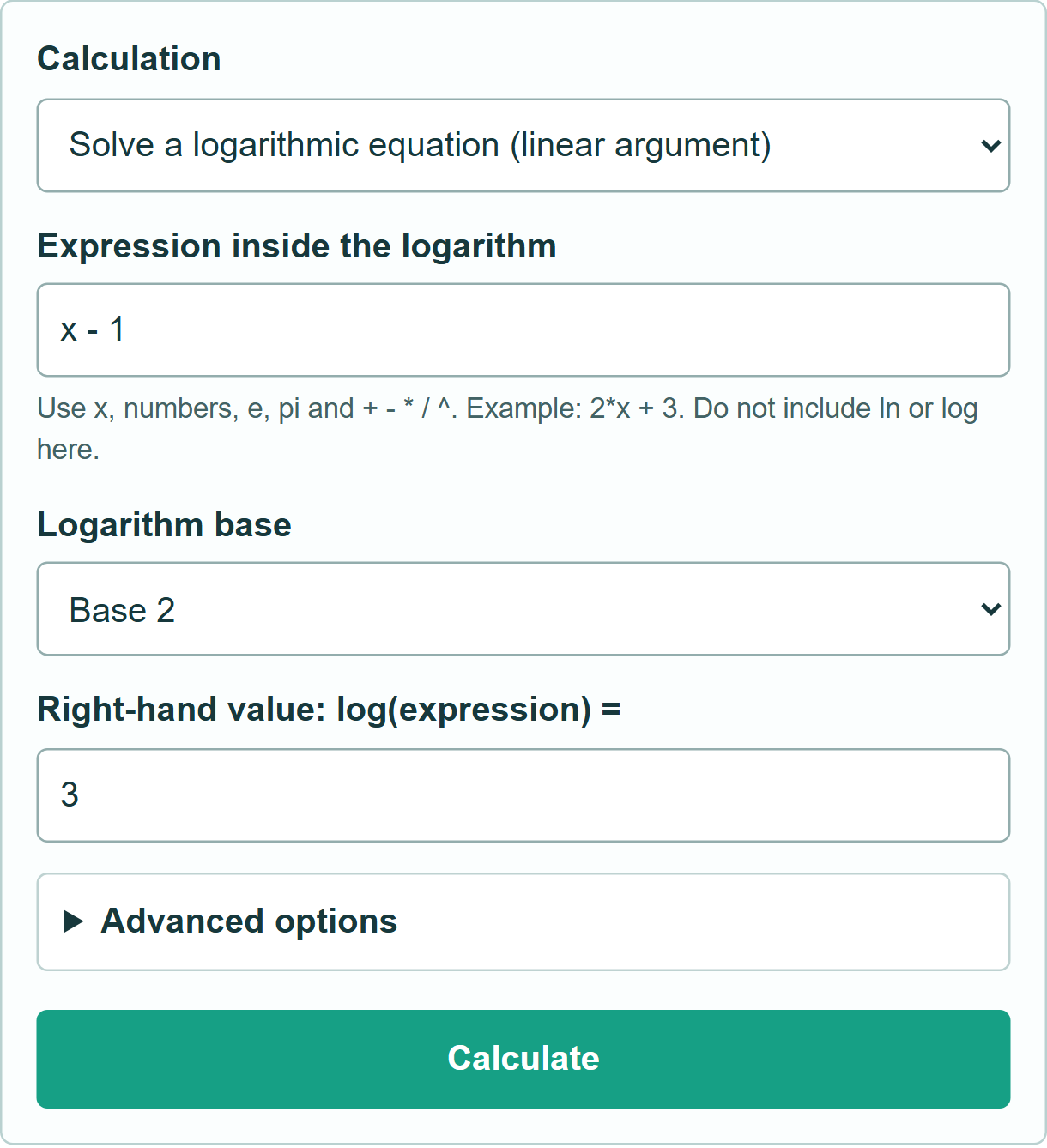
- Enter only the expression inside the logarithm, such as x – 1 or 2*x + 3.
- Choose the base. Natural logarithm means base e.
- For evaluation, enter x. For equation solving, enter the number on the right of the equals sign.
- Calculate. Equation mode shows the solution and checks it in the original logarithm.
Definitions
Argument: The expression inside the logarithm. It must evaluate to a positive number for a real logarithm. Linear argument: An expression of the form a*x + c, with a nonzero coefficient a.
Common mistakes and quick fixes
Do not enter x – 1 in the Value of x box: put it in the expression box. Do not enter log(x – 1) there either; the base selector supplies the logarithm. A positive base other than 1 is required, and the argument must be positive.
Limitations & Key Assumptions / Boundary Conditions
Real numbers only. Equation mode supports one logarithm with a linear argument, not general nonlinear or multiple-log equations. Evaluation accepts arithmetic and constant integer powers from 0 to 8. Expressions are limited to 120 characters. No assignments, arbitrary functions, complex values or unlimited symbolic algebra. Library-loading failures produce an error rather than an unchecked answer.
Methodology
Evaluation uses log_b(f(x)) = ln(f(x)) / ln(b). Equation mode rewrites log_b(a*x + c) = y as a*x + c = b^y, giving x = (b^y – c) / a [1, 2]. The expression is parsed with math.js; a candidate solution is checked by substitution into the original expression [3].
Example: log base 2 of (x – 1) = 3 becomes x – 1 = 8, so x = 9. Substitution gives log base 2 of 8 = 3. For evaluation, ln(x – 1) at x = 2 equals 0 because the argument is 1.