
Enter kilometers to see the same distance in decimal miles, or switch directions to convert miles to kilometers.
Advanced options
Table of contents
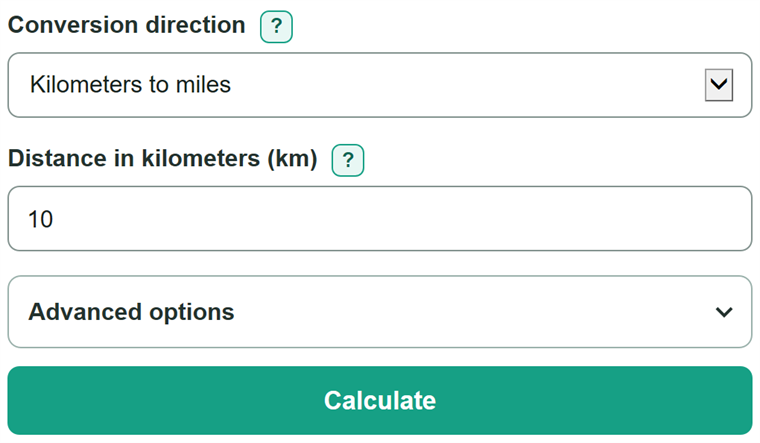
How to use our Km to Miles Converter
- Choose the conversion direction that matches the unit on your map, road sign, route, race listing, or workout.
- Enter the distance shown in the active field. Decimals are allowed, including values such as 5.5 km.
- Click Calculate to see the same distance in the other unit.
- Open Advanced options if you need a different number of digits after the decimal point for an assignment or measurement.
- Check the direction: converting km to mi makes the number smaller, while converting mi to km makes the number larger.
Definitions
Kilometer (km): A metric unit of length equal to 1,000 meters.
Mile (mi): A unit of length used in the United States and elsewhere. Use mi for miles to avoid confusing it with m for meters.
International mile: A mile defined as exactly 1.609344 kilometers. [1]
Decimal places: The digits after a decimal point. For example, 6.2 has one decimal place and 6.214 has three.
Common mistakes and quick fixes
Mistake: Entering a negative distance.
Fix: Check Conversion direction and then recalculate. Enter 0 or a positive number. This tool converts distance, not travel direction.
Mistake: Choosing kilometers to miles while entering a value labeled mi.
Fix: Change the direction to Miles to kilometers and enter the value in Distance in miles (mi).
Mistake: Multiplying kilometers by 1.609344 to get miles.
Fix: Check Conversion direction and then recalculate. Divide kilometers by 1.609344 to get miles. Multiply by 1.609344 only to convert miles to kilometers.
Mistake: Reading m as miles.
Fix: Check Conversion direction and then recalculate. Look for mi, which means miles. The abbreviation m usually means meters.
Mistake: Thinking a different decimal-place setting changes the converted distance.
Fix: Check Conversion direction and then recalculate. It changes only the displayed rounding. Use more decimal places when you need a more detailed displayed value.
Limitations & Key Assumptions / Boundary Conditions
- This tool converts distance only. It does not calculate travel time, route distance, pace, fuel use, or elevation.
- Enter one nonnegative, finite number. Zero and decimal distances are valid; negative values, ranges, and formulas are not accepted.
- The displayed value is rounded to the selected number of decimal places. Keep more digits for calculations, then round at the final step if needed.
- The calculation uses the international mile. If the original distance was rounded, the converted result cannot restore measurement detail that was not in the original value.
Methodology
Calculation
The converter uses the exact international-mile relationship:
1 mi = 1.609344 km. [1] To convert kilometers to miles, it divides by 1.609344. To convert miles to kilometers, it multiplies by 1.609344.
miles = kilometers / 1.609344
kilometers = miles * 1.609344
Worked example
For 10 km, divide 10 by 1.609344 to get 6.213711922... mi. With one decimal place selected, the displayed answer is 6.2 mi. The calculator converts first and rounds only for display.
Assumptions and limits
The formulas apply to the international mile and accept nonnegative distances, including zero and decimals. They do not account for a route that differs from the straight-line or listed distance, and they do not add precision beyond the source measurement.