
Enter gallons to find cubic feet, or switch directions to convert cubic feet to gallons using US liquid or Imperial gallon units.
Advanced options
Table of contents
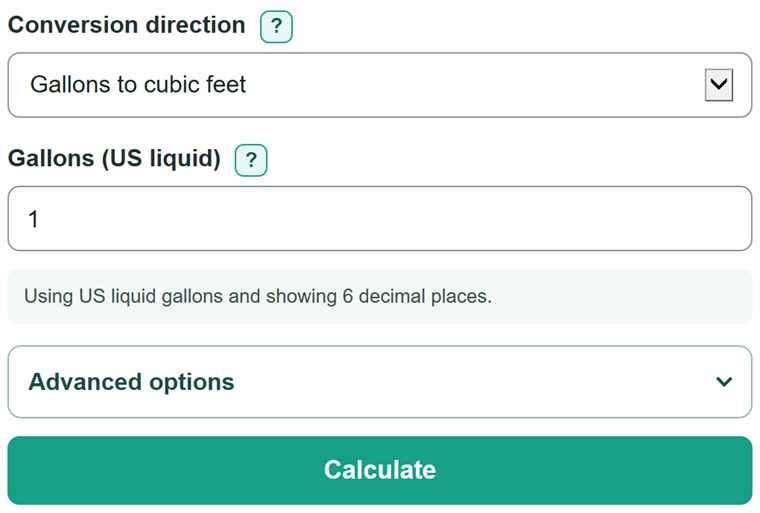
How to use our Gallons to Cubic Feet Converter
- Choose the direction that matches the unit of the volume you have.
- Enter the volume from a label, measurement, specification, or worksheet. You can enter zero, but not a negative volume.
- Open Advanced options if your source says Imperial or UK gallon, or if you need a different number of displayed decimal places.
- Click Calculate and use the first result card as the converted volume.
- Sanity-check a US liquid gallon result: 10 gallons should equal a little more than 1.3 cubic feet. If it does not, check the direction and gallon definition.
Definitions
US liquid gallon: The gallon commonly used on US labels and worksheets. It equals exactly 77/576 cubic feet, or about 0.1336806 ft3. [1]
Imperial gallon: A gallon defined as 4.54609 liters. It is larger than a US liquid gallon.
Cubic foot (ft3): The volume inside a cube that is 1 foot long, 1 foot wide, and 1 foot high.
Conversion factor: A number used to change one unit into another. Multiply gallons by the selected factor to get cubic feet.
Decimal places: Digits shown to the right of the decimal point. This setting changes displayed rounding only.
Common mistakes and quick fixes
Mistake: Treating every gallon as a US liquid gallon.
Fix: Choose Imperial gallon only when the source explicitly says Imperial or UK gallon. Use the US liquid setting for an ordinary US label.
Mistake: Entering a length in feet instead of a volume in cubic feet.
Fix: Enter ft3, which measures volume. A length in feet cannot be converted directly to gallons.
Mistake: Typing 1,01 to mean one point zero one.
Fix: Type 1.01. Commas are only for thousands separators, such as 1,000.
Mistake: Treating the displayed decimal as the exact value.
Fix: Choose more result decimal places if a worksheet or later calculation needs more detail. The converter keeps the unrounded value.
Mistake: Entering a negative volume.
Fix: Enter zero or a positive volume. Zero is valid and converts to zero.
Limitations & Key Assumptions / Boundary Conditions
- This converter changes volume units only. It cannot convert a length in feet, an area in square feet, or a flow rate such as gallons per minute.
- US liquid and Imperial gallons are different volumes, so selecting the wrong gallon definition changes the answer.
- Tank usable capacity can differ from a mathematical volume because of fill limits, internal parts, or a manufacturer-stated capacity.
- Zero is a valid input. Negative values, blank entries, malformed numbers, ranges, and formulas are outside this converter's input rules.
- Displayed values are rounded to the selected decimal places. Use more decimal places before carrying a result into another calculation.
Methodology
Conversion method
The calculator selects a fixed factor from the gallon definition. It multiplies gallons by that factor to get cubic feet, and divides cubic feet by the same factor to get gallons.
cubic feet = gallons * cubic feet per selected gallon
gallons = cubic feet / cubic feet per selected gallon
For a US liquid gallon, the factor is exactly 77/576 cubic feet per gallon. [1] For an Imperial gallon, the factor is calculated from 4.54609 liters per gallon and 28.316846592 liters per cubic foot.
Worked example
To convert 2.5 US liquid gallons, multiply 2.5 by 77/576. The unrounded value is 0.3342013889 cubic feet, which displays as 0.334201 ft3 when six decimal places are selected.
2.5 * (77/576) = 0.3342013889 ft3
Rounding
The calculator retains the unrounded conversion value and rounds only the visible result. A nonzero result that rounds to zero at the selected setting is shown with a higher-precision value in the primary result card.