
Enter an element symbol, name, or atomic number to see its full electron configuration and noble-gas shorthand.
Table of contents
How to use our Electron Configuration Calculator
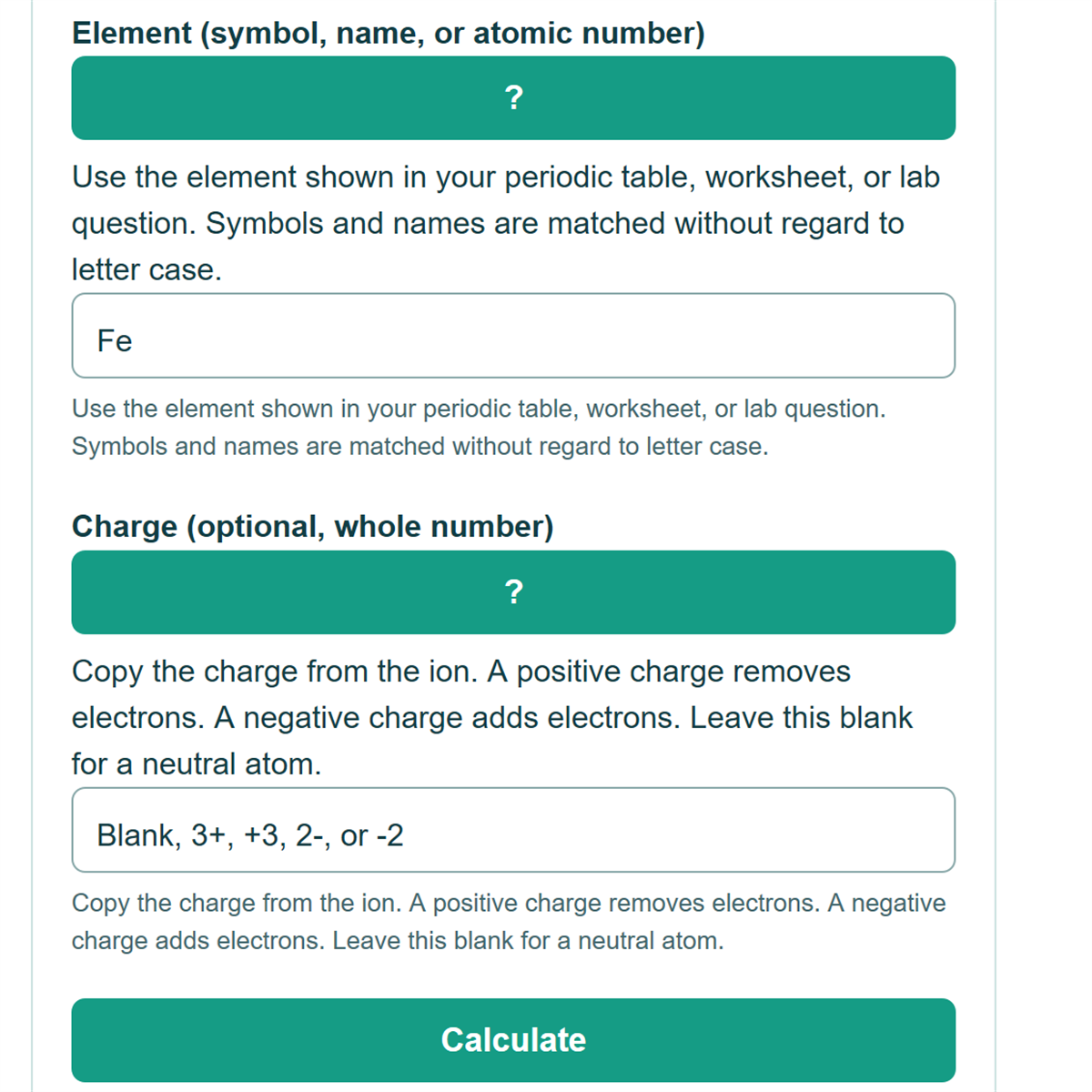
- Enter the element: for example, Fe, iron, or 26.
- Leave charge blank for the neutral atom. For an ion, enter its charge using forms such as +3 or 3+.
- Select Calculate. Read the full configuration first, then the shorthand and electron count.
Example: Fe with charge 3+ has 26 - 3 = 23 electrons. Removing the two 4s electrons and then one 3d electron gives [Ar] 3d5. A blank charge instead gives neutral Fe: [Ar] 3d6 4s2.
Definitions
Atomic number is the number of protons. In a neutral atom, it also equals the electron count. An ion has gained or lost electrons; its proton count does not change.
Subshell notation gives a shell number, a subshell letter, and an occupation. For example, 3d5 means five electrons in the 3d subshell. The maximum occupations are s2, p6, d10, and f14. Brackets such as [Ar] replace a complete noble-gas core. [1]
Common mistakes and quick fixes
Mistake: A positive charge means fewer electrons, not more. O2- has 8 + 2 = 10 electrons.
Fix: Check this field label, unit, and input format, then calculate again.
Mistake: Use only the element in the first field and the charge in the second; enter Fe and 3+, not Fe3+ as an element name.
Fix: Check this field label, unit, and input format, then calculate again.
Mistake: For common transition-metal cations, remove outer-shell s electrons before inner d electrons.
Fix: Check this field label, unit, and input format, then calculate again.
Mistake: Chromium and copper are examples where the neutral reference configuration differs from a simple uncorrected filling sequence.
Fix: Check this field label, unit, and input format, then calculate again.
Limitations & Key Assumptions / Boundary Conditions
- Ion results use a classroom filling model, not a measured ground-state lookup for every ion. Some ions rearrange their subshell occupations, so advanced spectroscopy problems require species-specific reference data. A displayed electron count does not establish that an ion is stable or commonly observed. [2]
- Heavy-element configurations, particularly for the heaviest synthetic elements, are reference predictions and can differ between compilations. This calculator labels elements 104 and above accordingly. It uses a fixed 2026-09-13 reference snapshot. It supports 0 to 118 electrons and does not calculate excited states, molecular orbitals, bonding, or universally defined valence-electron counts.
Methodology
The element is matched as a complete symbol, English name, or atomic number from 1 to 118. Electron count is atomic number minus signed charge. Neutral occupations use NIST Atomic Spectra Database reference shells for elements 1 through 108, including known exceptions. Royal Society of Chemistry entries supply the reference predictions for elements 109 through 118. [1] [3]
For the ion model, positive charge removes electrons from the highest principal shell first, taking higher subshells first within that shell. Negative charge fills available subshells in the conventional filling sequence without exceeding their capacities. These are classroom construction rules, not a claim of exact ground states for arbitrary ions. [2] [3]
Results are displayed in increasing shell order; changing the written order of occupied subshells does not change the occupation. Shorthand replaces the largest complete noble-gas core present, up to radon. H+ has zero electrons and is shown as No occupied orbitals.