
Enter a start and end date to count business days between them using the deadline's weekday, holiday, and closure rules.
Table of contents
How to use our Business Days Calculator
- Enter the earlier date as Start date and the later date as End date from your contract, order, invoice, or schedule.
- Select Calculate to get the business-day count using the default schedule: Saturday and Sunday closed, start date excluded, and end date included.
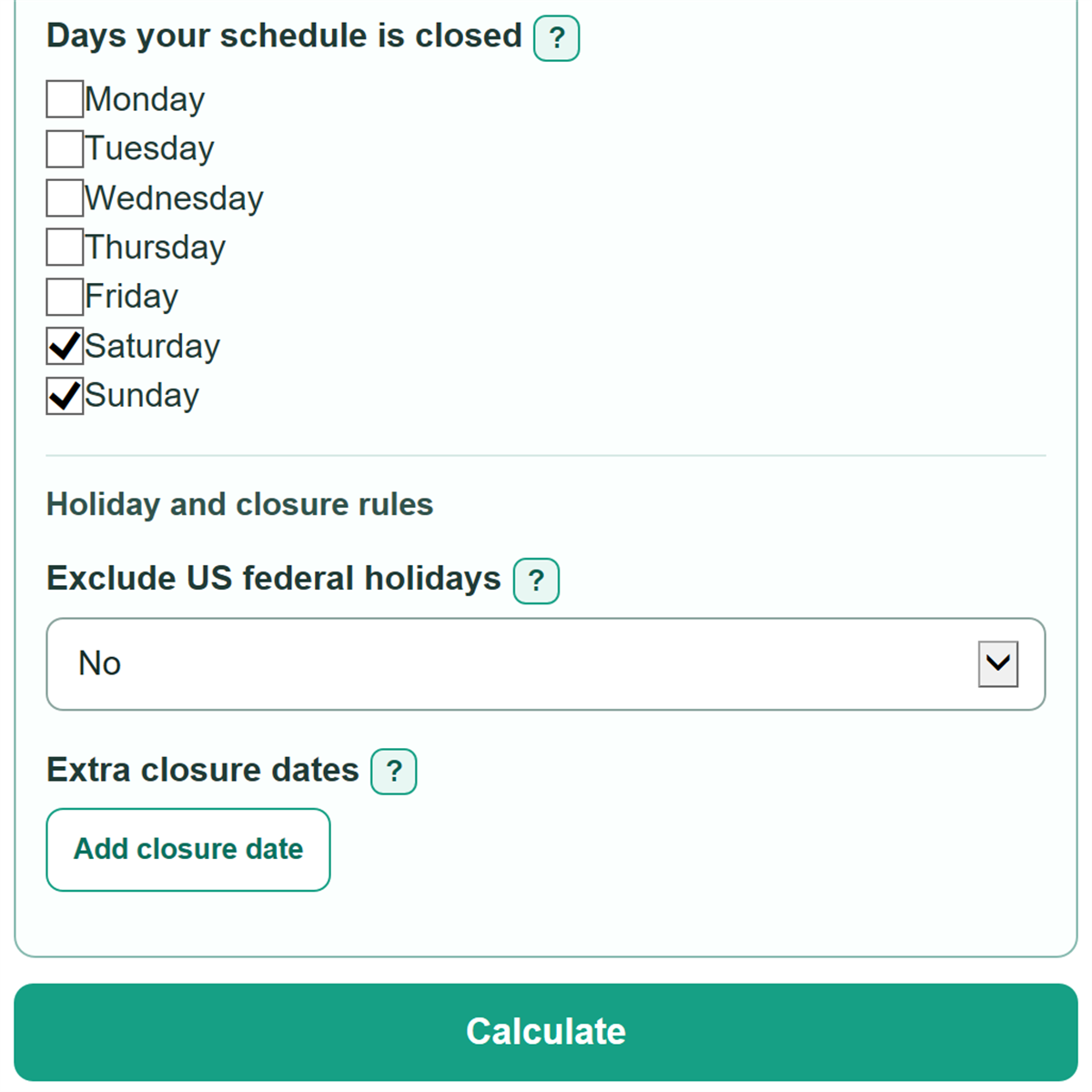
- Open Advanced options if your rule has different endpoint rules, regular closed weekdays, US federal holidays, or organization-specific closure dates.
- Read the assumptions shown with the answer, then open Date-by-date count check to verify dates near a weekend, holiday, or deadline boundary.
Definitions
Business day: A considered date that is not a selected weekly closed day, US federal holiday, or extra closure date.
Calendar days checked: The dates remaining after the start-date and end-date counting choices are applied.
Days your schedule is closed: Weekdays that do not count for the organization involved, such as Saturday and Sunday.
US federal holidays: Federal holidays and observed dates under the U.S. Office of Personnel Management schedule. [1]
Extra closure dates: Specific dates when the organization controlling the deadline is closed beyond its regular weekly schedule.
Observed holiday: A weekday used for a fixed-date federal holiday that falls on a weekend. A Saturday holiday is observed on Friday, and a Sunday holiday is observed on Monday. [1]
Common mistakes and quick fixes
Mistake: Putting the later date in Start date and the earlier date in End date.
Fix: Enter the earlier date first. The end date must be on or after the start date.
Mistake: Assuming the start date automatically counts as day 1.
Fix: Check the governing wording and set Count the start date to Yes only when that date should count.
Mistake: Using a Saturday-Sunday closure schedule for an organization open on one of those days.
Fix: Change Days your schedule is closed to match the organization's normal weekly schedule.
Mistake: Treating US federal holidays as the closure calendar for every employer, carrier, bank, court, or state agency.
Fix: Check Start date and then recalculate. Turn on federal holidays only when that calendar applies, then add other known closure dates separately.
Mistake: Adding the same extra closure date more than once.
Fix: Check Start date and then recalculate. Keep one row for each date. Repeated closure dates are counted only once.
Mistake: Relying only on the final count when one boundary date is disputed.
Fix: Open Date-by-date count check to see whether each considered date counted or was excluded.
Limitations & Key Assumptions / Boundary Conditions
- The default rule excludes Saturday and Sunday, excludes the start date, and includes the end date. Change these settings when the governing rule says otherwise.
- US federal holiday exclusion uses recurring federal holiday and observed-date rules and is available only for ranges starting on or after January 1, 2022.
- The federal option is not a full historical holiday database and may not match an employer, carrier, bank, court, school, state, local government, or contract calendar.
- An extra closure date is excluded only once. A date already excluded as a selected weekly closed day or federal holiday is not counted again as an extra closure.
- The date-by-date count check supports ranges of up to 3,660 calendar days.
- For legal, payment, shipping, or filing deadlines, the controlling document or organization determines the actual deadline.
Methodology
How the count works
The calculator treats entries as calendar dates and walks through them with UTC date values, so daylight-saving time does not change the count. It first applies the separate start-date and end-date choices. Each remaining date is counted or assigned one exclusion reason: weekly closed day, US federal holiday, or extra closure.
calendar days checked = dates remaining after start-date and end-date rules
business days = calendar days checked - weekly closed days excluded - US federal holidays excluded - extra closure dates excluded
dates excluded from the business-day count = weekly closed days excluded + US federal holidays excluded + extra closure dates excluded
Holiday and closure rules
When Exclude US federal holidays is set to Yes, the calculator uses the recurring federal holiday dates and observed-date treatment published by the U.S. Office of Personnel Management. [1] It checks weekly closed days first, federal holidays second, and extra closures last. That order prevents the same date from being removed twice.
Worked example
Use January 5, 2026 as the start date and January 9, 2026 as the end date. With the start date excluded, the end date included, and Saturday and Sunday closed, the calculator checks January 6 through January 9. All four dates are open weekdays, so the business-day count is 4.
Assumptions and limits
The calculator can return 0 when the endpoint choices leave no dates to check or every considered date is closed. Blank extra closure rows are ignored, duplicate closure dates count once, and closure dates outside the checked range do not affect the answer.