
Enter each isotope's mass and percent abundance to calculate the weighted average atomic mass and check that the abundances total 100%.
Advanced options
This is the weighted average. Isotopes with larger abundances have more influence on the answer.
A complete isotope set totals 100%.
This counts rows that have both a mass and an abundance.
Table of contents
How to use our Average Atomic Mass Calculator
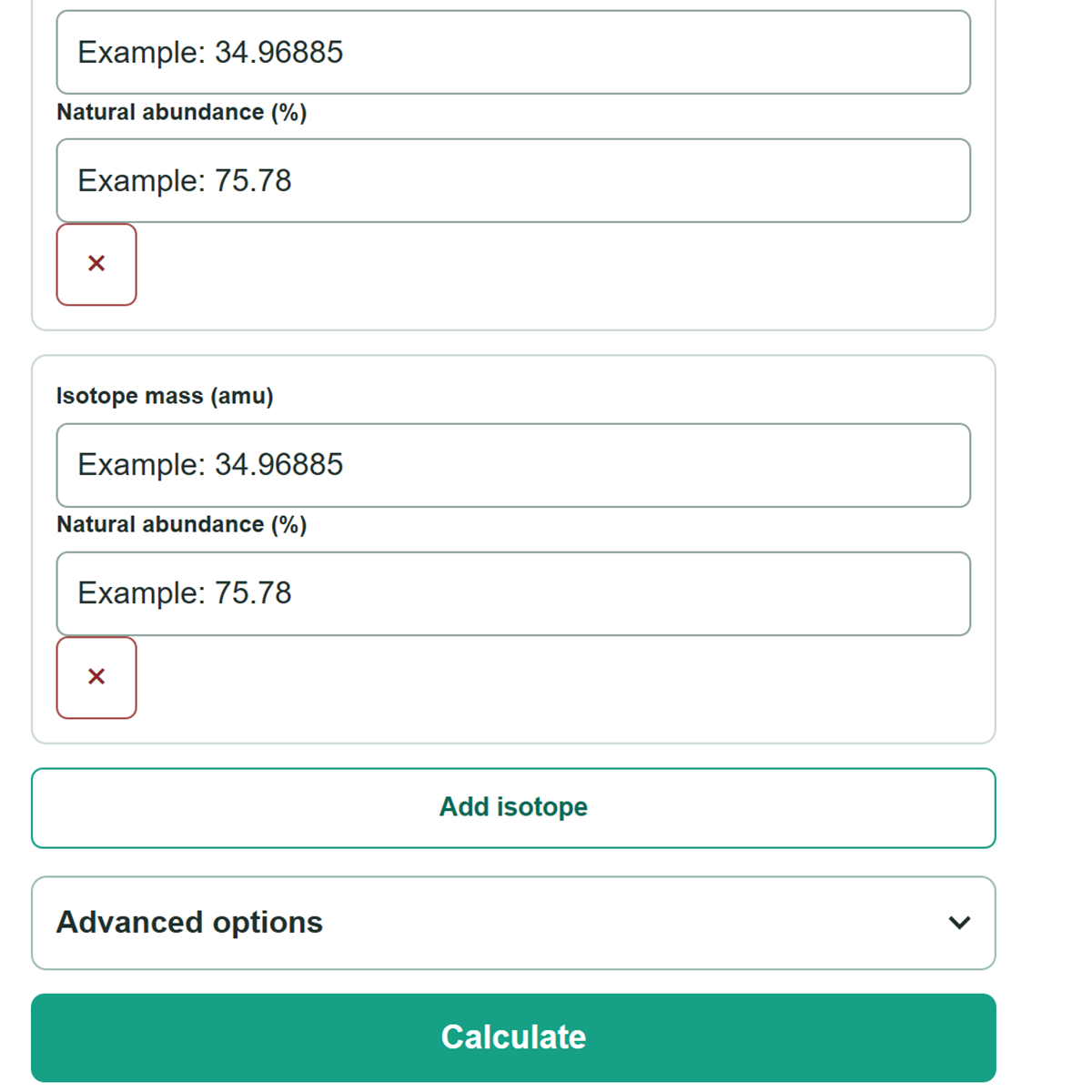
- Enter the isotope mass in amu (u) and its matching percent abundance in the same row.
- Add a row for each additional isotope in the problem, and remove any row that you do not use.
- Choose the number of result decimal places in Advanced options if your assignment gives a rounding instruction.
- Click Calculate, then check that the entered abundance total is 100% and that the isotope count matches your problem before using the average atomic mass.
Definitions
Isotope: A version of an element with the same number of protons but a different number of neutrons.
Isotope mass (amu or u): The mass of one isotope. Amu and u are labels for the atomic-mass unit used in this calculator.
Percent abundance: The percent of atoms in a sample that are one particular isotope.
Fractional abundance: Percent abundance written as a decimal for multiplication. For example, 75.78% is 0.7578.
Weighted average: An average where an isotope with a larger abundance has a larger effect on the final value.
Common mistakes and quick fixes
Mistake: Entering a whole-number isotope label, such as 35, instead of the isotope mass supplied in amu.
Fix: Copy the precise mass from the problem, such as 34.96885 amu if that is the value given.
Mistake: Entering a decimal fraction such as 0.7578 in a field labeled percent.
Fix: Convert it to percent first and enter 75.78.
Mistake: Using 75.78 directly as a weight when doing the work by hand.
Fix: Divide the percent by 100 first, so 75.78% becomes 0.7578. The calculator does this conversion for you.
Mistake: Leaving out an isotope or mistyping an abundance.
Fix: Check the entered abundance total. It must equal 100% before the calculator reports an average.
Mistake: Adding isotope masses and dividing by the number of isotopes.
Fix: Use a weighted average: multiply each mass by its own abundance fraction, then add the contributions.
Limitations & Key Assumptions / Boundary Conditions
- Enter every isotope included in the problem or sample. The abundance values must total 100%.
- The result is only as precise as the masses and abundances entered. Rounded source values can change the final displayed digits.
- A zero-percent isotope is a valid complete row and is counted, but it does not change the weighted average.
- This calculator calculates a forward weighted average only. It does not solve for a missing isotope mass or missing abundance.
- Decimal-place selection controls display rounding only. Follow any significant-figure instruction from your assignment separately.
Methodology
Calculation
The calculator changes each percent abundance into a decimal fraction by multiplying by 0.01. It then multiplies each isotope mass by that isotope's fraction and adds the contributions. This is the weighted-average method used for isotope-abundance exercises. [1]
fractional abundance = percent abundance × 0.01
average atomic mass = sum of (isotope mass in amu × percent abundance × 0.01)
Worked example
For two isotopes with masses of 10 amu and 20 amu, and abundances of 100% and 0%, the first contribution is 10 × 1.00 = 10 amu. The second is 20 × 0.00 = 0 amu, so the average atomic mass is 10 amu.
(10 × 100 × 0.01) + (20 × 0 × 0.01) = 10 amu
Calculation checks
The calculator requires a mass and abundance in every used row, a mass greater than 0 amu, and an abundance from 0% through 100%. It adds the entered abundances first and stops unless they total 100%, apart from a tiny rounding tolerance. It does not rescale a total that is not 100% because rescaling can hide a missing isotope or typing error. Display rounding happens only after the weighted average is calculated.