
Enter two source concentrations and a target concentration to find the higher-strength to lower-strength mixing ratio and optional batch amounts.
Advanced options
The first number is the higher-strength source. The second is the lower-strength source.
All three concentration entries must use this same unit and basis.
This arithmetic check does not confirm chemical compatibility, density, or final measured volume.
Table of contents
How to use our Alligation Calculator
- Choose the concentration unit printed on both sources and the target instruction. For percent, choose the matching basis: w/w, w/v, or v/v.
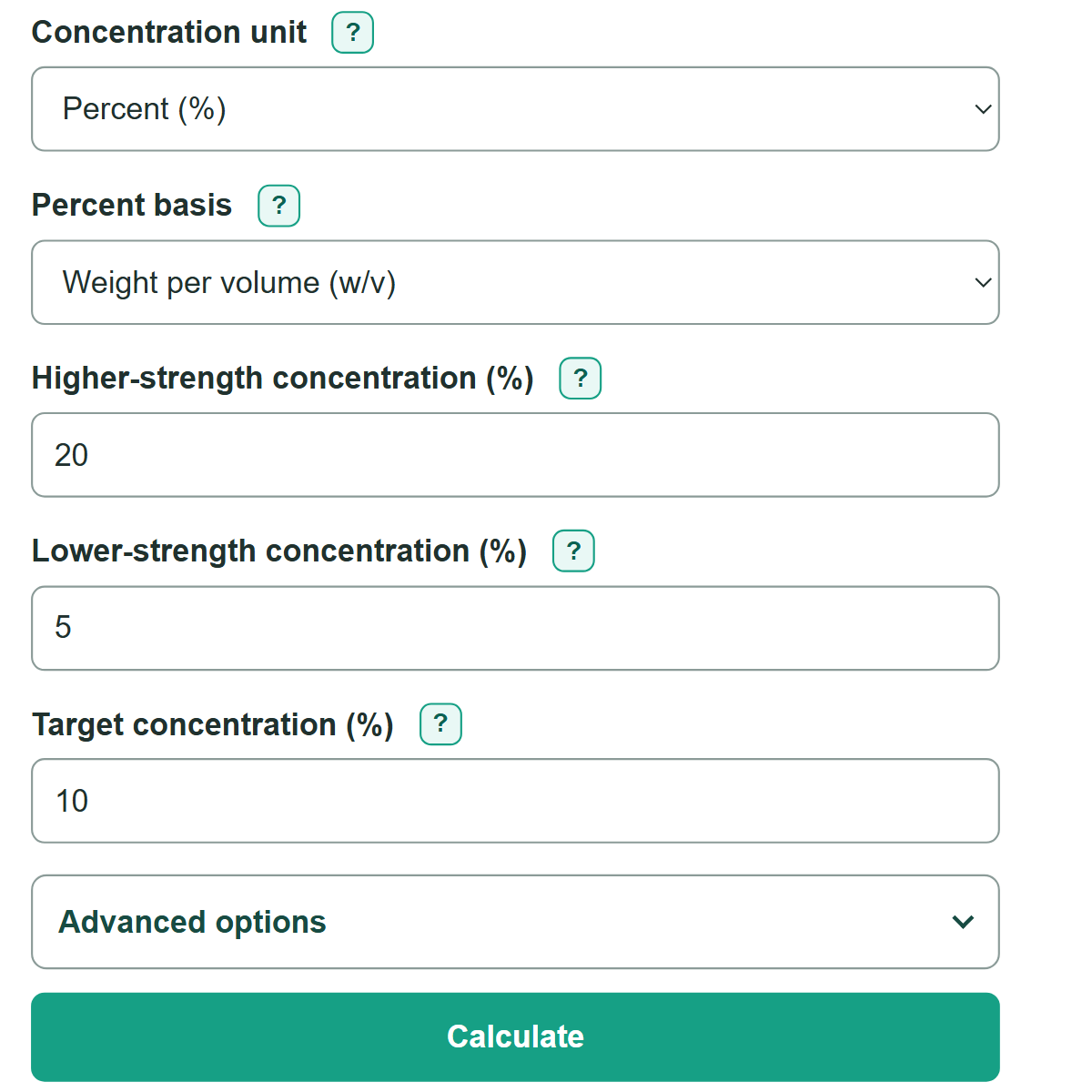
- Enter the larger value in "Higher-strength concentration," the smaller value in "Lower-strength concentration," and your desired value in "Target concentration."
- Click "Calculate" and read the ratio in the stated order: higher-strength source first, then lower-strength source.
- For measured amounts, open "Advanced options," choose an amount unit, and enter "Total amount to make." Leave that field blank when you only need the ratio.
- Check that the concentration check uses the same unit and percent basis as your labels, and that the calculated blend concentration matches the target.
Definitions
Alligation: A method for finding the proportions of two concentrations needed to make a target concentration between them.
Higher-strength concentration: The larger of the two source concentration values.
Lower-strength concentration: The smaller source concentration value. It can be zero.
Target concentration: The concentration wanted in the final blend. It must be strictly between the two source concentrations for this calculator.
Percent basis: The way a percent concentration is measured. Weight by weight (w/w), weight per volume (w/v), and volume by volume (v/v) are different bases.
Weighted concentration: The blend concentration calculated from each source amount or proportion. It is used as an arithmetic check.
Common mistakes and quick fixes
Mistake: Putting the weaker source in the higher-strength field.
Fix: Enter the larger concentration in "Higher-strength concentration" and the smaller concentration in "Lower-strength concentration."
Mistake: Choosing a target equal to or outside the two source concentrations.
Fix: Use a target strictly between the lower and higher concentrations when both sources are part of the mix.
Mistake: Combining percent with ppm, mg/mL, or another unit.
Fix: Convert values before entering them, then use one shared unit for both sources and the target.
Mistake: Treating all percent labels as the same kind of concentration.
Fix: Match the percent basis on every label: w/w, w/v, or v/v.
Mistake: Reversing a ratio such as 1:2.
Fix: Read it as 1 part higher-strength source to 2 parts lower-strength source.
Mistake: Entering 0 as the total batch amount when only a ratio is needed.
Fix: Leave "Total amount to make" blank for a ratio only, or enter a positive amount.
Limitations & Key Assumptions / Boundary Conditions
- The calculator uses exactly two sources and requires a target strictly between their concentrations.
- Both sources and the target must use the same concentration unit. Percent entries must also have the same basis: w/w, w/v, or v/v.
- A ratio gives proportions only. It does not check chemical compatibility, stability, sterility, safety, or suitability for a specific use.
- Scaled amounts assume component amounts add to the requested total. Real mixtures can contract, expand, react, or need preparation to a measured final volume.
- The calculator does not convert mass to volume or volume to mass because that requires density information.
- For medication, laboratory, or regulated preparation, follow the written instructions and applicable professional procedures.
Methodology
How the ratio is found
Alligation gives each source the concentration difference on the opposite side of the target. The stronger source gets the target-minus-lower difference, while the weaker source gets the higher-minus-target difference.
higher-source parts = target concentration - lower concentration
lower-source parts = higher concentration - target concentration
The calculator divides both positive parts by the smaller part so one side of the displayed ratio is 1 when possible. The displayed order is always higher-strength source to lower-strength source.
Scaling a batch
If you enter a total amount, each source receives its share of that total.
higher-source amount = total amount * (target - lower) / (higher - lower)
lower-source amount = total amount * (higher - target) / (higher - lower)
Worked mini-example
To make 10% (w/v) from 20% (w/v) and 5% (w/v), the higher-source part is 10 - 5 = 5 and the lower-source part is 20 - 10 = 10. The ratio is 1:2. For a 600 mL batch, use 200 mL of the 20% source and 400 mL of the 5% source.
Blend check
The calculator recomputes the blend concentration from the calculated parts. For the example, one part at 20% plus two parts at 5% gives 10%.
blend concentration = (higher-source parts * higher concentration + lower-source parts * lower concentration) / (higher-source parts + lower-source parts)