
Convert total minutes to decimal hours and hours and minutes, or change decimal hours back to total minutes.
Advanced options
Table of contents
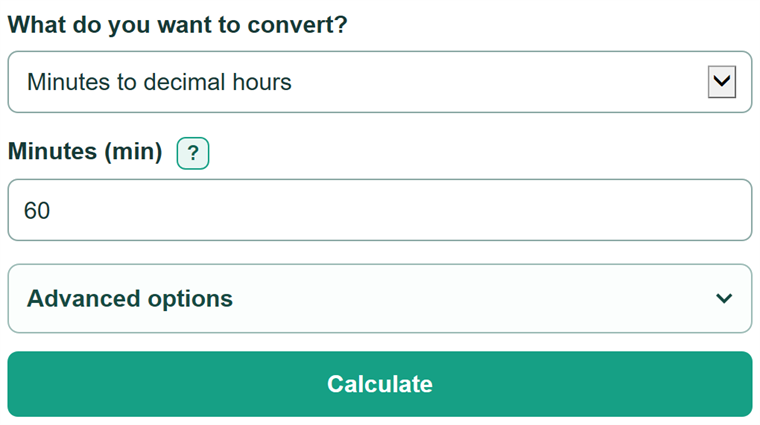
How to use our Minutes to Hours Converter
- Choose whether you are starting with total minutes or decimal hours.
- Enter a duration of 0 or more. You can type a matching unit, such as 90 min or 1.5 hours.
- Click Calculate to see the converted value and the same duration in hours and minutes.
- Check both readings before copying the answer: 1.5 decimal hours should read as 1 hour 30 minutes, not 1 hour 5 minutes.
- Open Advanced options if the destination record needs a different number of decimal places.
Definitions
Decimal hours: A duration written as a number of hours. The digits after the decimal point are a fraction of an hour, so 1.5 hours is 1 hour 30 minutes.
Hours and minutes: A duration written in clock style, such as 1:30. This is not a decimal number.
Total minutes: The full duration measured in minutes. For example, 2 hours 15 minutes is 135 total minutes.
Fractional minute: Part of a minute, such as 0.5 minute. The clock-style reading shows it as seconds.
Common mistakes and quick fixes
Mistake: Typing 1:30 in the Decimal hours (hours) field.
Fix: Type 1.5. Thirty minutes is one-half of an hour, so 1 hour 30 minutes equals 1.5 decimal hours.
Mistake: Reading 1.30 decimal hours as 1 hour 30 minutes.
Fix: Decimal digits are part of a fraction of an hour. 1.30 decimal hours equals 78 minutes.
Mistake: Entering only the minutes after a whole hour.
Fix: Enter total minutes. For 2 hours 15 minutes, enter 135 minutes, not 15.
Mistake: Rounding a partial minute or partial hour before conversion.
Fix: Enter the value you have first. Change the displayed decimal places only after calculating.
Mistake: Entering a negative value for elapsed time.
Fix: Enter 0 or a positive number. This tool converts durations, not signed time offsets.
Limitations & Key Assumptions / Boundary Conditions
- The converter accepts elapsed durations of 0 or more; it does not handle negative time offsets.
- It changes time units only. It does not apply timesheet rounding, payroll rules, breaks, overtime rules, or billing increments.
- The decimal-place setting changes the displayed decimal result only. It does not change the converted duration.
- When a duration includes a fractional minute, the clock-style seconds are rounded for display and may differ by a very small fraction of a second from the original value.
- This tool is not for times of day such as 1:30 PM. It does not handle dates, AM/PM, or durations that cross midnight.
Methodology
Conversion method
One hour has 60 minutes. The calculator divides total minutes by 60 to get decimal hours, or multiplies decimal hours by 60 to get total minutes. [1]
decimal hours = total minutes / 60
total minutes = decimal hours * 60
Hours-and-minutes reading
The calculator finds the whole hours first, then keeps the remaining minutes. It does not treat remaining minutes as decimal digits. If there is part of a minute left, it is shown as seconds.
whole hours = floor(total minutes / 60)
remaining minutes = total minutes - (whole hours * 60)
Worked example
For 90.5 minutes, 90.5 / 60 = 1.508333... decimal hours. The clock-style reading is 1:30:30: 1 whole hour, 30 whole minutes, and 30 seconds.