
Enter a pressure reading, choose its unit and the unit you need, then get the converted value while keeping the same pressure reference.
Advanced options
The neutral settings preserve the source pressure reference without guessing what it is.
This changes the unit only. It does not change a gauge, absolute, or differential pressure reference.
Table of contents
How to use our Pressure Conversion Calculator
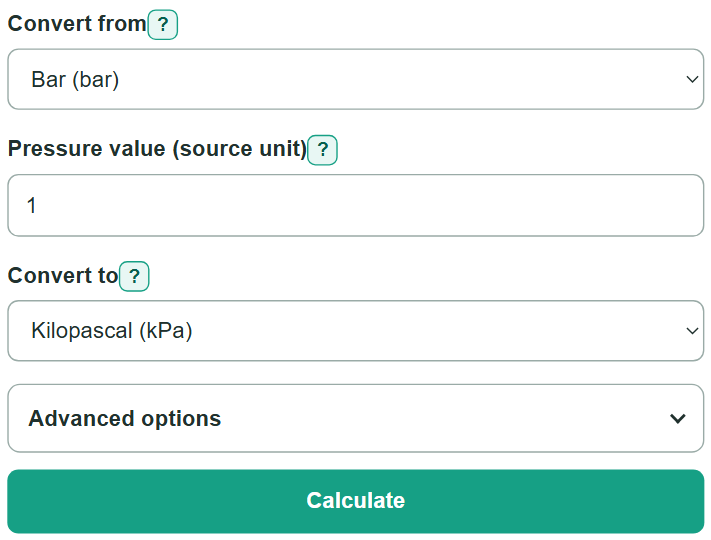
- Choose "Convert from" to match the unit printed beside the pressure reading.
- Enter the number in "Pressure value (source unit)." A matching suffix, such as 30 psi, is accepted.
- Choose "Convert to" for the unit needed by the device, report, worksheet, or specification.
- Open "Advanced options" if the source says gauge, absolute, or differential, then select the source reference. Leave "Target pressure reference" set to "Keep the source reference" for a unit-only conversion.
- Select "Calculate" and confirm that both the target unit and pressure-reference check match what you need before copying the value.
Definitions
Pressure: Force spread over an area. This calculator changes the unit, not the physical pressure.
Pascal (Pa): The SI unit of pressure. The calculator uses pascals as its common conversion basis.
Gauge pressure: Pressure measured relative to local atmospheric pressure. It may be labeled psig or barg.
Absolute pressure: Pressure measured relative to a perfect vacuum. It may be labeled psia or bara.
Differential pressure: The pressure difference between two points. It may be labeled psid.
Standard atmosphere (atm): A defined pressure equal to 101,325 Pa. [1]
Water column: A conventional pressure unit based on a fluid column. This calculator uses inches of water at 4 C for inH2O. [2]
Common mistakes and quick fixes
Mistake: Selecting kPa when the gauge or report says psi.
Fix: Match "Convert from" to the unit printed beside the source number.
Mistake: Typing a suffix that conflicts with "Convert from," such as 10 psi while kPa is selected.
Fix: Make the typed suffix match the selected source unit, or enter the number without a suffix.
Mistake: Treating psig and psia as interchangeable because both use psi.
Fix: Select Gauge or Absolute under "Source pressure reference" when the source states it. A unit factor cannot change one reference into the other.
Mistake: Using a comma as a decimal mark or entering grouping such as 1,01.
Fix: Use a period for decimals and commas only for thousands, such as 1,000.5.
Mistake: Rounding a very small converted value before using it in another calculation.
Fix: Increase "Result decimal places" before copying the converted pressure.
Limitations & Key Assumptions / Boundary Conditions
- The calculation changes units only. It cannot convert gauge pressure to absolute pressure, absolute pressure to gauge pressure, or either reference to differential pressure.
- If the source reference is unknown, keep the source reference instead of guessing.
- Converting gauge pressure to absolute pressure requires an appropriate local atmospheric-pressure value, which this calculator does not request.
- InH2O and inHg use stated conventional pressure factors. They are not treated as unlabeled fluid-height measurements that change with temperature or density.
- The displayed value is rounded to the selected decimal places. Keep enough digits when a receiving specification has its own rounding rule.
Methodology
Conversion method
Each supported unit has a factor in pascals per unit. The calculator multiplies the entered pressure by the source factor, then divides by the target factor. For example, 1 bar equals 100,000 Pa and 1 atm equals 101,325 Pa. [1]
pressure in Pa = entered pressure x source factor
converted pressure = pressure in Pa / target factor
Worked example
Convert 2.5 psi to kPa. The calculator uses 6,894.757293168 Pa per psi and 1,000 Pa per kPa.
2.5 x 6894.757293168 / 1000 = 17.23689323292 kPa
With "Result decimal places" set to 6, the displayed answer is 17.236893 kPa.
Reference handling
A unit conversion preserves the pressure reference: gauge remains gauge, absolute remains absolute, and differential remains differential. A different target reference needs additional physical information, such as local atmospheric pressure, so the calculator stops instead of producing a misleading unit-only answer.