
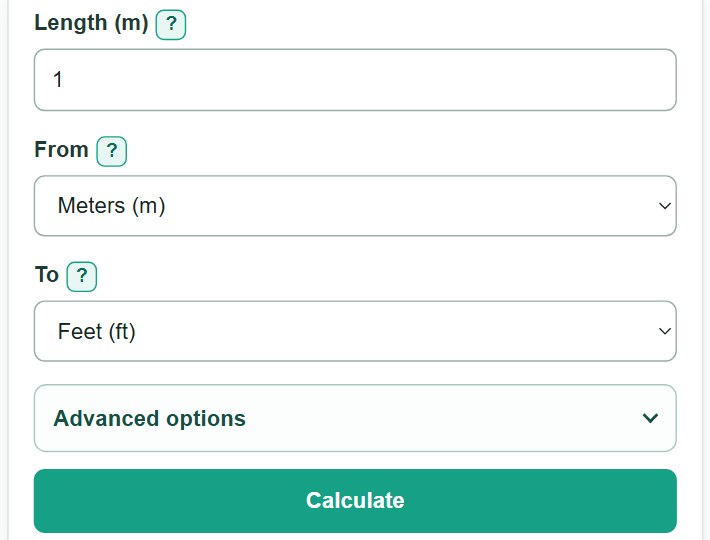
Enter a length, choose the unit you have and the unit you need, then get the converted measurement.
Advanced options
Table of contents
How to use our Length Converter
- Enter the number from your ruler, tape measure, drawing, map, worksheet, or product specification in "Length."
- Choose the unit printed beside that number in "From," then choose the answer unit in "To."
- Select "Calculate" to see the converted length in the selected target unit.
- To show more or fewer digits, open "Advanced options" and change "Result decimal places."
- Sanity-check the result: for the same physical length, changing to a larger unit usually produces a smaller number.
Definitions
Length: Distance from one point to another. This calculator accepts lengths of 0 or more.
Source unit: The unit attached to the number you enter, selected in "From."
Target unit: The unit used for the answer, selected in "To."
Meter (m): The base unit used as the calculator's intermediate unit.
International foot (ft): Exactly 0.3048 meter, or 12 international inches. [1]
Nautical mile (nmi): Exactly 1,852 meters. It differs from a statute mile. [1]
Decimal places: Digits shown after the decimal point. This setting changes display rounding, not the conversion itself.
Common mistakes and quick fixes
Mistake: Choosing feet when the copied measurement is in inches.
Fix: Match "From" to the unit printed beside the number.
Mistake: Treating miles and nautical miles as the same unit.
Fix: Choose "Miles (mi)" for statute miles and "Nautical miles (nmi)" only when nmi is specified.
Mistake: Typing a suffix that disagrees with "From," such as "12 ft" while meters are selected.
Fix: Remove the suffix or change "From" so the suffix and selected unit match.
Mistake: Writing a grouped number such as 1,01.
Fix: Use a decimal point for decimals and commas only for thousands, such as 1,000.5.
Mistake: Reading a rounded zero as an exact zero.
Fix: Increase "Result decimal places" when a very small conversion needs more shown digits.
Limitations & Key Assumptions / Boundary Conditions
- The calculator converts nonnegative, one-dimensional lengths only; negative entries are not valid.
- It uses the international inch, foot, yard, and statute mile, not the retired U.S. survey foot. [2]
- Rounding can make a very small nonzero answer display as zero at a low decimal-place setting.
- A typed unit suffix must match the selected "From" unit; the calculator does not guess a unit from the number alone.
- Map scales, drawing scales, and product dimensions may need a separate scale calculation before or after unit conversion.
Methodology
Conversion method
The calculator first converts the entered length to meters, then converts meters to the selected target unit. Metric prefixes use exact powers of ten. The international inch is exactly 0.0254 meter, and the international foot, yard, and statute mile use exact defined relationships. [1]
source_meters = entered_length × meters_per_source_unit
converted_length = source_meters / meters_per_target_unit
Worked example
For 2.5 feet to meters, 2.5 × 0.3048 = 0.762 meters. Since the target unit is meters, the displayed answer at six decimal places is 0.762000 m.
Display rounding
The calculator keeps the unrounded converted value during the calculation and rounds only the displayed answer to the chosen number of decimal places. If a nonzero value rounds to zero, the result card also shows a higher-precision value.