
Enter five spending amounts to calculate GDP and net exports in the same currency and scale as your source.
Expenditure components
Table of contents
How to use our GDP Calculator
- Choose the currency and amount scale printed on your worksheet, textbook table, or data source.
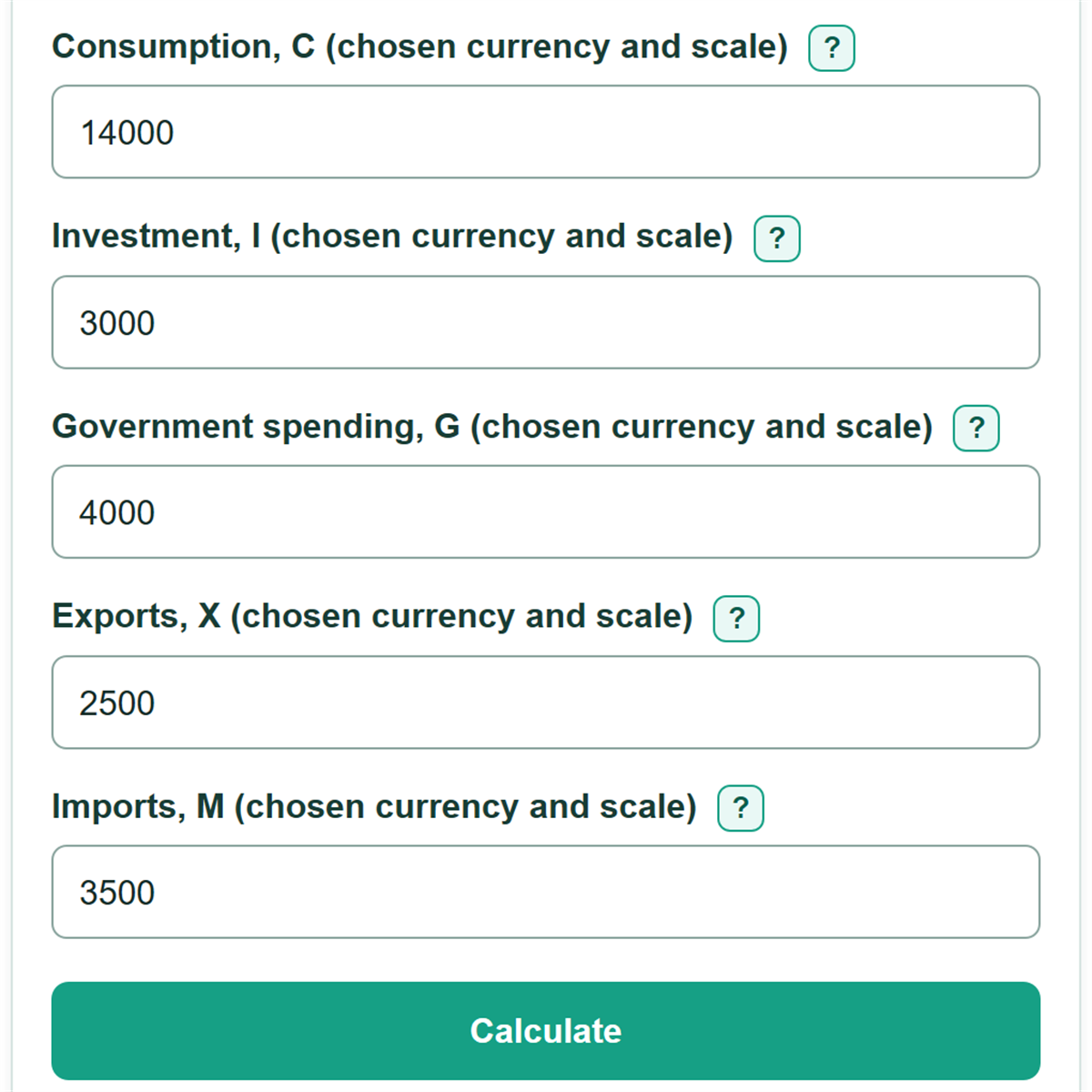
- Enter consumption, investment, government spending, exports, and imports for the same economy and time period.
- Enter imports as a positive amount because the calculator subtracts imports for you.
- Click Calculate to see GDP, net exports, and the calculation using your numbers.
- Before using the answer, check that all five amounts use the same scale, such as millions or billions.
Definitions
Gross domestic product (GDP): The market value of final goods and services produced within an economy during a stated period.
Expenditure approach: A way to calculate GDP by adding consumption, investment, government purchases, and net exports. [1]
Consumption (C): Household spending on final goods and services.
Investment (I): Spending on produced capital, new housing, and inventory changes. It does not mean buying stocks or bonds.
Government spending (G): Government purchases of goods and services. Transfer payments are not government purchases in this calculation. [2]
Exports (X): Goods and services produced domestically and sold to buyers in other economies.
Imports (M): Goods and services produced in other economies and bought domestically.
Net exports (X - M): Exports minus imports. A negative value means imports are greater than exports.
Nominal GDP: GDP measured at current prices, without removing the effect of price changes over time.
Common mistakes and quick fixes
Mistake: Mixing amounts in millions with amounts in billions.
Fix: Convert or copy every component in one scale, then choose that same scale in the calculator.
Mistake: Entering imports as a negative number.
Fix: Enter imports as zero or a positive amount. The calculator applies the subtraction.
Mistake: Counting purchases of stocks or bonds as investment.
Fix: Use the investment total from the source. GDP investment includes produced capital, new housing, and inventory changes.
Mistake: Adding transfer payments to government spending.
Fix: Use government purchases of goods and services, not payments such as Social Security or unemployment benefits.
Mistake: Typing commas in an unusual pattern, such as 14,00.
Fix: Use standard thousands commas, such as 14,000, or enter the number without commas.
Limitations & Key Assumptions / Boundary Conditions
- This calculator uses the expenditure approach only: consumption, investment, government spending, exports, and imports.
- All five inputs must describe the same time period, economy, currency, and amount scale. Mixing millions and billions gives an incorrect total.
- The result is nominal GDP when the entered figures use current prices. It does not adjust for inflation or calculate real GDP.
- The calculator cannot determine whether a source classified an item correctly or whether a table already includes seasonal or price adjustments.
- Each component must be zero or positive. Enter exports and imports as positive amounts; imports are subtracted by the formula.
- An unusual set of valid inputs can produce negative GDP. That is the arithmetic result of the entered values, not a judgment about an economy.
Methodology
Expenditure calculation
The calculator finds net exports by subtracting imports from exports, then adds net exports to consumption, investment, and government spending. The U.S. Bureau of Economic Analysis calls this the expenditures approach to measuring GDP. [1]
Net exports = X - M
GDP = C + I + G + (X - M)
Imports are subtracted because spending totals can include goods and services produced outside the economy being measured. [1]
Worked example
Suppose C = 14,000, I = 3,000, G = 4,000, X = 2,500, and M = 3,500. All amounts must use the same currency and scale. Net exports are -1,000 because imports exceed exports.
GDP = 14,000 + 3,000 + 4,000 + (2,500 - 3,500) = 20,000
The calculated GDP is 20,000 in the selected currency and scale. If the source is in billions of dollars, the result is $20,000 billion.