
Enter matching torque and RPM values to calculate mechanical horsepower, or switch modes to find the torque or RPM you need.
Use torque and RPM from the same operating point. This ideal mechanical-power result does not include drivetrain or other system losses.
This is the torque for the entered mechanical horsepower and RPM.
This speed assumes the entered torque and power apply at the same operating point.
This is the same ideal mechanical power in another unit. No efficiency loss is applied.
Table of contents
How to use our Torque to HP Calculator
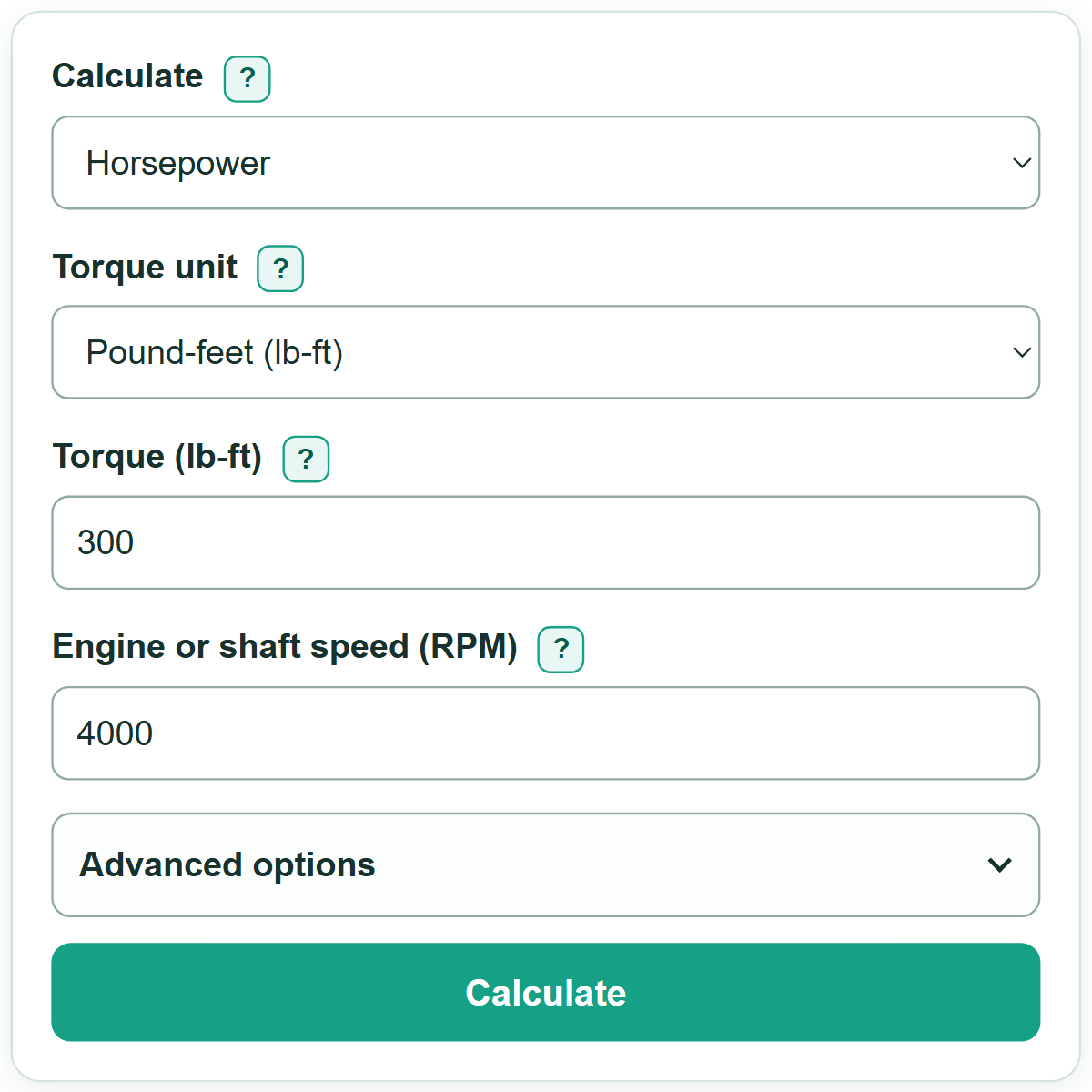
- Under "Calculate," choose "Horsepower" to find power, "Torque" to find twisting force, or "RPM" to find rotational speed.
- Set "Torque unit" to match your source, then enter the two values shown for the same operating point on a dyno chart, nameplate, or data sheet.
- Select "Calculate" to see the requested answer first and the matching mechanical power in kilowatts.
- Sanity-check the result: with torque unchanged, higher RPM gives higher horsepower; with horsepower unchanged, higher RPM requires less torque.
Definitions
Torque: Twisting force applied to a shaft. This calculator accepts pound-feet (lb-ft) and newton-meters (N-m).
RPM: Revolutions per minute, or the number of complete shaft or engine turns in one minute.
Mechanical horsepower (HP): A mechanical power unit equal to 33,000 foot-pounds of work per minute. One mechanical HP equals about 0.7457 kW. [1]
Kilowatt (kW): A power unit. The kW card expresses the same calculated mechanical power in kilowatts.
Operating point: One matching torque, speed, and power condition, such as a single point on a dyno curve.
Common mistakes and quick fixes
Mistake: Using peak torque with the RPM where peak horsepower occurs.
Fix: Use torque and RPM from one matching point on the curve or test record.
Mistake: Entering a newton-meter value while "Torque unit" is set to pound-feet.
Fix: Select the unit printed beside the torque value before entering it.
Mistake: Treating wheel horsepower and crankshaft horsepower as the same measurement.
Fix: Keep the measurement basis consistent. This calculator does not estimate drivetrain losses.
Mistake: Entering metric PS as mechanical horsepower.
Fix: Convert the source value to mechanical HP first, or use a source that states mechanical horsepower.
Mistake: Using zero RPM to find torque, or zero torque to find RPM.
Fix: Enter a value greater than 0 for the divisor measurement in either inverse calculation.
Limitations & Key Assumptions / Boundary Conditions
- The calculation gives ideal mechanical power from torque and rotational speed; it does not estimate drivetrain, gearbox, belt, electrical, or heat losses.
- Torque and RPM must describe the same operating point. Combining separate peak values can produce a number that does not describe the machine.
- The calculator uses nonnegative magnitudes. Negative torque, reverse rotation, and power-flow direction are outside its model.
- Mechanical HP is not metric PS, boiler horsepower, electrical input power, wheel horsepower, or a manufacturer rating from a different test method.
- Displayed rounding can make a very small nonzero result appear as zero. Increase "Result decimal places" if more displayed detail is needed.
Methodology
Calculation method
The calculator converts N-m to lb-ft when needed, then uses the mechanical horsepower relationship. The constant 5,252.113122032546 is 33,000 divided by 2π, based on mechanical horsepower and rotational work units. [1]
torque in lb-ft = torque in N-m x 0.7375621492772654
mechanical HP = torque in lb-ft x RPM / 5252.113122032546
For "Torque" and "RPM," the calculator rearranges that same relationship.
torque in lb-ft = mechanical HP x 5252.113122032546 / RPM
RPM = mechanical HP x 5252.113122032546 / torque in lb-ft
kW = mechanical HP x 0.7456998715822702
Worked example
At 300 lb-ft and 4,000 RPM, the calculation is 300 x 4,000 / 5,252.113122032546 = 228.479..., which displays as 228.5 HP at one decimal place. The same power is 170.4 kW.
Displayed precision
The calculator uses unrounded values for its math. "Result decimal places" changes only the number of digits shown after the decimal point.