
Enter daily hours or clock punches to calculate your weekly or biweekly worked time in hours:minutes and decimal hours.
Advanced options
Table of contents
How to use our Timesheet Calculator
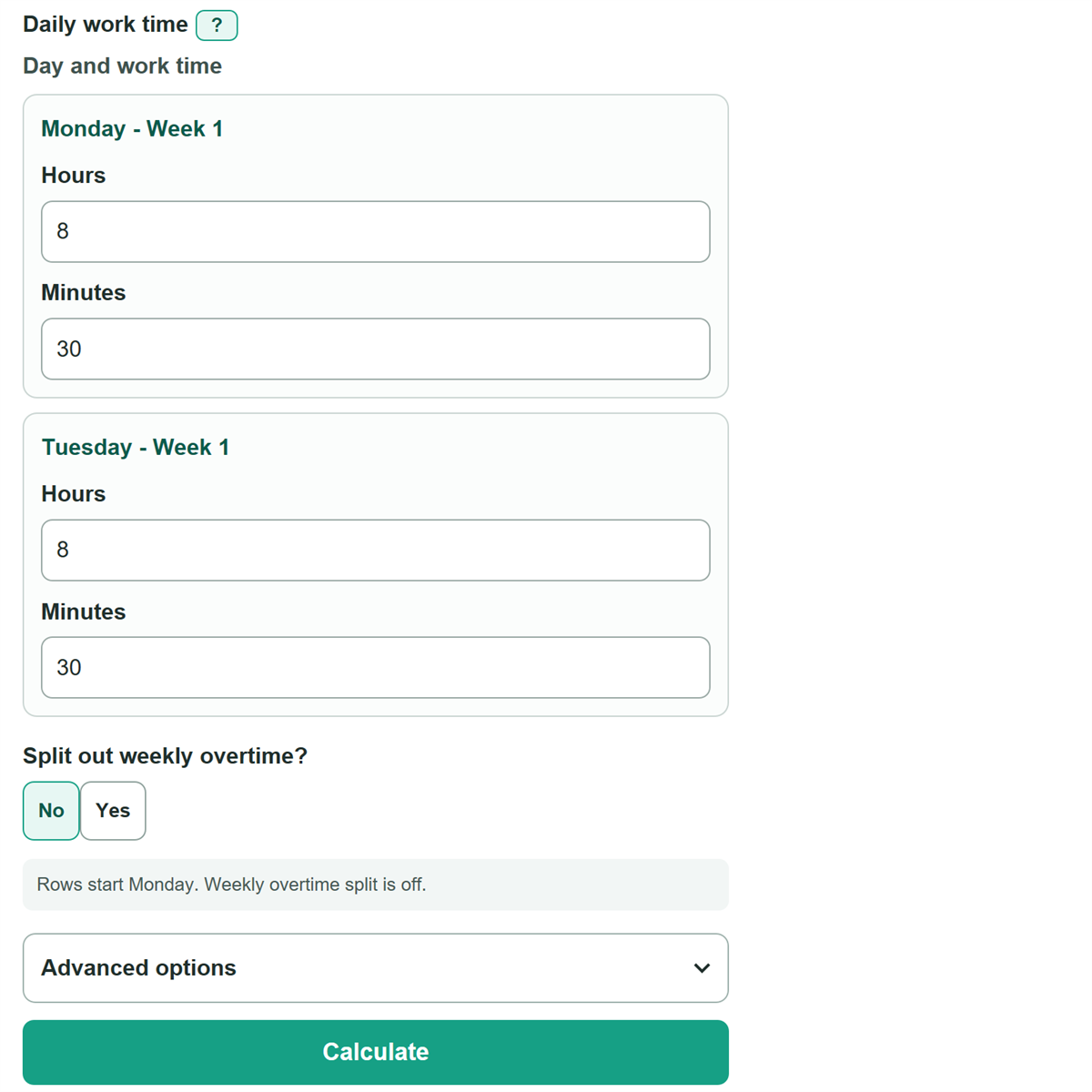
- Choose the format shown on your record: Hours and minutes, Decimal hours, or Clock in and out.
- Choose One week or Two weeks, then add each worked day. Leave non-work days blank.
- For clock punches, enter the clock-in time, clock-out time, and unpaid break minutes. Select Ends next day only when the shift crosses midnight.
- Turn on weekly overtime only if you need that split. Open Advanced options to check the workweek start day and change the threshold if your applicable rule uses a different one.
- Check the hours:minutes total against your record, then use the decimal-hours total only when the destination form asks for decimal hours.
Definitions
Hours:minutes: A time format such as 15:30, meaning 15 hours and 30 minutes.
Decimal hours: Hours written as a fraction of an hour. Thirty minutes is 0.50 hour, so 7 hours 30 minutes is 7.50 hours.
Unpaid break: Time away from work that is subtracted from elapsed clock-punch time.
Ends next day: A choice for a shift that starts on one day and ends after midnight on the next day.
Fixed workweek: A repeating seven-day period used to group work time. A two-week timesheet has two separate fixed workweeks in this calculator.
Overtime threshold: The weekly worked-hours limit above which this calculator classifies time as overtime. The default is 40 hours, the federal baseline for covered, nonexempt employees. [1]
Common mistakes and quick fixes
Mistake: Entering 7.30 when the shift lasted 7 hours 30 minutes.
Fix: Check How will you enter each day? and then recalculate. Use Hours and minutes and enter 7 hours and 30 minutes, or enter 7.50 in Decimal hours.
Mistake: Subtracting lunch from a daily duration that already lists paid work time.
Fix: Check How will you enter each day? and then recalculate. Enter unpaid breaks only with Clock in and out. Daily duration entries are added as entered.
Mistake: Leaving an earlier clock-out time as a same-day shift.
Fix: Check How will you enter each day? and then recalculate. Select Ends next day for a real overnight shift. Otherwise, correct the clock time or AM/PM choice.
Mistake: Entering 60 or more in the minutes field.
Fix: Check How will you enter each day? and then recalculate. Use 0 through 59 minutes and carry every full 60 minutes into the hours field.
Mistake: Applying one combined overtime limit to two weeks.
Fix: Review Week 1 worked time and Week 2 worked time. The calculator checks the selected threshold separately for each fixed week.
Mistake: Copying a time total such as 15:30 into a field that requests decimal hours.
Fix: Use Total worked time in decimal hours for forms that request a decimal value.
Limitations & Key Assumptions / Boundary Conditions
- This calculator totals entered work time only. It does not calculate pay, overtime pay rates, taxes, tips, or deductions.
- The overtime split is a time classification, not a legal decision. Coverage, exemptions, employer policy, contracts, state rules, and the defined workweek can change overtime pay requirements.
- For two weeks, the selected threshold is checked separately against each seven-day block. A combined 80-hour comparison is not used.
- Clock-punch entries allow one continuous shift per day. Unpaid-break minutes are subtracted once and must be shorter than the elapsed shift.
- An overnight shift is counted only when Ends next day is selected. An earlier clock-out is not automatically treated as overnight.
- Hours-and-minutes and decimal-hours entries are treated as paid daily time, so the calculator does not subtract a break in those entry methods.
Methodology
Daily time calculation
Each active day is converted to minutes before totals are added. Blank days are ignored. In Hours and minutes mode, a blank hours or minutes part counts as zero when the other part is filled in.
daily_paid_minutes = hours * 60 + minutes
In Decimal hours mode, the entered decimal value is multiplied by 60. For example, 7.50 hours becomes 450 minutes.
daily_paid_minutes = decimal_hours * 60
For Clock in and out, the calculator subtracts clock-in from clock-out. It adds 1,440 minutes only when Ends next day is selected, then subtracts the unpaid break.
daily_paid_minutes = clock_out_minutes - clock_in_minutes + ends_next_day * 1440 - unpaid_break_minutes
Weekly totals
The first seven daily rows form Week 1. On a two-week timesheet, rows 8 through 14 form Week 2. The decimal-hours display is rounded only after the total minute count is calculated.
total_worked_minutes = week1_worked_minutes + week2_worked_minutes
total_decimal_hours = total_worked_minutes / 60
Optional overtime split
When weekly overtime is enabled, each fixed workweek is checked separately. Minutes above the selected threshold are overtime time, and the rest are regular time. The default 40-hour threshold follows the U.S. federal baseline for covered, nonexempt employees. [1]
week_overtime_minutes = MAX(0, week_worked_minutes - overtime_threshold_hours * 60)
regular_time_minutes = total_worked_minutes - overtime_time_minutes
Worked example
A day of 8 hours 30 minutes is 510 minutes, and a day of 7 hours is 420 minutes. Together they equal 930 minutes. The calculator shows 15:30 in hours:minutes format and 15.50 in decimal hours.