
Enter two endpoints to find their coordinate-plane midpoint as an ordered pair and see each matching coordinate averaged.
Advanced options
Table of contents
How to use our Midpoint Calculator
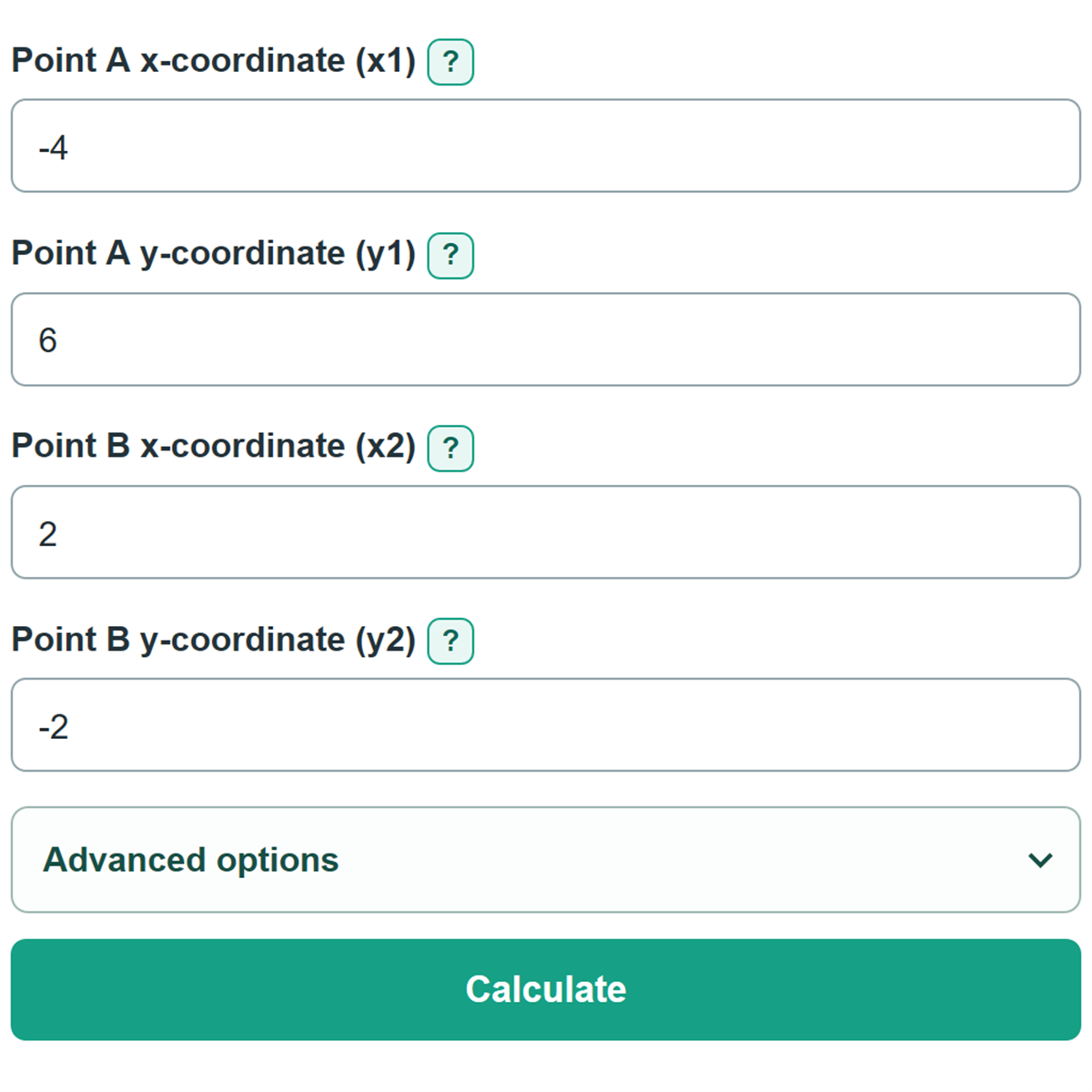
- Enter Point A and Point B from your problem: put each first number in its x-coordinate field and each second number in its y-coordinate field.
- Use signed whole numbers, decimals, or simple fractions such as -3/4. Keep every minus sign shown in the original point.
- If the problem already shows both points as ordered pairs, open Advanced options and paste both complete pairs in the form (x, y).
- Click Calculate to get the midpoint ordered pair, followed by the separate x-coordinate and y-coordinate work.
- Check that each midpoint coordinate is between the two matching endpoint coordinates. For example, a value halfway between -4 and 2 is -1.
Definitions
Ordered pair: Two coordinates written as (x, y). The first value is the horizontal x-coordinate, and the second is the vertical y-coordinate.
Endpoint: One of the two points at the ends of a line segment.
Midpoint: The point exactly halfway between the two endpoints of a line segment.
x-coordinate: The first number in an ordered pair. It shows horizontal position on a coordinate plane.
y-coordinate: The second number in an ordered pair. It shows vertical position on a coordinate plane.
Simple fraction: A number with one slash, such as 1/2 or -3/4, whose denominator is not zero.
Common mistakes and quick fixes
Mistake: Reversing the numbers in an ordered pair.
Fix: Check Point A x-coordinate (x1) and then recalculate. Put the number before the comma in the x field and the number after the comma in the y field.
Mistake: Losing a minus sign while copying a coordinate.
Fix: Check Point A x-coordinate (x1) and then recalculate. Copy the sign with its number. One missing minus sign changes the midpoint.
Mistake: Subtracting the endpoint coordinates.
Fix: Check Point A x-coordinate (x1) and then recalculate. Add the two x-values and divide by 2. Do the same separately for the two y-values.
Mistake: Pasting only one ordered pair.
Fix: Check Point A x-coordinate (x1) and then recalculate. Paste both complete points, or clear both paste fields and use the four separate coordinate fields.
Mistake: Rounding a fractional or decimal midpoint to a whole number.
Fix: Check Point A x-coordinate (x1) and then recalculate. Keep the exact fraction or decimal shown. A midpoint coordinate does not have to be a whole number.
Limitations & Key Assumptions / Boundary Conditions
- This calculator finds the midpoint of two points in a two-dimensional coordinate plane. It does not calculate 3D midpoints, distance, or a missing endpoint.
- Point A and Point B must use the same coordinate system and, if units are given, the same units.
- Each coordinate must be one finite whole number, decimal, or simple fraction. Expressions, ranges, mixed numbers, and fractions with a zero denominator are not accepted.
- Coordinates are treated as unitless unless the source problem supplies a unit.
- If both endpoints are the same point, that point is also the midpoint.
Methodology
Calculation method
The calculator averages matching coordinates. It uses the two x-coordinates to find the midpoint x-coordinate and the two y-coordinates to find the midpoint y-coordinate.
xM = (x1 + x2) / 2
yM = (y1 + y2) / 2
M = (xM, yM)
For Point A = (-4, 6) and Point B = (2, -2), the midpoint x-coordinate is (-4 + 2) / 2 = -1. The midpoint y-coordinate is (6 + -2) / 2 = 2, so the midpoint is (-1, 2).
Pasting ordered pairs
When both pasted pairs are valid, the calculator reads the first value of each pair as x and the second as y, then fills the four coordinate fields before calculating. It accepts signed whole numbers, finite decimals, and simple fractions with one slash.