
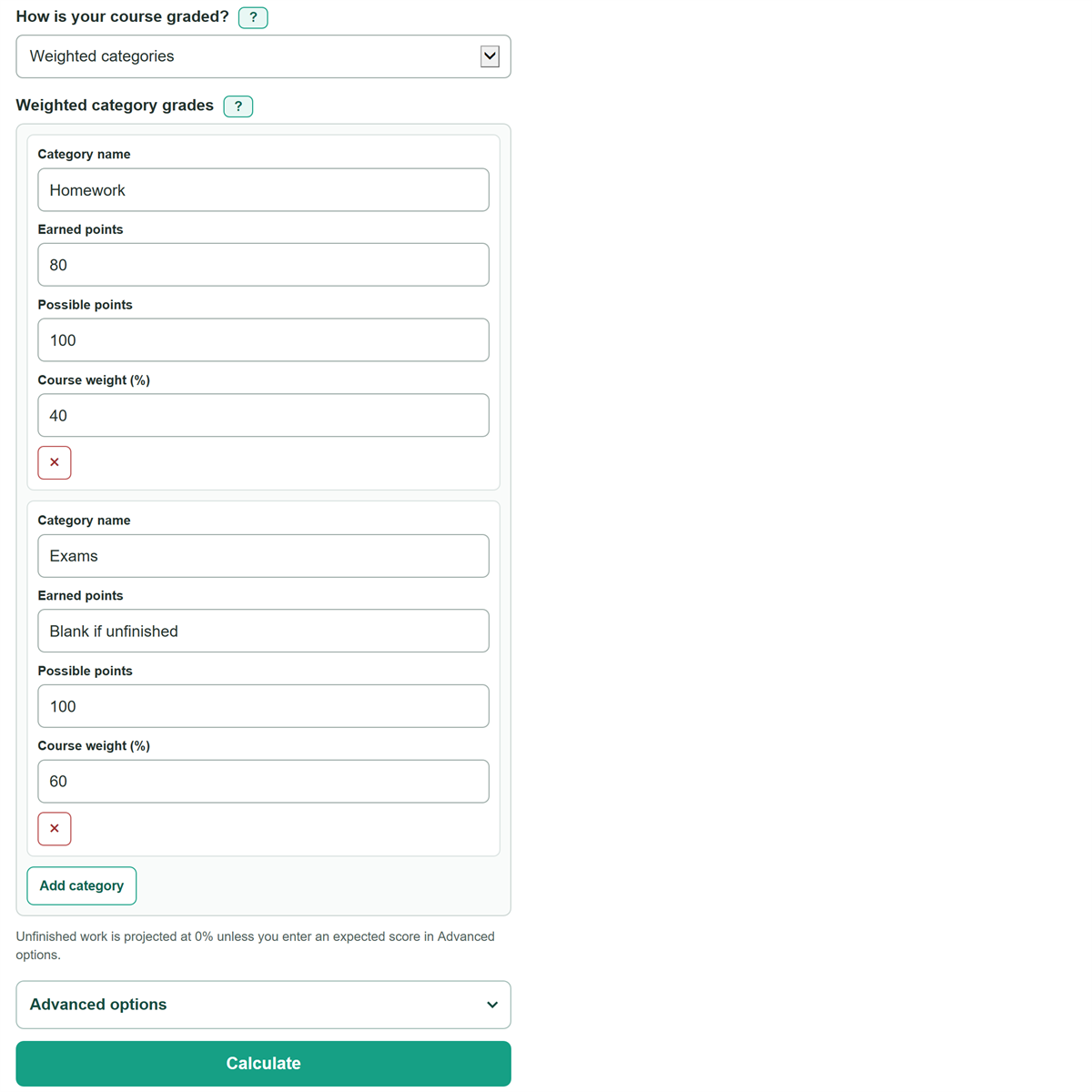
Enter your grades to compare your completed-work grade with a full-course projection and find the score needed on unfinished work.
Unfinished work is projected at 0% unless you enter an expected score in Advanced options.
Advanced options
Table of contents
How to use our Grade Calculator
- Check the grading section of your syllabus or gradebook and choose Weighted categories or Total points.
- For weighted categories, enter each category's earned points, possible points, and course weight. For total points, enter each assignment or group with its earned and possible points.
- Leave earned points blank for work that is not graded yet. Enter 0 only for work that received a real zero.
- Open Advanced options to enter an expected score for unfinished work or a target course grade. Leave the expected score blank to treat unfinished work as 0% in the projection.
- Compare Current grade on completed work with Projected full-course grade, then check the course share still unfinished. If the difference seems surprising, recheck the grading method, category weights, and blank rows.
Definitions
Weighted categories: A grading method where categories such as Homework and Exams each count for a set percentage of the final course grade. The category weights should total 100%.
Total points: A grading method that divides all earned points by all possible points in the entered course work.
Earned points: Points received on completed work. Leave this blank for unfinished work; enter 0 for a completed score of zero.
Possible points: The most points available for an assignment or category.
Course weight: The percentage of the final course grade assigned to one category, such as 40 for a category worth 40%.
Current grade on completed work: The percentage from rows that have earned points. Unfinished work is left out.
Projected full-course grade: The percentage after all entered work is included. Unfinished work counts as 0% unless an expected score is entered.
Score needed on unfinished work: The average percentage needed across unfinished entered work to reach the target course grade.
Common mistakes and quick fixes
Mistake: Choosing weighted categories when the course simply adds all earned and possible points.
Fix: Check How is your course graded? and then recalculate. Choose Total points if the syllabus or gradebook uses one overall points total.
Mistake: Entering 0.2 for a category that counts as 20% of the course.
Fix: Check How is your course graded? and then recalculate. Enter 20. Category weights use percent values, not decimal shares.
Mistake: Averaging assignment percentages equally when assignments have different possible points.
Fix: Check How is your course graded? and then recalculate. Enter earned and possible points for each assignment or group so a 100-point assignment counts more than a 10-point assignment.
Mistake: Typing 0 for work that has not been graded.
Fix: Check How is your course graded? and then recalculate. Leave earned points blank for unfinished work. A blank is unfinished; 0 is a graded zero.
Mistake: Treating the completed-work grade as the grade for the entire course.
Fix: Use Projected full-course grade to include unfinished work. Blank unfinished rows count as 0% unless you enter an expected score.
Mistake: Assuming a needed score above 100% can be earned under normal course rules.
Fix: Check How is your course graded? and then recalculate. A score above 100% means the target needs extra credit, a changed grading rule, or a lower target.
Limitations & Key Assumptions / Boundary Conditions
- The calculator supports standard scores from 0% through 100%. It does not handle extra credit, scores above possible points, curves, dropped work, retakes, or replacement grades.
- For weighted categories, the entered category weights must total 100%. Use the syllabus weighting rule, not the size of each category's point total.
- Each row uses earned points divided by possible points. Results can differ if the instructor averages assignment percentages equally or uses another grading rule.
- The projected full-course grade treats blank earned points as 0% unless you enter an expected score. Some gradebooks instead hide ungraded work from their displayed total.
- The target calculation assumes all unfinished entered work can still receive a score from 0% through 100%.
- No letter grade is shown because course cutoffs, rounding rules, and plus/minus grades can vary by instructor.
Methodology
Course percentage calculation
For Weighted categories, the calculator finds each completed category percentage from earned points divided by possible points, then multiplies it by that category's course weight. It rescales completed category weights to find the current grade. Category weights determine each group's share of the course grade. [1]
completed contribution = sum of (earned points / possible points) * category weight
current grade on completed work = 100 * completed contribution / completed category weight
projected full-course grade = completed contribution + (expected unfinished score / 100) * unfinished category weight
For Total points, the current grade is completed earned points divided by completed possible points. The projected grade adds the expected points from unfinished work, then divides by all entered possible points.
current grade on completed work = 100 * completed earned points / completed possible points
projected full-course grade = 100 * (completed earned points + (expected unfinished score / 100) * unfinished possible points) / all possible points
Target score calculation
When you enter a target, the calculator rearranges the active grading equation to find one average score needed across all unfinished entered work. If the calculation is below 0%, it shows 0% because the target is already protected. A result above 100% stays visible because the target cannot be reached under the standard score limit.
needed score = 100 * (target grade - completed weighted contribution) / unfinished category weight
needed score = 100 * ((target grade / 100) * all possible points - completed earned points) / unfinished possible points
Mini-example
Suppose Homework is worth 40% and has 80 out of 100 points, Quizzes are worth 20% and have 45 out of 50 points, and a Final worth 40% is unfinished. Homework contributes 32 course percentage points and Quizzes contribute 18, for 50 points total. The current grade is 50 / 60 * 100 = 83.3%. With no expected Final score, the projected grade is 50.0%. For a 75.0% target, the needed Final score is (75 - 50) / 40 * 100 = 62.5%.
Calculation choices
Blank earned points mean unfinished work, while an entered zero means graded work with a zero score. Every entered row needs possible points greater than zero. Earned points must be from 0 through possible points, and weighted category totals must equal 100%.