
Add a list of weights in pounds and ounces to find the combined total, including repeated items.
How to use our Pounds and Ounces Weight Adder
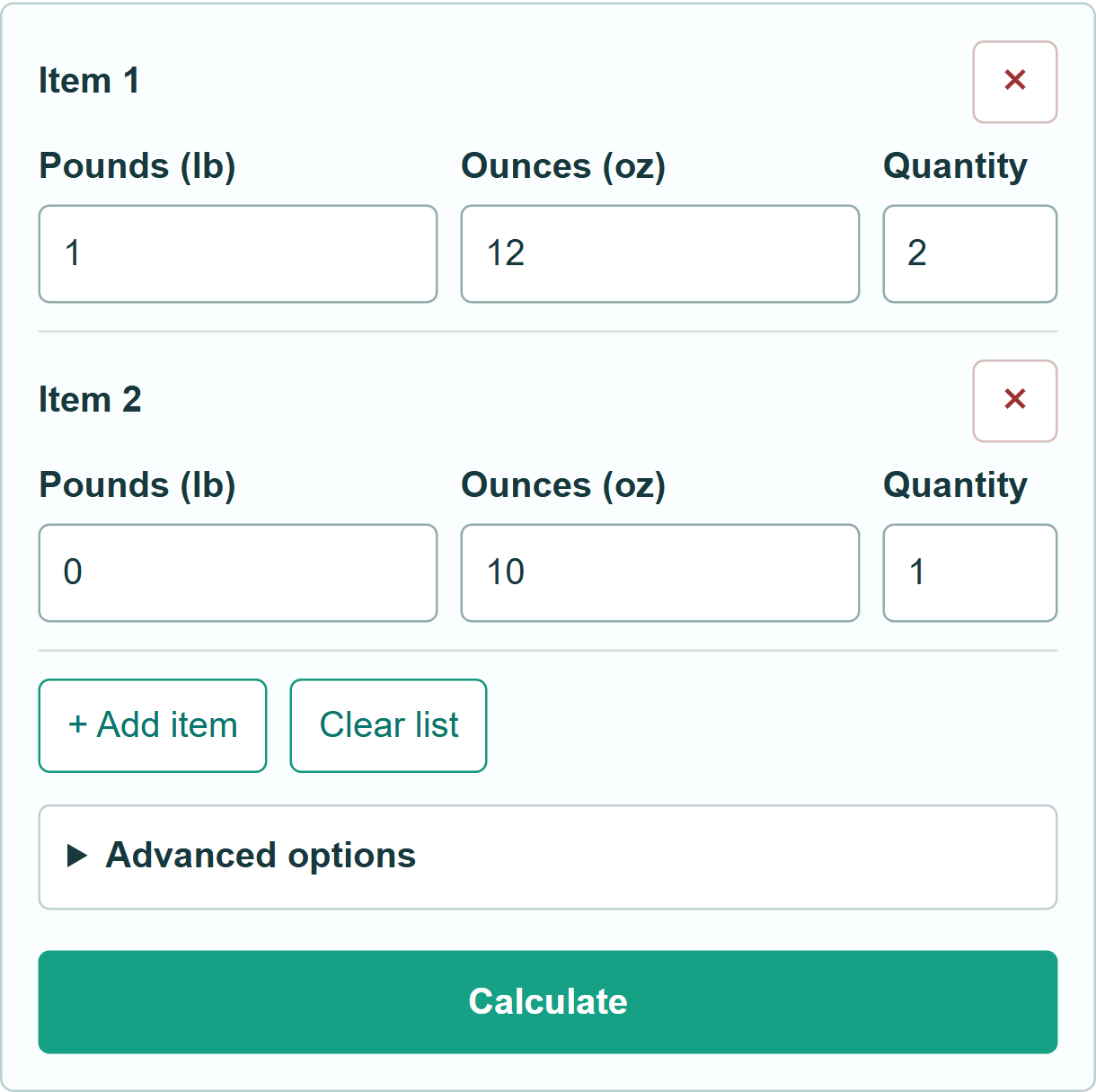
- Enter the pounds and ounces for each item. Leave one of those two fields blank if it is zero.
- Use Quantity when several items have the same weight. Add or remove rows as needed.
- Select Calculate to see the combined pounds-and-ounces total and the contribution from each row.
Definitions
Ounces: Ordinary weight ounces, with 16 ounces in one pound. These are not fluid ounces or troy ounces.
Quantity: The number of identical items represented by a row.
Common mistakes and quick fixes
Enter the weight of one item when using Quantity, not the weight of the whole group. Decimal pounds and the ounces field are added together: 1.5 lb plus 8 oz means 2 lb.
Limitations & Key Assumptions / Boundary Conditions
Up to 50 rows and 100,000 identical items per row. Weights must be nonnegative; the combined total is limited to one trillion ounces. Small weights may use scientific notation rather than appear as zero. This is a weight total, not shipping-price or dimensional-weight advice.
Methodology
For each row, ounces = (16 × pounds + ounces) × quantity. Add the row totals, then divide by 16 to obtain pounds and the remaining ounces. Decimal pounds are total ounces divided by 16. Rounding happens only for display.
Example: two items weighing 1 lb 12 oz each contribute 56 oz. Adding a third item of 10 oz gives 66 oz, or 4 lb 2 oz.