
Enter total battery capacity and the amount used or left to calculate depth of discharge and charge remaining.
Advanced options
Table of contents
How to use our Battery Depth of Discharge Calculator
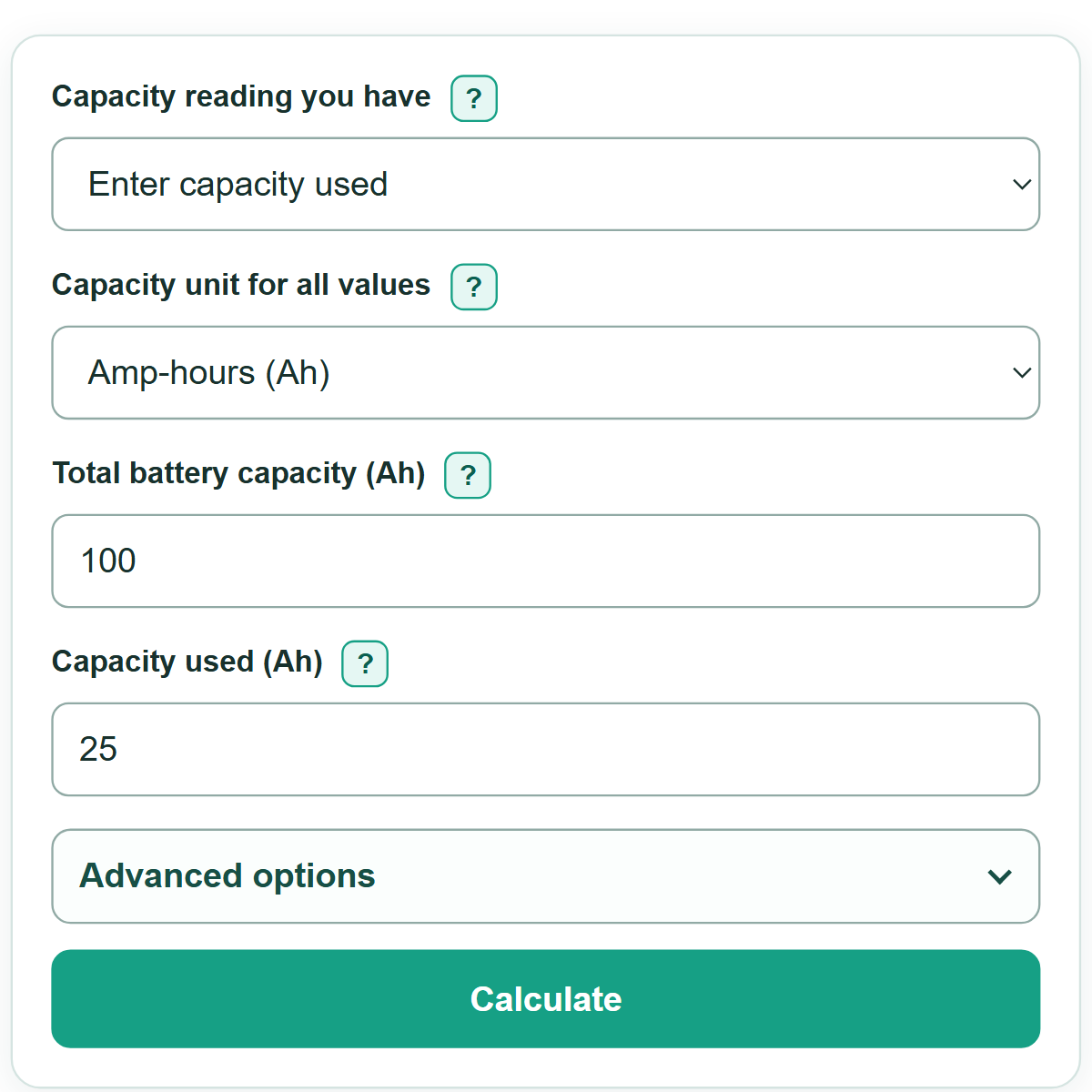
- Choose the description that matches your reading under "Capacity reading you have": "Enter capacity used" or "Enter capacity left".
- Choose "Capacity unit for all values" before entering numbers. Both capacity numbers must use the same unit from the battery label or monitor.
- Enter "Total battery capacity" from the battery label, power-station specification, or battery monitor.
- Enter the active reading. Used capacity is the amount already discharged; capacity left is the amount still in the battery.
- Click "Calculate". The first result is battery depth of discharge, followed by charge remaining, capacity used, and capacity left.
- Sanity-check the result: battery depth of discharge plus battery charge remaining should equal 100%. If it does not match a monitor reading, check that both numbers use the same unit and refer to the same battery bank.
Definitions
Depth of discharge (DoD): The percent of a battery's total capacity that has been used.
State of charge (SOC): The percent of total capacity still remaining. In this calculator, SOC and DoD add to 100%.
Amp-hour (Ah): A unit of electric charge capacity often shown on battery labels and monitors.
Watt-hour (Wh): A unit of energy capacity. One kilowatt-hour (kWh) equals 1,000 Wh.
Battery management system (BMS): Electronics that monitor and protect a battery. A BMS or battery monitor may report capacity used, capacity left, DoD, or SOC.
Common mistakes and quick fixes
Mistake: Mixing amp-hours with watt-hours, such as entering 100 Ah as total capacity and 300 Wh as capacity used.
Fix: Use one unit for both values. Select Ah only when both readings are in Ah; otherwise use Wh or kWh for both.
Mistake: Entering capacity left while "Enter capacity used" is selected.
Fix: Select the entry method that matches the monitor or usage record before entering the number.
Mistake: Entering used capacity or capacity left that is greater than total battery capacity.
Fix: Check that both readings describe the same battery or battery bank and use the same unit. The active reading must be from zero through the total capacity.
Mistake: Treating rated label capacity as the exact amount available in every situation.
Fix: Use this as a calculation from your entered values, then check the battery or BMS manual for the operating limit that applies to the battery.
Limitations & Key Assumptions / Boundary Conditions
- This is direct capacity arithmetic. It does not estimate runtime, load, charging losses, temperature effects, battery age, discharge rate, or voltage drop.
- Rated capacity on a label can differ from capacity available during real use because usable capacity depends on the battery, operating conditions, and cutoff settings.
- Ah and Wh measure different things. The calculator converts between Wh and kWh, but it cannot convert Ah to Wh without a voltage value, so it keeps Ah and energy entries separate.
- The result is not a manufacturer-approved discharge limit. Check the battery, BMS, vehicle, inverter, or power-station manual before deciding how far to discharge a battery.
Methodology
Calculation
The calculator first finds capacity used. With "Enter capacity used," it uses the entered amount. With "Enter capacity left," it subtracts the entered amount left from total capacity. All capacity values must use the selected unit.
capacity used = entered used capacity
capacity used = total capacity - entered capacity left
Depth of discharge is the used share of total capacity. State of charge is the share left.
DoD (%) = capacity used / total capacity * 100
capacity left = total capacity - capacity used
SOC (%) = capacity left / total capacity * 100
Worked example
A 100 Ah battery with 25 Ah used has 75 Ah left. Its DoD is 25 / 100 * 100 = 25%, and its remaining charge is 75 / 100 * 100 = 75%.
Unit handling
The percentage is valid only when total capacity and the entered capacity use the same unit. The calculator accepts Ah, Wh, and kWh. It converts between Wh and kWh using 1 kWh = 1,000 Wh. It does not convert Ah to energy because that calculation needs voltage.