
Enter two matching measurements or a 1:N scale to find the missing real size, drawing size, or scale.
Advanced options
Table of contents
How to use our Scale Calculator
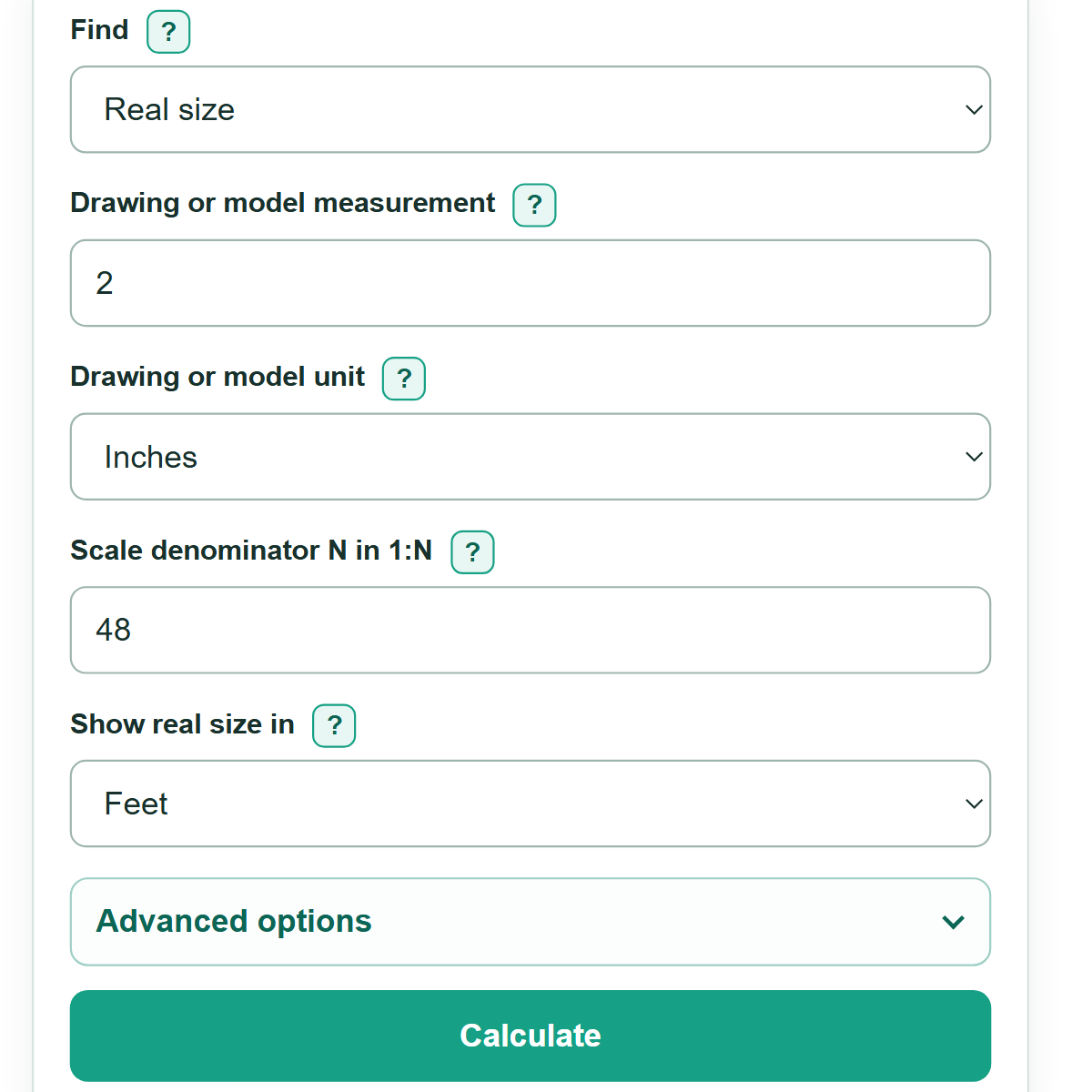
- Choose what you want to find in "Find": "Real size", "Drawing or model size", or "Scale".
- Enter the requested matching measurement or measurements and choose the unit shown on the drawing, model, map, plan, or assignment.
- For a known 1:N scale, enter the number after the colon. For example, enter 48 for a 1:48 scale.
- If you measured a print or PDF that was reduced or enlarged, open "Advanced options", select "Use print percentage", and enter the stated percentage.
- Select "Calculate", then check that the displayed units and scale relationship describe the same matching feature before using the answer.
Definitions
Scale: A comparison between a length on a drawing or model and the matching length in real life.
1:N scale: A scale where 1 unit on the drawing represents N of the same units in reality. At 1:48, 1 inch on a drawing represents 48 inches in reality.
Scale denominator (N): The number after the colon in 1:N. A value below 1 is an enlargement. For example, 1:0.5 makes the drawing twice the real length.
Drawing or model measurement: A length measured or written on a drawing, map, or model.
Real measurement: The matching length on the actual object, location, or construction.
Print percentage: The percentage selected in a printer, copier, or PDF setting. An 80 percent print is smaller than the original drawing.
Equivalent drawing measurement at 100 percent: The drawing-side measurement after undoing a selected print reduction or enlargement.
Common mistakes and quick fixes
Mistake: Reading 1:48 backward.
Fix: At 1:48, 1 unit on the drawing stands for 48 of the same units in real life. Enter 48 as N.
Mistake: Treating inches on a drawing and feet in real life as matching numbers.
Fix: Choose the unit for each measurement. The calculator converts both lengths to the same basis before it calculates.
Mistake: Measuring an 80 percent print as if it were a full-size drawing.
Fix: Open "Advanced options", select "Use print percentage", and enter 80. A measured 2 inches then equals 2.5 inches at 100 percent.
Mistake: Measuring a line with a ruler when the drawing already gives a written dimension.
Fix: Use the written dimension when available. Printer settings, page fitting, and line thickness can make ruler measurements less reliable.
Mistake: Entering 1,01 when the intended measurement is a decimal.
Fix: Use a decimal point: enter 1.01. Commas are only for thousands separators, such as 1,000.
Mistake: Using a length scale directly for area or volume.
Fix: This calculator handles straight-line length. Area and volume do not change by the same 1:N ratio.
Limitations & Key Assumptions / Boundary Conditions
- This calculator applies to straight-line lengths only. Do not use its scale denominator directly for area, volume, weight, or time.
- Entered measurements must describe matching features, such as the same wall, road segment, or model part.
- Ruler measurements can be affected by line thickness, paper stretch, screen zoom, and rounding.
- Print correction assumes the stated percentage changed both directions by the same amount. It cannot correct a picture stretched differently horizontally and vertically.
- Use a written dimension instead of measuring a printed copy when both are available.
- Very small or very large nonzero values may appear in scientific notation so they are not shown as zero.
Methodology
Length ratio
A scale compares matching straight-line lengths. The calculator first converts entered lengths to meters so mixed units can be compared, then converts a length answer to the unit selected for display. The length conversion factors follow NIST SI conversion guidance. [1]
drawing_length_m = drawing_length x unit_to_m[drawing_unit]
real_length_m = real_length x unit_to_m[real_unit]
Finding the missing part
For a 1:N scale, multiply the corrected drawing length by N to find real length. Divide real length by N to find the nominal drawing or model length. To find N, divide real length by corrected drawing length after converting both to the same unit.
real_length = corrected_drawing_length x N
nominal_drawing_length = real_length / N
N = real_length / corrected_drawing_length
Print correction
A selected print percentage adjusts a ruler measurement back to the drawing length at 100 percent. With no correction, the print fraction is 1.
print_fraction = print_size_percent / 100
corrected_drawing_length = measured_drawing_length / print_fraction
Worked example
A 2-inch model measurement at 1:48 represents 96 inches, or 8 feet, in real life. If the 2 inches was measured on an 80 percent print, the full-size drawing measurement is 2.5 inches and the real size is 10 feet.
2 in x 48 = 96 in = 8 ft
(2 in / 0.80) x 48 = 120 in = 10 ft
Calculation boundaries
The calculation assumes one uniform linear scale and matching measurements. Print percentage correction handles uniform enlargement or reduction only. It does not correct perspective, an unknown printer setting, or horizontal and vertical distortion.