
Enter your surface and tile measurements to find the whole number of tiles to buy after your waste allowance, with optional full-box estimates.
Tile details
Advanced options
Table of contents
How to use our Tile Calculator
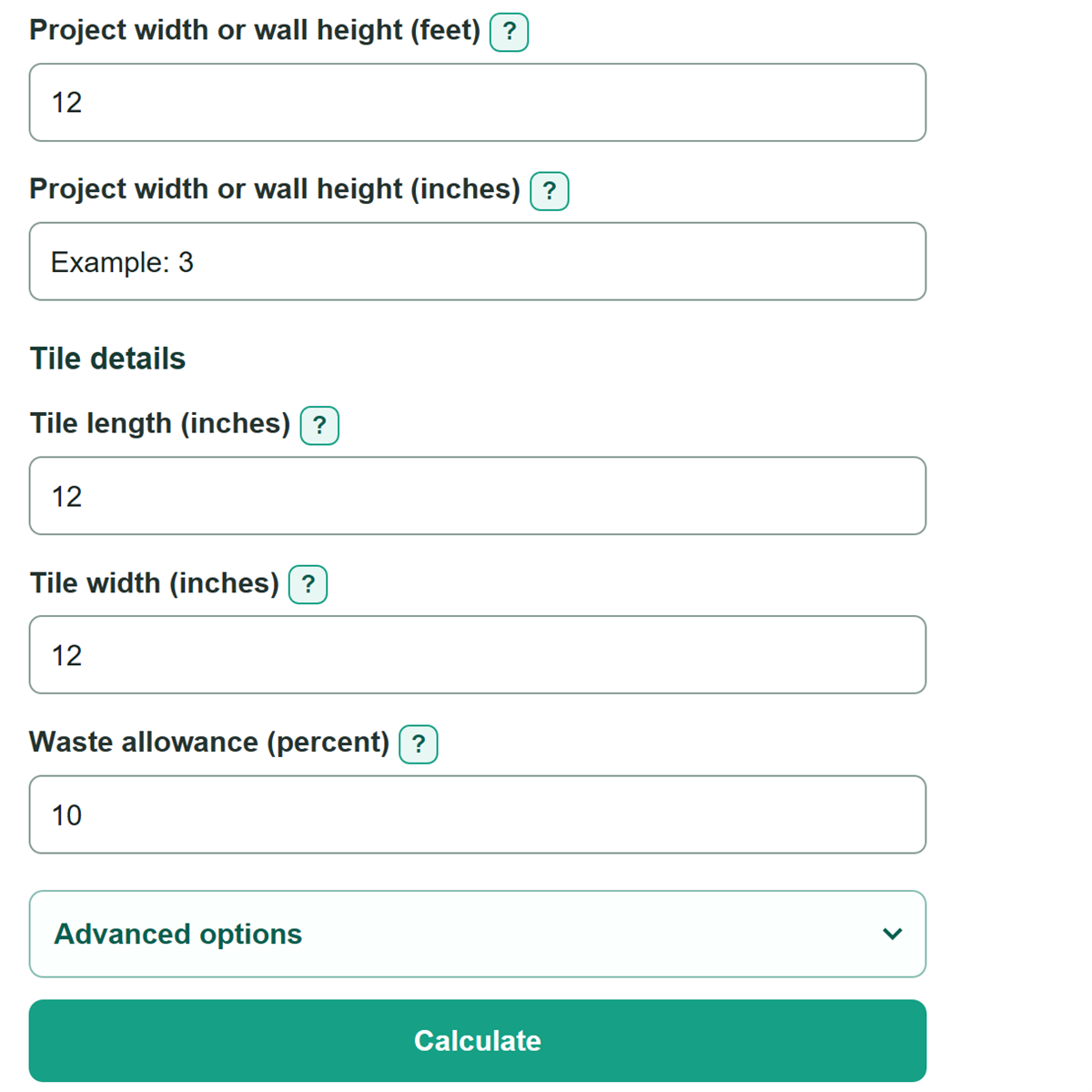
- Measure the rectangular surface. Enter the feet and any remaining inches for its length and width, or for wall length and height.
- Copy the tile's nominal length and width in inches from the carton or product listing.
- Enter the waste allowance you chose for the layout, cuts, room shape, and possible breakage.
- Select package information only if you want a box estimate, then enter either tiles in each box or square feet of coverage in each box.
- Click Calculate. Check that the measured project area matches your sketch and that any carton number was entered in the matching unit before ordering.
Definitions
Waste allowance: An extra percentage added to the measured tile area for cuts, breakage, and other project-specific needs.
Measured project area: The area of one rectangular surface before waste is added.
Coverage per tile: The face area of one tile based on its entered length and width.
Area to cover after waste: The measured project area increased by the entered waste allowance.
Tiles to buy after waste: The area-after-waste estimate rounded up to a whole tile.
Tiles in each box: The count of individual tiles in one carton.
Coverage in each box: The square feet one carton is labeled to cover.
Common mistakes and quick fixes
Mistake: Entering 12 or more in an inches field.
Fix: Carry each full 12 inches into the matching feet field, then enter 0 to 11.99 inches.
Mistake: Entering tile dimensions in feet.
Fix: Copy the nominal carton size in inches. For example, enter 24 and 12 for a 24-inch by 12-inch tile.
Mistake: Treating measured area as the final purchase amount.
Fix: Enter a waste allowance chosen for your cuts, layout, room shape, and possible breakage.
Mistake: Putting square-foot carton coverage in the tiles-per-box field.
Fix: Choose the package description that matches the carton, then enter the number in the field with the same unit.
Mistake: Ordering a partial carton after calculating the tile count.
Fix: Use Whole boxes to buy when package details are available. That result rounds up to full boxes.
Limitations & Key Assumptions / Boundary Conditions
- This calculation models one rectangular floor, wall, backsplash, or section. Split an irregular surface into rectangles and calculate each section separately.
- It does not subtract windows, doors, cabinets, fixtures, niches, or other untiled openings.
- It uses the entered nominal tile size. Grout-joint width, actual manufactured size, tile orientation, cut placement, and cut reuse are not modeled.
- The waste allowance is user chosen and can change with the layout, edge cuts, breakage, and installer guidance.
- Tiles and boxes are rounded up separately. Carton coverage may differ from a simple tile-area calculation if the product label uses a different coverage convention.
- The estimate excludes price, sales tax, delivery, labor, grout, mortar, trim, tools, demolition, and surface preparation.
Methodology
Calculation method
The calculator converts feet and remaining inches into feet, then multiplies length by width to find the rectangular project area. A blank inches field counts as zero when the matching feet field has a value. Rectangle area is length times width. [1]
project length in feet = feet + inches / 12
project area in sq ft = project length in feet * project width in feet
coverage per tile in sq ft = tile length in inches * tile width in inches / 144
area after waste = measured project area * (1 + waste allowance / 100)
tiles to buy = round up(area after waste / coverage per tile)
Round up means moving to the next whole tile whenever any fraction remains. The calculator also rounds the pre-waste tile count upward, then subtracts it from the final count to show the extra whole tiles included for waste.
Box calculation
If the carton lists tiles in each box, the calculator divides the rounded tile count by that number and rounds up. If the carton lists square feet in each box, it divides the area after waste by the listed coverage and rounds up.
boxes to buy = round up(tiles to buy / tiles in each box)
boxes to buy = round up(area after waste / coverage in each box)
Mini-example
A 10-foot by 12-foot rectangle has 120 sq ft. A 12-inch by 12-inch tile covers 1 sq ft. With a 10 percent waste allowance, the area to cover is 132 sq ft, so the estimate is 132 tiles. If a box holds 6 tiles, 132 divided by 6 gives 22 boxes.